McDonald's McD Connect app streamlines crew communication and shift management
McD Connect puts crew updates, training, and manager communication in one place, which can speed up a shift. It also makes restaurant communication easier to track.
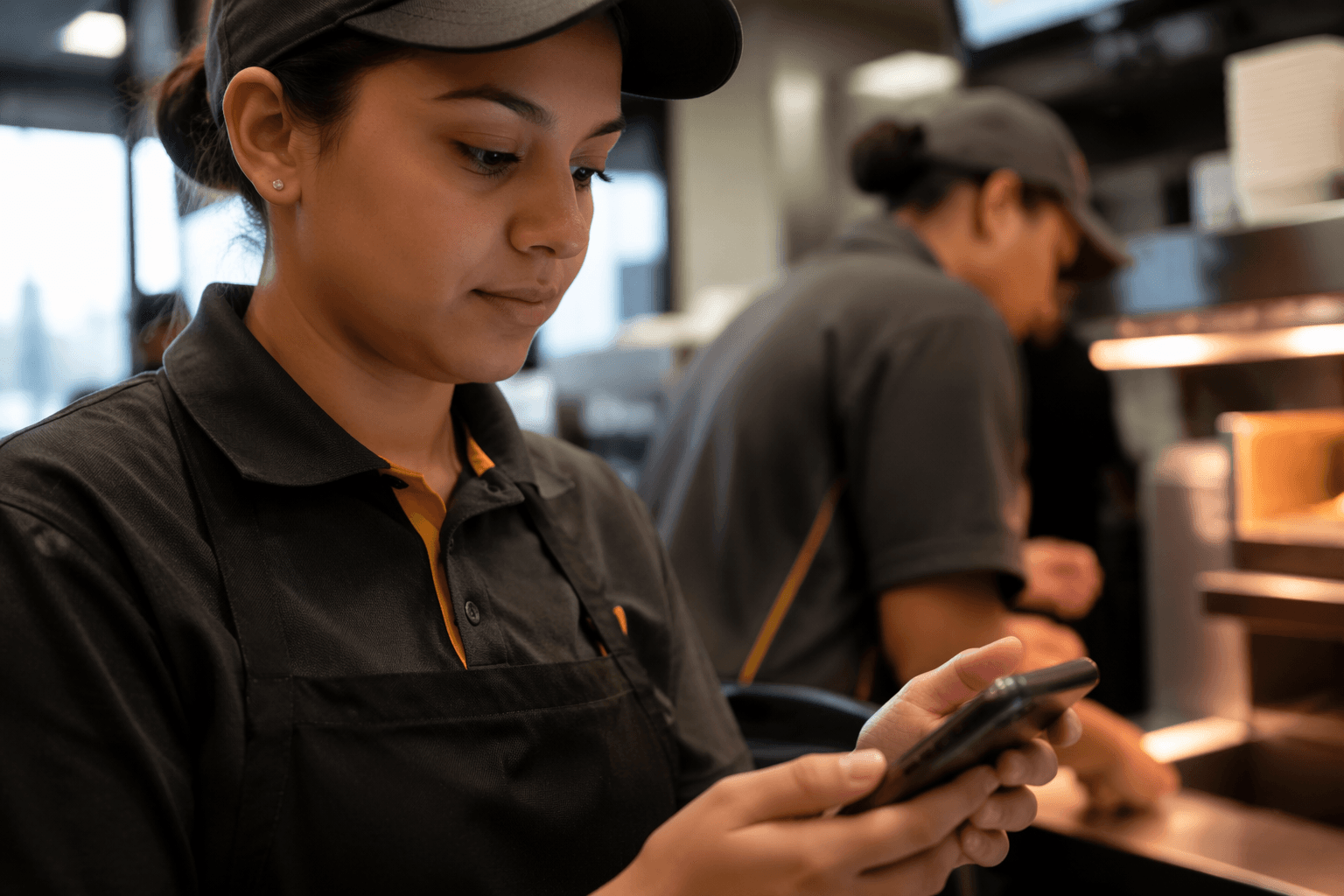
A crew member who can pull up a menu change, a team note, and a training reminder without chasing three different people is already ahead on a McDonald’s shift. McD Connect is built for that kind of speed, and McDonald’s is treating it like restaurant infrastructure rather than a casual side app.
What McD Connect puts in front of a shift crew
McD Connect is the app for McDonald’s crew, managers, and staff to catch the latest news, stay in touch with their team, and access the information they need. Its feature set goes beyond basic messaging: users can see announcements and menu-item updates, use their restaurant group, send shoutouts for good work, pull up tips and tools tied to their role, and chat or call teammates where those features are enabled.
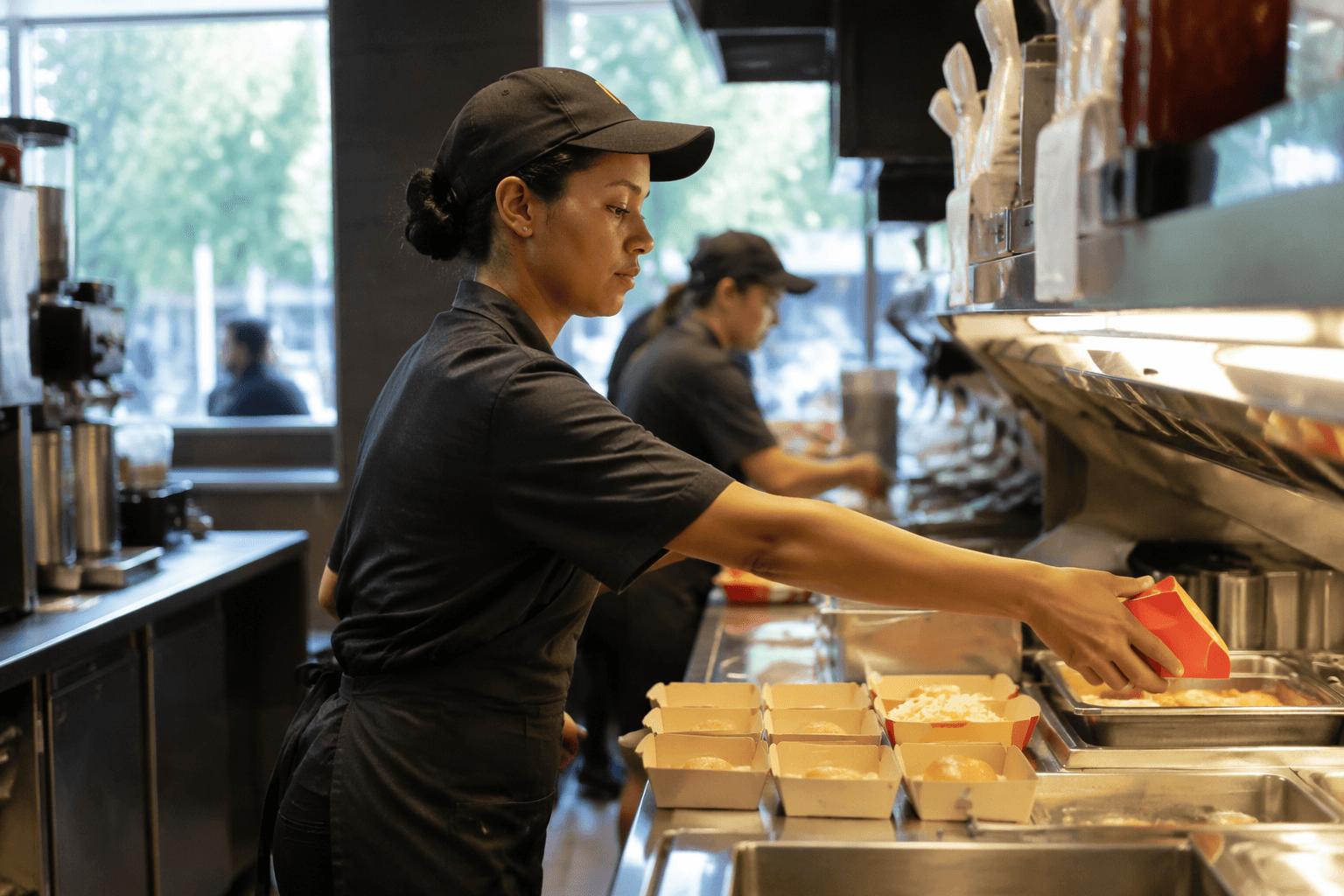
That mix matters on the floor because McDonald’s is a high-tempo operation where small misfires can snowball fast. A menu reminder before lunch, a station assignment after a call-off, or a quick shift swap handled cleanly can be the difference between a smooth rush and a shift that starts slipping. The app’s footprint is already visible on the consumer side too, with the Google Play page showing 100K+ downloads and 1.2K reviews.
For crew members, the practical payoff is simple: fewer missed messages and fewer “I never saw that text” moments. For shift leaders and managers, the app creates a clearer trail of who got what information and when, which can help with coaching, follow-up, and accountability.
Why McDonald’s is folding it into its broader technology push
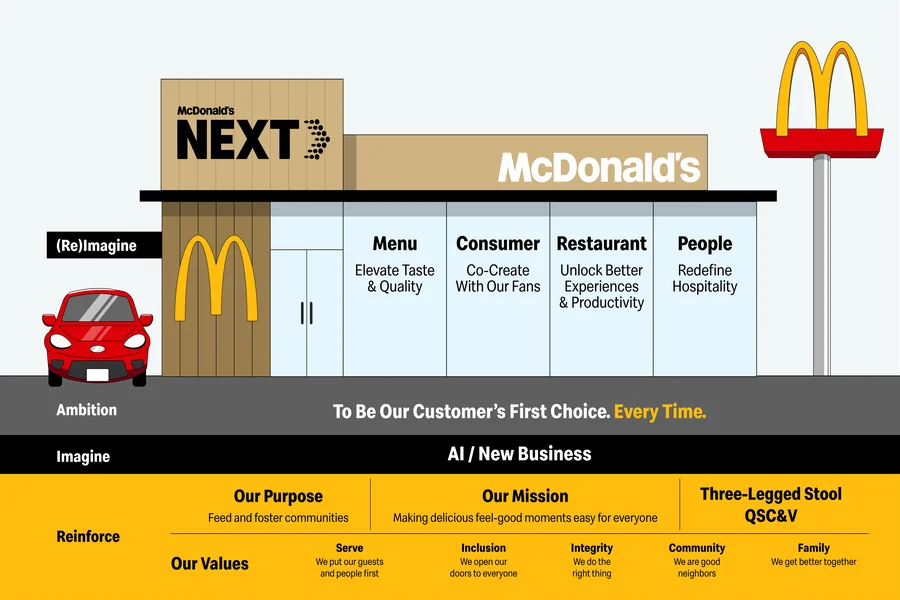
McD Connect fits into a larger corporate push to simplify how McDonald’s runs restaurants and manages people. McDonald’s technology transformation is aimed at four things: elevating the employee experience, gaining efficiency, improving workforce management, and enabling advanced data analytics and reporting. That is the corporate language, but on the restaurant floor it translates into a much older management problem: how to keep a decentralized system aligned without relying on hallway conversations and disappearing text chains.
McDonald’s treats itself as a people business and ties great restaurants to its people. That framing helps explain why a crew-facing communication app sits alongside bigger technology ambitions, rather than outside them as a nice-to-have perk.
The app listing was updated June 12, 2026.
How the app fits with training, recognition, and promotion pressure
McD Connect is part of a wider employee and training ecosystem that McDonald’s has spent years building. McDonald’s provides training and development for all employees, and Hamburger University is its global training center for restaurant operations, with campuses around the world and management courses taught in 28 different languages.
That matters for crew members because a mobile app can become the front door to a much bigger ladder. If a manager can post a tip, a shift update, or a role reminder in the same place where crew members see recognition and team communication, then the app becomes a day-to-day bridge between the job on the line and the company’s formal training system.
Archways to Opportunity gives that bigger system real stakes. McDonald’s founded the program in 2015, and the company said in 2025 that more than 90,000 crew have taken steps toward their goals through Archways over its first decade.
Where convenience can turn into friction
The upside of a visible communication trail is also the part that can make workers uneasy. When shift changes, coaching notes, or follow-up messages move from informal talk to a logged system, the app can feel less like a bulletin board and more like a record of performance. That can help with consistency, but it can also increase the sense that every response, or missed response, is being watched.
That tension is part of the modern McDonald’s workplace. Corporate wants cleaner data and more measurable operations; crew members want clarity without being buried in another layer of management oversight. Franchise operators sit in the middle, trying to use the tool to keep restaurants running while still preserving enough flexibility to handle the realities of labor shortages, call-offs, and the fast churn that has long shaped food service.
McD Connect also depends on how each store uses it. Features like chat and calling are only available where enabled, so the app may feel different from one restaurant group to another. In some stores it will behave like a digital noticeboard; in others it will function more like a command center for shift coordination.
How to stay on top of it without getting blindsided
The smartest way to use McD Connect is to treat it as official work communication, not optional background noise. If your store uses it for updates, it should be part of your opening and closing routine, right alongside checking the line, looking at your station, and confirming who is on duty.
- Check announcements before the rush, especially when menu items or procedures change.
- Read manager notes as soon as they land, so a correction does not turn into a repeated mistake.
- Use shoutouts and team posts to make good work visible, not just problems.
- Treat messages as part of your work record, especially if the note is about training, attendance, or a station assignment.
- If your restaurant has chat or call features enabled, use them to resolve quick issues before they become shift-wide confusion.
A few habits make the app more useful:
This article was produced by Prism’s automated news system from verified source data, official records, and press releases, then run through automated quality and moderation checks before publishing. The system is built and supervised by the people who set the standards it runs under. Read our full AI policy.
Did this article answer your question?