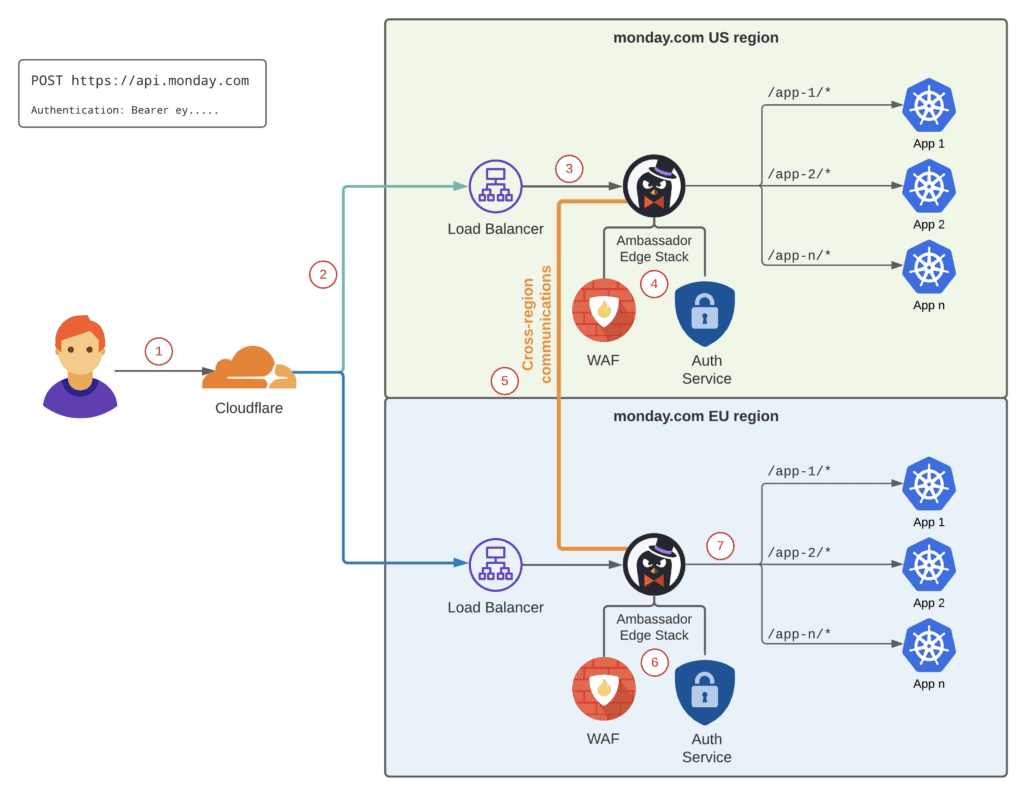
monday.com AI blocks aim to streamline workflows and automate tasks
monday.com is pushing AI blocks into the workflow layer, so teams can automate AI tasks inside boards instead of opening a separate chat tool.
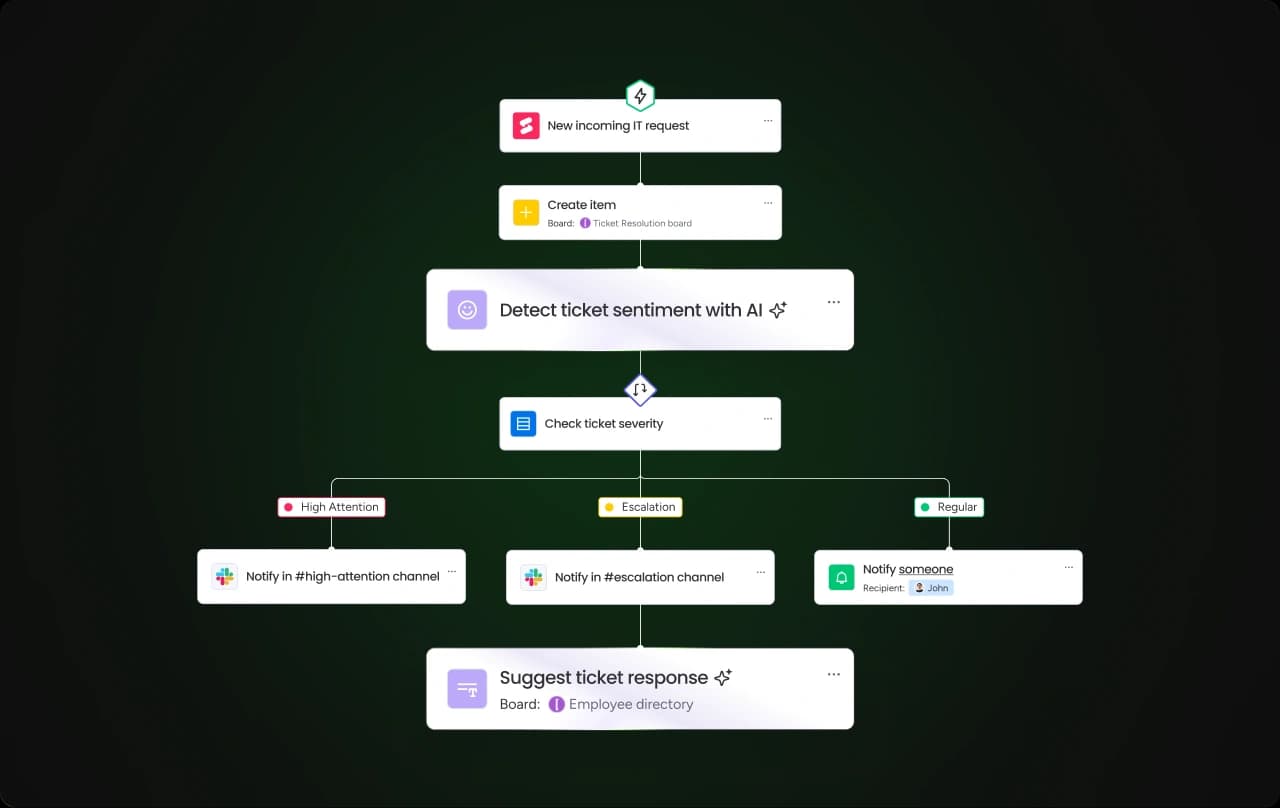
monday.com is making generative AI part of the work itself. Its AI blocks sit inside the automation layer and on board columns, so teams can generate text, summarize updates, categorize content, translate material, and move information from one format to another without leaving the platform.
AI moves from assistant to workflow ingredient
monday.com already lives in the place where work gets routed, approved, and handed off. When AI becomes a composable block inside automations, it stops being a separate destination and starts becoming part of the sequence that executes a task. For product teams, that creates a cleaner path to adoption: the feature can be tested inside familiar boards instead of requiring a separate assistant to remember and launch.
monday.com frames that direction as part of its 2025 AI Vision, with three pillars: AI Blocks, Product Power-ups, and a digital workspace, agentic direction. The platform is keeping AI close to the workflows customers already use, rather than building a one-off novelty on top of them.
What AI blocks do on a monday.com board
In its tutorial video, “Getting started with AI blocks,” posted Feb. 10, 2025, monday.com calls AI blocks a “new go-to tool for columns and automations on your board,” and the demo shows the feature living inside the board structure that already drives day-to-day coordination.
- extracting important information from documents
- translating text
- detecting sentiment
- assigning labels
The tutorial highlights practical use cases that map well to business operations:
The chapter list also points to three important surfaces: “Add AI-powered column,” “Add AI-powered automations,” and “Custom AI action.” The feature is not limited to a single prompt box. It enriches board data, triggers workflow steps, and supports more tailored actions when teams need something beyond a default template.
monday.com has separate help pages for AI blocks and for getting started with monday AI, which organizes AI as a product system, not a standalone trick. The tool works best when the workflow is structured and the input is clean.
Why speed comes with control requirements
AI blocks can reduce manual copying, repetitive tagging, and the back-and-forth that often slows a board down. They can also make outputs more consistent, which matters when a team is processing a high volume of updates, requests, or customer notes.
If an automation relies on model output, engineers have to think about prompt handling, retries, and error conditions, not just the happy path. That makes AI blocks less like a flashy interface feature and more like an operational system that needs guardrails, especially when the output affects downstream work.
AI can speed the first pass, but teams need rules for when a person checks the result, when structured data is mandatory, and where the workflow should stop if the input is messy.
What it means for engineering, product, and sales
For engineers, AI blocks create a new integration problem set. The automation engine has to accept model output reliably, handle edge cases, and keep failures from breaking the broader workflow. That is a different bar from a consumer-style chatbot, because the output is not just informational, it can trigger action.
For product teams, the feature is strategically attractive because it raises platform stickiness. A customer who uses AI blocks inside boards is less likely to treat AI as a separate experiment and more likely to see it as part of the operating system for their work. That kind of low-friction adoption is especially valuable in enterprise settings, where every new tool creates more governance and change-management work.
AI blocks are easy to demo because the before-and-after is visible: fewer manual steps, faster processing, and more consistent outputs. A board that once needed a person to summarize notes or classify items can do that inside the workflow, which gives sales a concrete story instead of an abstract promise.
How monday.com’s AI strategy has evolved
In 2023, the company said it planned to incorporate transformative AI capabilities through monday AI Assistant. The 2025 AI Blocks push embeds intelligence into the parts of the product people already rely on every day, rather than centering a general-purpose assistant.
monday.com has been building out AI across multiple surfaces, including columns, automations, and feature catalogs, so AI feels native across the workspace rather than confined to a single panel. The company ties the effort to speed and reduced manual work. The more AI sits inside the workflow engine, the easier it is for enterprise buyers to understand where it runs, who reviews it, and how it behaves.
In February 2025, UC Today’s coverage of monday.com’s AI Vision featured Roi Kimche, global product lead at monday service, and Assaf Elovic, head of AI.
This article was produced by Prism’s automated news system from verified source data, official records, and press releases, then run through automated quality and moderation checks before publishing. The system is built and supervised by the people who set the standards it runs under. Read our full AI policy.
Did this article answer your question?