Monday.com explains automation and integration limits as workflows scale
monday.com’s help docs make a blunt point: workflow scale depends on limits, not just features, and ignoring them turns automation into a reliability problem.
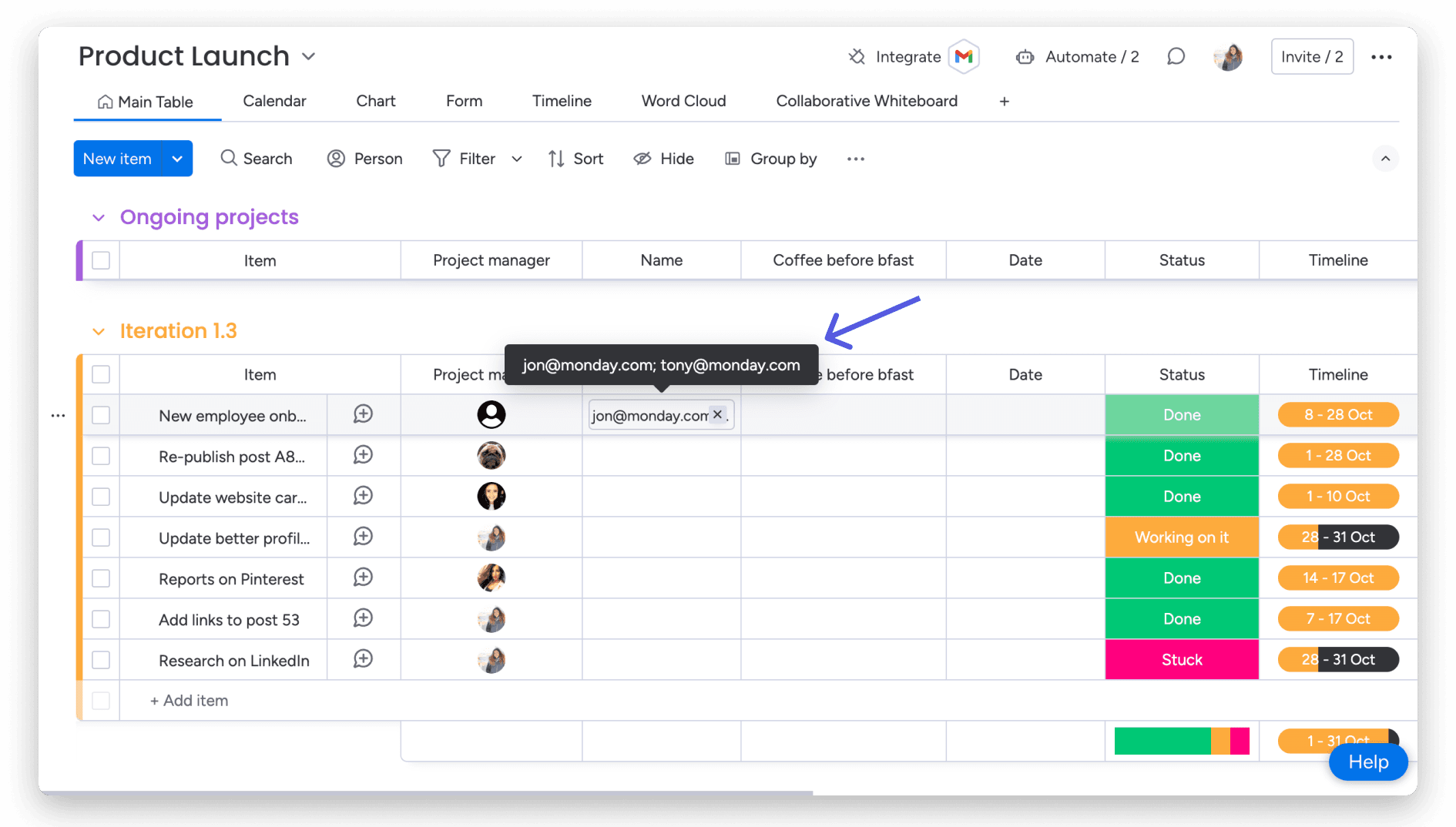
monday.com’s automation layer looks simple on the surface: set a rule, connect a tool, let the work move itself. The operating reality is more guarded. The company now documents rate limits, action limits, run history, deactivation reasons, usage stats, and separate API ceilings because automation is not just a feature at monday.com, it is governed infrastructure.
Limits are part of the product
The support page titled “Automation and Integration actions and limits” sits alongside “Automation and integration rate limits” and “Automations and integrations pricing,” which is the first clue that scale is not handled as an afterthought. monday.com is drawing a line between what a workflow can do in a small pilot and what it can sustain once a board becomes mission-critical. That matters for engineers building on the platform, product managers shaping internal workflows, and sales teams explaining to customers why a seemingly simple automation may need a higher tier or a different design.
This is also where the company’s packaging strategy becomes visible. Automations and integrations are not floating above the subscription model; they are tied to plan structure across monday work management, monday CRM, and monday service. For a platform that sells itself as a work OS, the message is straightforward: usage rights are part of workflow design, not separate paperwork handled after launch.
Why scale changes the rules
A small team can trigger an automation a few times a day and never feel the edges. A larger organization can discover those edges the hard way, after a board becomes central to operations and a workflow starts firing repeatedly. At that point, the issue is no longer whether the rule works; it is whether the platform can keep honoring it without throttling, deactivation, or failures caused by too much activity at once.
monday.com’s support stack reflects that reality. Alongside the limits pages, the company maintains “Automation Run history,” “Why is my automation deactivated?” and “Usage stats on your monday.com account.” Taken together, those tools show a product that expects customers to inspect behavior, trace failures, and understand when they have crossed a boundary. That is a governance model as much as a support model: teams are given the tools to see when workflow scale turns into platform strain.
There is also a practical incentive for the company to make those boundaries visible. If users only learn about limits after adoption spreads across a department, support tickets rise, account expansion gets messier, and trust erodes. Clear ceilings reduce surprises, and they also create a cleaner handoff between customer success, support, and sales when a customer outgrows a starting plan.
What failure looks like when teams ignore ceilings
The most common mistake is treating an automation as if it were a one-time convenience rather than a persistent operational dependency. Once a workflow starts serving a live queue, recurring triggers and linked integrations can create bursts of activity that the original setup never anticipated. That is how a board that looked fine in testing can begin failing under load, especially when several automations compete for the same record updates.
monday.com addresses that risk in separate guidance on why automations are deactivated and on avoiding failed runs caused by multiple competing automations. The existence of those pages tells you where the pain appears first: not in the marketing demo, but in the messy overlap between triggers, integrations, and repeated updates. For builders, the lesson is to design for restraint. For ops leaders, the lesson is to map which workflows are allowed to fire often, which ones need delay logic, and which ones should be capped before they start touching every item on a board.
The platform also protects itself at the API layer
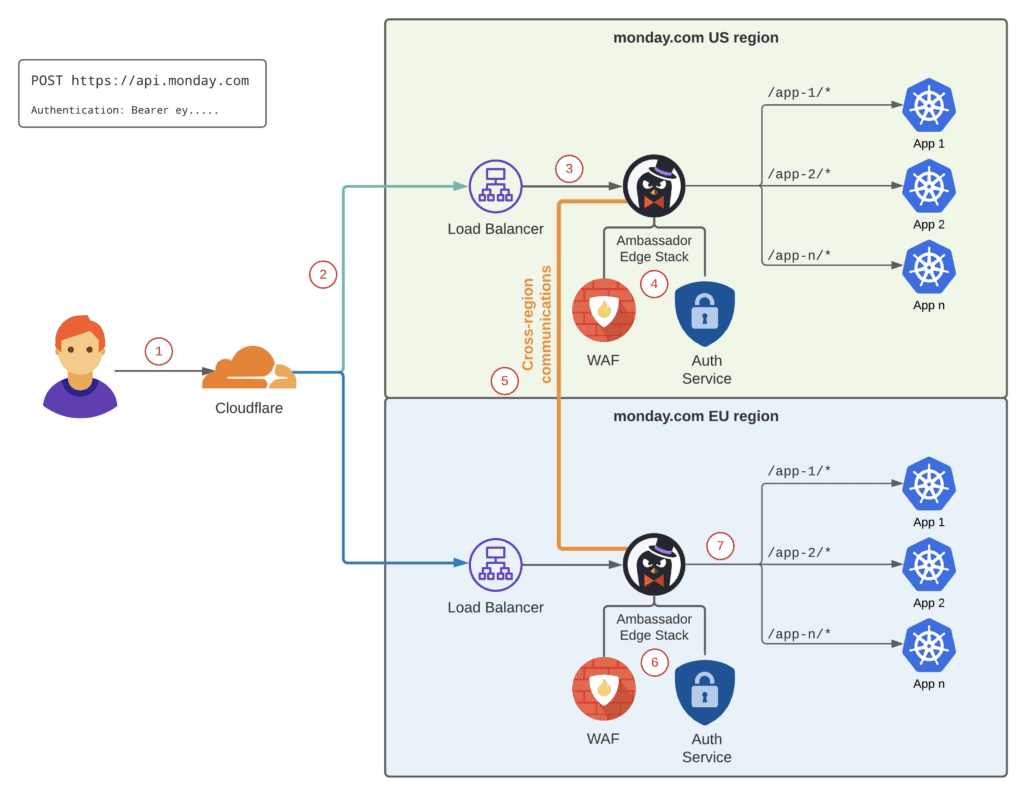
Automation limits do not sit alone. monday.com also publishes developer documentation on “API Rate Limits,” plus a developer changelog entry on “Rate limit improvements.” That separation matters because it shows the company managing different ceilings for different surfaces of the product. Automations, integrations, and APIs each have their own protection logic, which is exactly what you would expect from a platform trying to keep enterprise workflows predictable while still opening itself to builders.
The API side offers a concrete example of that discipline. An Audit Log API page surfaced a limit of up to 50 requests per minute, a reminder that even administrative or reporting workloads are bounded. That is the same operating principle behind the automation pages: throughput is allowed, but not without limits that keep the system fair and stable for everyone sharing it.
Monitoring is part of workflow strategy
One of the most useful parts of monday.com’s support library is that it does not stop at the word “limit.” The company gives users run history and account usage stats so they can see patterns before those patterns become outages. That is especially important in organizations where a workflow is no longer a convenience for one team but a dependency across sales, support, or operations.
For technical sales teams, this becomes part of expansion conversations. If a customer is pushing hard against automation or integration ceilings, the issue is not simply feature demand. It may mean the account needs a higher tier, a different packaging fit, or a redesigned workflow that reduces unnecessary trigger volume. Support, meanwhile, has a clearer path to root-cause a deactivated automation when the customer can inspect history instead of guessing.
AI adds more power, which makes governance more important
monday.com is now folding automation into its AI story through the AI workflow builder and the AI Feature Catalog. That makes limits even more central, not less. If customers are being encouraged to build smarter workflows with AI-assisted tools, they still need to know where the system stops, how active workflows are counted, and what happens when actions pile up.
That is the underlying lesson for monday.com employees across engineering, product, support, and sales. The company’s growth story is not just about adding more automation and AI capabilities. It is about keeping those capabilities understandable as they move from pilot boards to enterprise-wide process. In that environment, clear limits are not small print. They are the rules that decide whether a workflow remains reliable when scale arrives.
This article was produced by Prism’s automated news system from verified source data, official records, and press releases, then run through automated quality and moderation checks before publishing. The system is built and supervised by the people who set the standards it runs under. Read our full AI policy.
Did this article answer your question?