Nintendo Switch 2 Joy-Con 2 adds mouse controls across system menus
Joy-Con 2 mouse control is bigger than a novelty: Nintendo is turning menus into a pointer-friendly layer that could reshape ports, UI design, and QA.
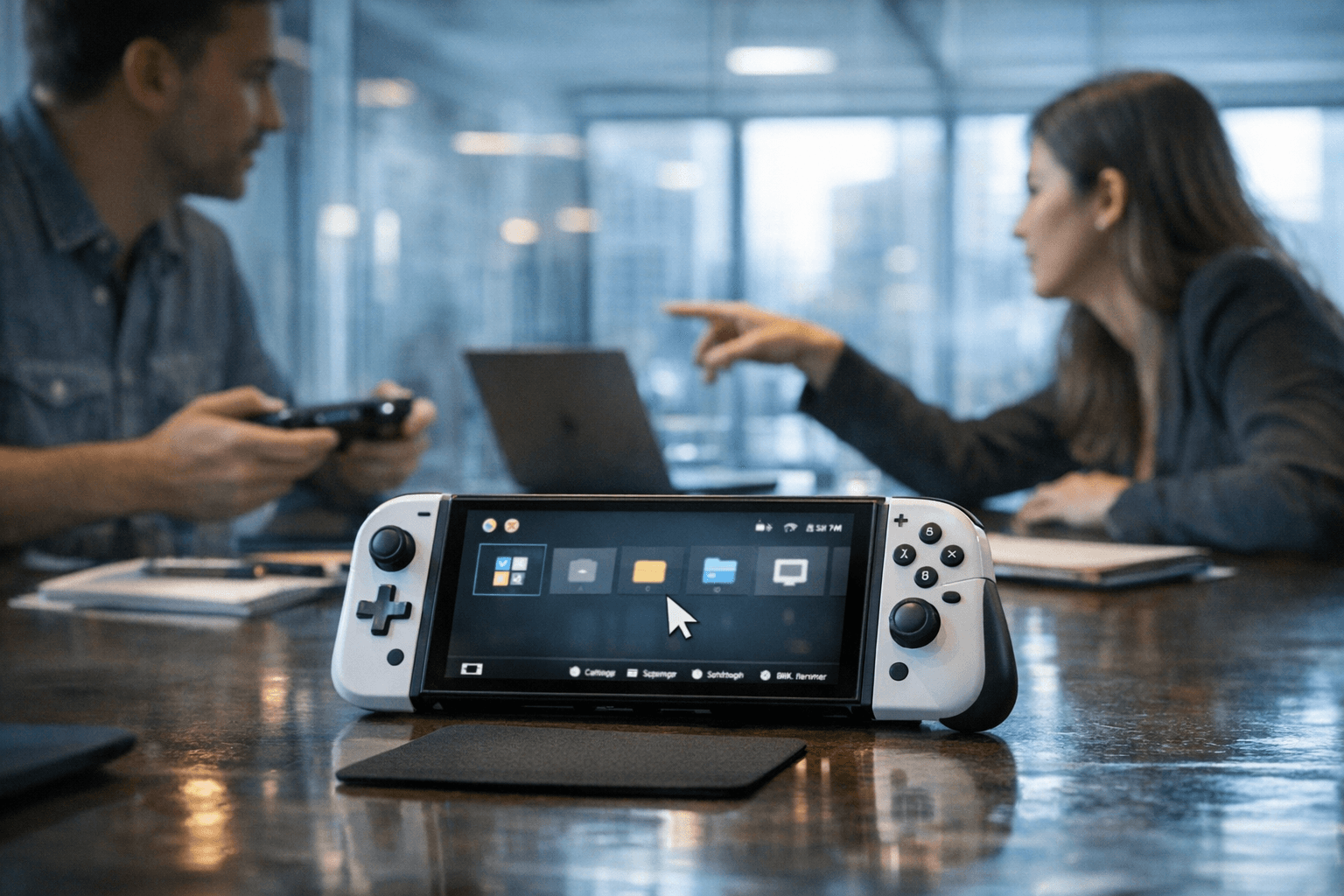
Nintendo is treating Joy-Con 2 mouse control as a system input, not a party trick. That matters because the feature now reaches beyond a single game and into the places players touch every day: the HOME Menu, Nintendo eShop, Nintendo Switch Online, and compatible software. For teams inside Nintendo, that is less about showing off new hardware and more about deciding what kinds of interaction the Switch 2 can support without losing the ease that defines the brand.
A control mode that reaches the whole system
The clearest signal is where the feature works. Nintendo’s support pages say a Joy-Con 2 controller can be used as a mouse on the Switch 2 HOME Menu and in software that supports mouse controls, and that the same input works in Nintendo eShop and Nintendo Switch Online. That makes mouse mode a platform-level option, not a hidden trick reserved for one launch title.
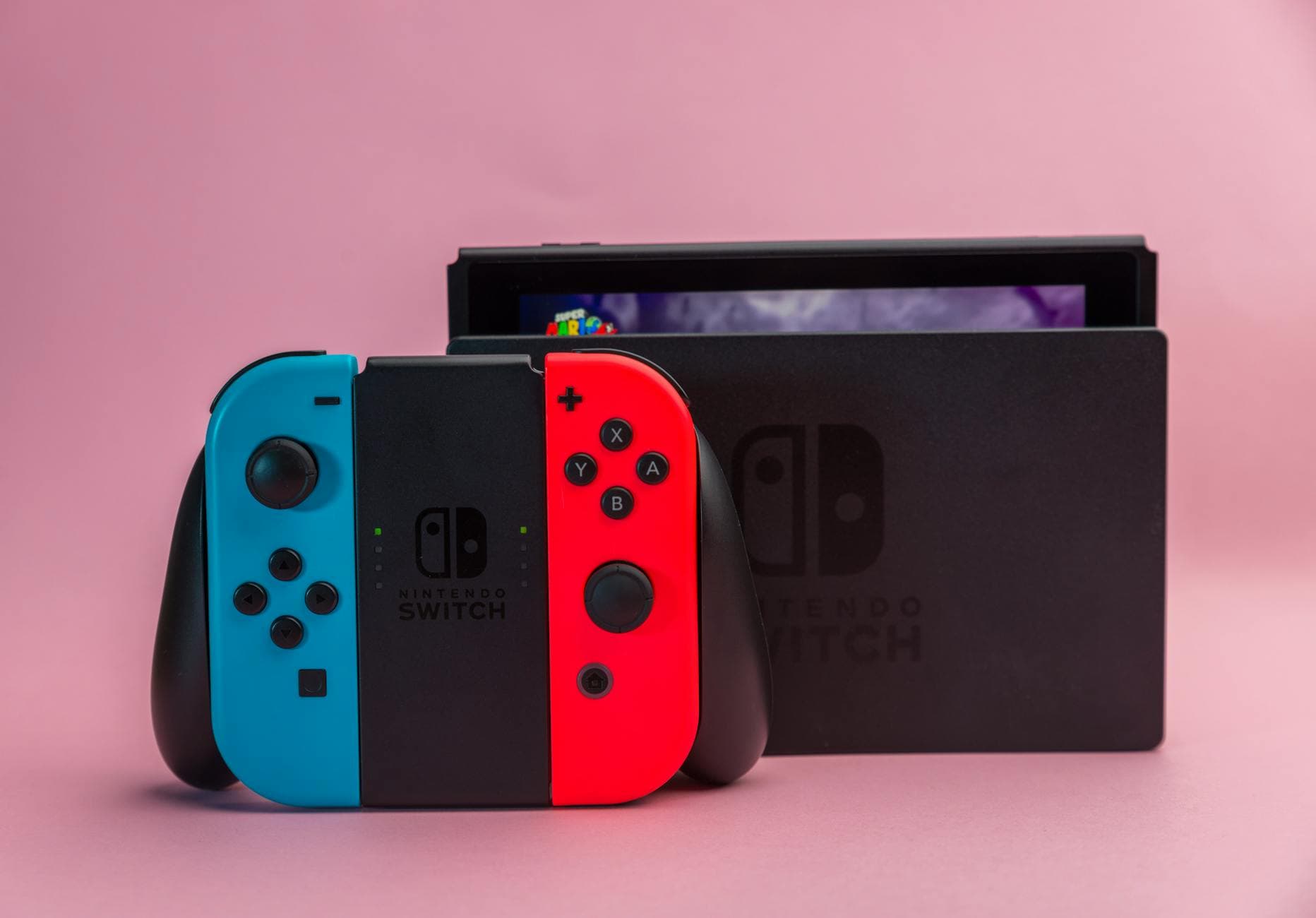
The physical setup is part of the message too. Nintendo’s Switch 2 system features page emphasizes the magnetic connectors for Joy-Con 2 attachment, framing the controllers as quick to snap in and out as players move between play styles. In production terms, that puts new pressure on how software, menus, and onboarding flow across both handheld and docked habits. A feature that is available in the shell of the system has to feel dependable there, not just inside a demo.
What players are actually being told to do
Nintendo’s support documentation is practical, and that practicality hints at how seriously the company is taking the input mode. Players are told to attach the Joy-Con 2 strap before using mouse controls, and Nintendo says one or two Joy-Con 2 controllers can be used on a table or another similarly flat surface. The company also warns that reflective surfaces, including glass, may not work well.
Those details matter because they define the feature as a real-world control scheme, not a studio-staged novelty. Nintendo is already setting expectations around desk setups, surface materials, and safety, which means designers and QA teams have to think about how the mode behaves on coffee tables, laptop trays, shared living-room spaces, and other imperfect environments. The user experience is not just the cursor; it is the entire physical context around the cursor.
Why this changes the kind of software Nintendo can court
The creative unlock here is not the mouse itself. It is the range of games and interfaces that suddenly look more natural on Nintendo hardware. Cursor-driven strategy games, simulation titles, tools-heavy management games, and PC-style ports all gain a more familiar control option, especially when analog sticks have always made some menus feel like a compromise.
Early hands-on coverage after Nintendo’s April 2, 2025 Switch 2 reveal pointed to that shift immediately. Reporters noted that either Joy-Con can be used as a mouse, and that players can even mix modes, keeping one controller in standard form while using the other as a pointer. That combination is especially important for interface-heavy experiences, because it suggests a hybrid setup where action and navigation can coexist instead of fighting for the same buttons.
That kind of flexibility opens the door to software that has often felt awkward on Nintendo systems. First-person interfaces, cursor-based inventory screens, mapping tools, creation suites, and certain strategy layouts can be ported with less compromise if developers know a pointer is available. It also widens the range of studios Nintendo can realistically court, especially teams bringing over PC-first projects that were never designed with only a stick-and-button layout in mind.
The workplace impact: design, QA, and localization all get harder
For Nintendo teams, mouse control is not a simple feature add. It changes testing, interface design, and localization all at once. QA now has to check more than whether the cursor moves. It has to test whether movement feels accurate, whether hand position stays comfortable over longer sessions, whether the interface holds up when players switch between mouse mode and standard controls, and whether the feature still behaves well in real homes with uneven surfaces and different desk heights.
That creates a different standard for user research too. Mouse mode can help some players and frustrate others if the sensitivity, button mapping, or on-screen cues are off by even a little. Nintendo has built its reputation on approachable systems that disappear into the experience, so a mouse feature that feels finicky would stand out fast. The company’s challenge is to make the interaction feel native, not improvised.
Localization teams will feel the change as well. When a system adds new control language, menu prompts, and compatibility text, translation has to stay clear without sounding technical or stiff. Nintendo’s global business model depends on interfaces that feel natural in multiple languages, and pointer support adds another layer of terminology that has to remain simple enough for mass-market users while still being precise for power users.
Why the timing matters for Nintendo’s culture
Nintendo has spent years refining the balance between novelty and usability, from the Wii Remote’s motion controls to the Switch’s hybrid identity. Joy-Con 2 mouse mode fits that tradition, but it also pushes in a more direct PC-like direction than many Nintendo fans are used to. That is what makes it interesting internally: it broadens the company’s interaction vocabulary without asking the hardware to abandon its portable-first identity.
That balance fits Nintendo’s quality-first culture. The feature cannot feel like a lab demo designed to impress during a presentation and then disappear in everyday use. It has to work in the HOME Menu, in eShop browsing, in Nintendo Switch Online, and in software that may depend on it for core interaction. If Nintendo gets this right, the company is not just adding another controller trick. It is creating a new expectation for how Nintendo software can be navigated, designed, and sold.
The bigger signal for developers and players
The strongest takeaway from Joy-Con 2 mouse controls is that Nintendo is widening the definition of what feels at home on its hardware. That is good news for developers building strategy, simulation, and UI-heavy games, because the Switch 2 now offers a more natural path for pointer-driven design. It is also a signal to business teams watching the platform lineup: Nintendo is making room for software categories that historically sat closer to PC than console.
For players, the daily impact is simpler. Menus can be easier to move through, certain games can feel less compromised, and some genres that once looked like awkward fits may finally have a control method that matches how they are meant to be played. For Nintendo, the test is whether that broader promise stays as clean and intuitive as the rest of the system. If it does, Joy-Con 2 mouse mode could end up shaping far more than control schemes. It could shape the next wave of software Nintendo decides belongs on its machine.
Know something we missed? Have a correction or additional information?
Submit a Tip