Many 3D printer owners skip maintenance until problems start
Skipped grease and cleaning are what turn a good printer flaky. A quick maintenance audit catches the dry leadscrews, residue, and dust that cause the worst print failures.
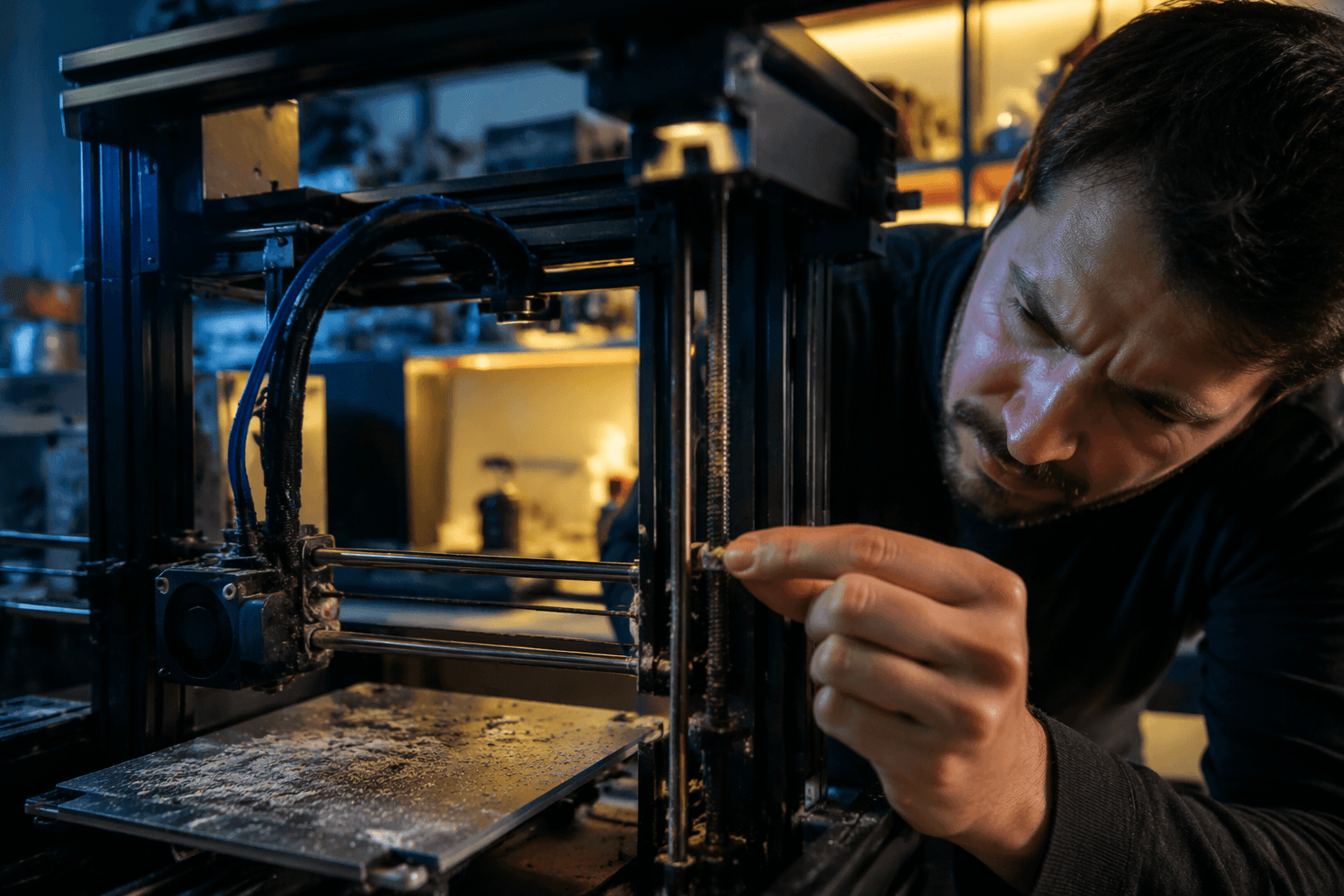
The part most printer owners know and still put off is the leadscrew: when did you last grease it? The ugly truth is that the failures you hate most, from poor first layers to ghosting and random extrusion weirdness, often start as skipped maintenance, not a dead board.
Before every print: the five-minute audit
Start with the motion system and the build area, because that is where the sneaky problems live. Dust accumulation, dry rods, worn belts, loose fasteners, dirty fans, and neglected linear motion components can all show up as ghosting, poor first layers, uneven extrusion, or quality drops that look like slicer trouble until you look closer.
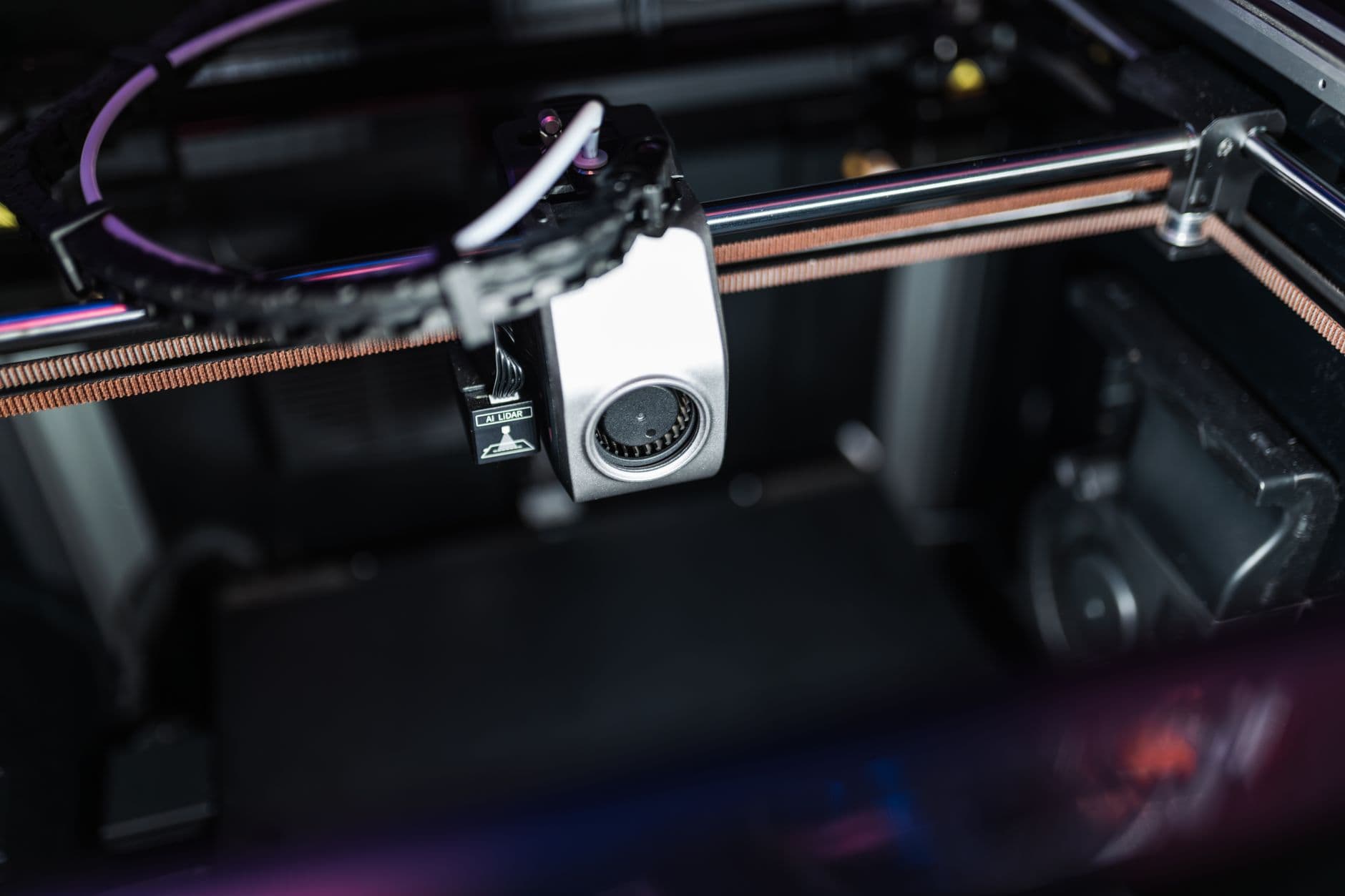
If you are running volatile materials such as ABS or ASA on Bambu Lab’s P2S/X2D, the X-axis should be inspected weekly, since those filaments can leave residue behind. If the printer has been idle for more than two weeks, both ends of the X-axis should be checked for solidified residue before you trust it with a fresh job.
Before you hit print, look for debris on rails and around screws, make sure nothing has worked loose, and clear out any buildup around fans or the build area. If a first layer starts acting strange, do not automatically blame the slicer when the printer may simply be dirty or dry.
Monthly: grease the parts that actually move
This is the part everyone skips because it is boring and there is no satisfying screenshot to post afterward. Regular maintenance minimizes wear, extends printer lifespan, and lowers the risk of print failure.
On the Z-axis, regular greasing reduces friction and wear, helps the screw move more smoothly, avoids jamming and layer lines, improves printing accuracy, reduces noise, prevents rust and dust buildup, and extends the service life of the lead screw and nut.
The same logic applies to the A1 Y-axis guide rail. Regular lubrication and cleaning reduce wear and noise, improve accuracy and lifespan, and prevent rusting of the guide rail. Each printer leaves the factory with some lubrication already applied, but only a small amount, which means the factory grease is a starting point, not a maintenance plan.
For a monthly check, do not just glance at the machine and call it good. Clean the rails, refresh the lubrication where the printer calls for it, and pay attention to any change in sound or movement.
Quarterly: check the stuff that hides behind “it still prints”
The easiest maintenance mistake is waiting until something is obviously broken. PrintPal claims most broken 3D printers are really under-maintained and that 20 minutes of routine care per month prevents 80 percent of failures. Treat that as a sales claim, not gospel. Neglected machines fail in predictable ways.
Quarterly is when you catch the problems that do not announce themselves loudly. This is the time to look over belts, eccentric nuts, fasteners, fans, and motion components with fresh eyes. It is also the right moment to compare your real routine with the maintenance schedules in your manual, because printer manuals typically prescribe preventative maintenance schedules even when owners stop following them once the machine is up and running.
Prusa Research includes schedules and checklists in its maintenance pages for its printers. 3D Systems has a standalone Figure 4 preventative maintenance checklist to keep regular printer maintenance on track.
What skipped maintenance actually costs you
The annoying part about a neglected printer is how misleading the symptoms can be. A dirty fan can look like a slicing problem. A dry lead screw can look like bad layer alignment. Worn belts or loose fasteners can make ghosting seem random when it is really mechanical wear.
Do the routine stuff before the next job, on the first weekend of the month, or whenever a machine has sat idle long enough to collect residue. Clean the motion path, grease what needs grease, check what has loosened, and do not trust factory lubrication to last forever.
This article was produced by Prism’s automated news system from verified source data, official records, and press releases, then run through automated quality and moderation checks before publishing. The system is built and supervised by the people who set the standards it runs under. Read our full AI policy.
Did this article answer your question?