Meshy AI Tool Brings Image-to-3D Printing Directly to Bambu Lab's MakerWorld
Meshy's Image-to-3D tool, powered by Meshy-6, landed inside Bambu Lab's MakerWorld MakerLab on March 17, turning a single photo into a print-ready .3MF file in minutes.
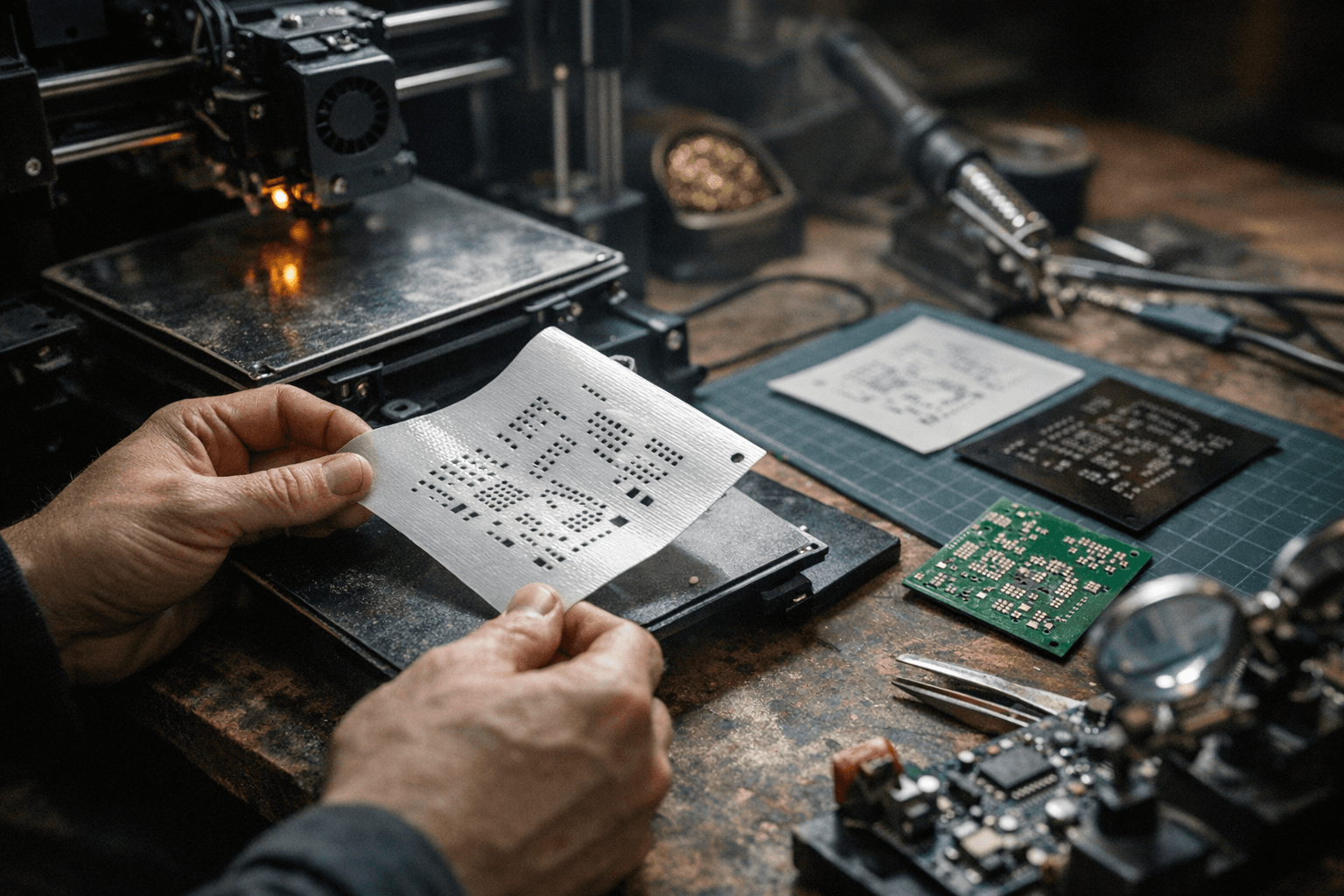
Chloe T., a 3D printing enthusiast from Austin, Texas, took a photo of her cat, opened MakerWorld, and had a print-ready .3MF file in under two minutes. Her Bambu Lab X1C did the rest. "I've been 3D printing for years and this is genuinely the fastest I've ever gone from idea to finished object," she said. That experience is now the default for anyone using Meshy inside Bambu Lab's ecosystem.
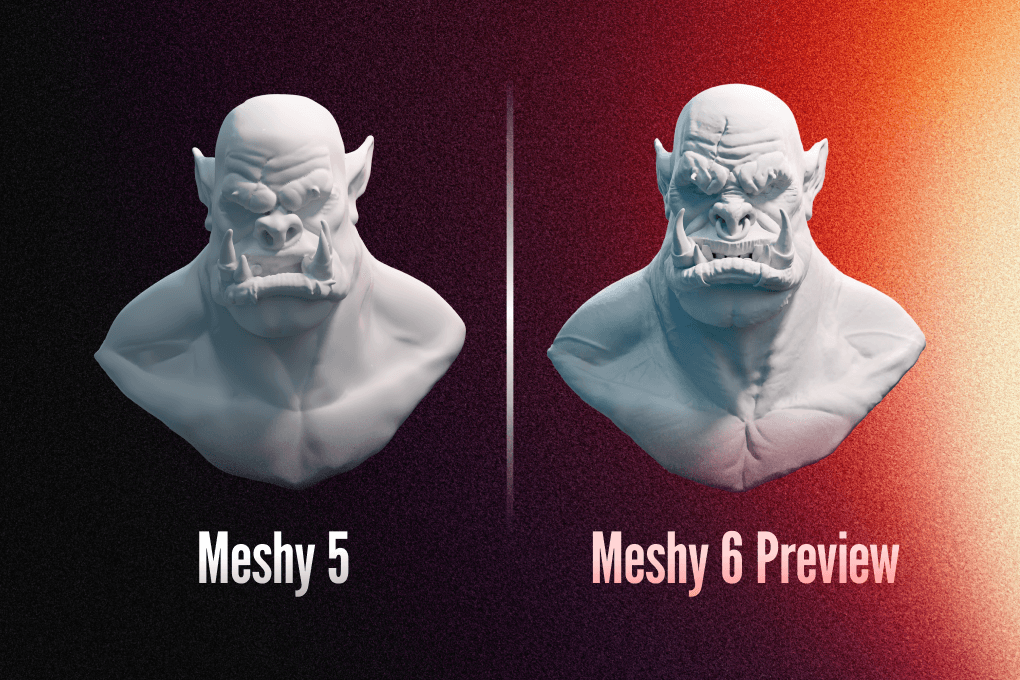
Meshy, a Silicon Valley-based generative AI company, announced on March 17, 2026 that its Image-to-3D tool was fully integrated into MakerWorld's MakerLab, the AI tool hub within Bambu Lab's 3D printing ecosystem. The tool, powered by Meshy-6, converts any photo or image into a print-ready 3D model directly in the browser, with no CAD software, no mesh editing, and no manual coloring required.
The announcement paired that MakerLab integration with an updated Multi-Color Printing feature on meshy.ai itself. That update automatically maps complex textures into precise color zones compatible with Bambu Lab's AMS multi-filament system, eliminating the manual coloring steps that have historically made multi-color prep inside slicing software a time sink. The output is a .3MF file that drags directly into Bambu Studio, delivering what Meshy describes as a "what you see is what you get" printing workflow.
Meshy frames the two capabilities as "distinct but complementary." Workflow A runs through MakerWorld: upload an image, generate a model via Meshy-6, export, print. Workflow B runs through meshy.ai: upload an image, apply the Multi-Color Printing pipeline, export a color-zoned .3MF, drag into Bambu Studio, and send to an AMS-equipped printer. Together they are positioned as the answer for anyone who has ever searched how to make 3D printable models without already knowing what a topology is.

The company, which according to its own figures powers over 10 million creators across various industries, is leaning into that democratization framing. The press release from Santa Clara, Calif., put it plainly: "For millions of 3D printing enthusiasts asking how to make 3D printable models, how to create 3D printer files, or what is the best 3D printing software for beginners, the answer is now a single workflow inside MakerWorld, powered by Meshy."
What the announcement does not spell out is pricing. No details on free access, subscription tiers, or credit costs for the MakerLab integration or the updated Multi-Color Printing feature were included in the release. Technical limits around polygon counts, texture resolution, and the number of color zones the AMS mapping supports also remain unspecified. Whether the workflow extends beyond Bambu Lab hardware to third-party multi-filament systems is similarly an open question. For those specifics, Meshy's documentation on meshy.ai and Bambu Lab's MakerWorld product pages are the starting points.
Know something we missed? Have a correction or additional information?
Submit a Tip