Unofficial macOS app puts Prusa print status in the menu bar
Prusa StatusBar puts live printer status, temperatures, and webcam access in the Mac menu bar, so owners can check a print without opening a browser.
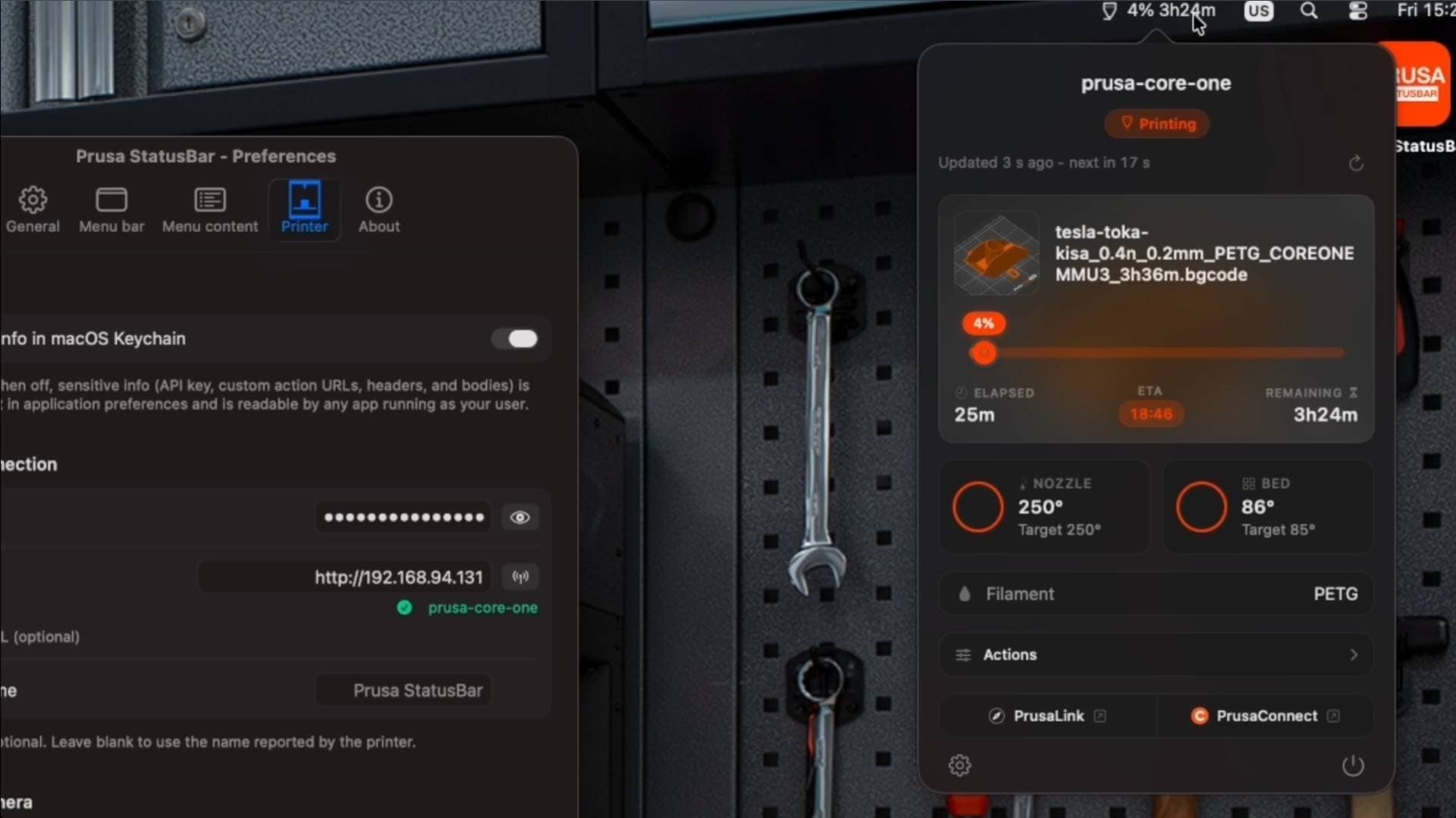
A Mac user watching a Prusa job no longer has to bounce between a browser tab, a dashboard, and a camera feed just to see whether a first layer is still behaving. Prusa StatusBar, an unofficial native macOS menu bar app by deimosfr, puts live state, progress, temperatures, and notifications right next to the clock for PrusaLink-equipped printers.
That small shift matters because it cuts the distance between noticing a problem and doing something about it. The app is built for printers that are already on the local network through PrusaLink, and it surfaces the sort of details owners check constantly during a long run: how far the job has progressed, whether the temperatures look right, and whether the printer is still in a healthy state. It also adds webcam access, so a quick glance can confirm a first layer, catch a spaghetti pile early, or reassure a user that the machine in the workshop is still moving the way it should.
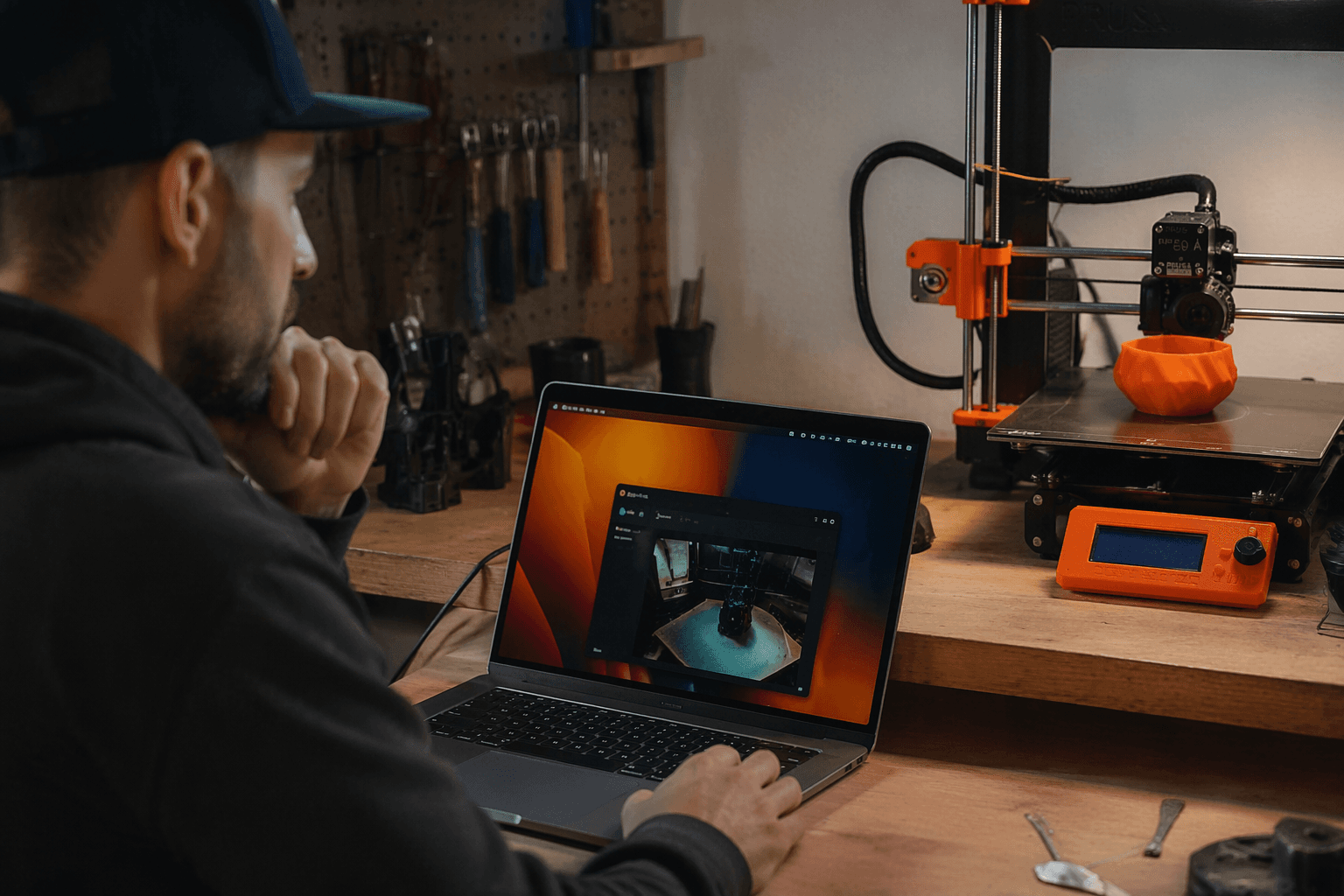
The convenience goes beyond monitoring. Prusa StatusBar also offers one-click Home Assistant triggers, which makes it easier to tie a printer into a broader smart-home routine without treating it like a separate island of hardware. For Mac users who already lean on automation, that can make the printer feel less like a machine that lives behind a login screen and more like part of the same desktop workflow as everything else.
The app is tapping into a Prusa ecosystem that already has both local and cloud paths. Prusa says PrusaLink runs locally on the printer and is accessible only within the local network, while Prusa Connect is the company’s cloud service, available from anywhere and free for Prusa printer owners with 1 GB of cloud storage for G-codes and telemetry. Prusa Connect also grew out of the management system used in the record-sized print farm at Prague HQ, which gives the company an unusually production-minded background in remote printer monitoring.
There is already a wider automation layer around that stack. Home Assistant has an official PrusaLink integration that supports MINI, MINI+, MK3.9, MK4, XL, CORE One, and older Raspberry Pi-based MK2.5 and MK3 printers, with firmware 4.7.0 or later required for the latest v1 API endpoints. Prusa’s Camera API also allows third-party cameras to be linked and snapshots to be retrieved, which helps explain why a menu bar app can stitch printer state and camera visibility together so neatly. With DMG release artifacts and a Homebrew cask, Prusa StatusBar is aiming for the kind of low-friction install that turns a neat utility into a daily habit.
Know something we missed? Have a correction or additional information?
Submit a Tip