Can a tablet-run astrophotography rig work from Bortle 9 skies?
A tablet can run the mount, but Bortle 9 imaging still exposes the hard parts: guiding, capture software, and processing. The compromise works best when you know exactly where it stops.
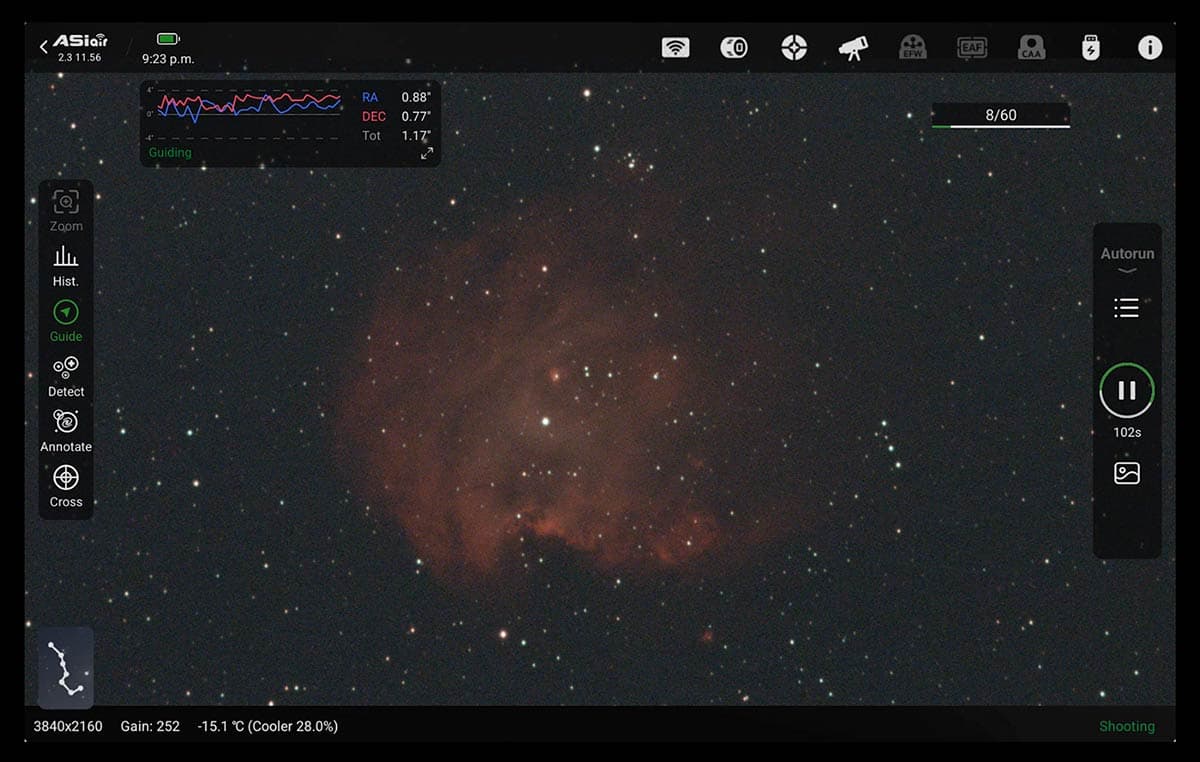
WhiteSkies_Watcher wants a OnePlus tablet to run a Sky-Watcher AL55i Pro from a Bortle 9 backyard. Paired with an Askar 71F, a Canon EOS Rebel SL1, and an SV220 dual-band filter, the setup sits right on the line between practical control and real-world compromise. The tablet can lower the barrier to entry, but the sky, the guiding, and the processing still ask for patience.
What a tablet really simplifies
The strongest case for the tablet-first approach is mount control. Sky-Watcher’s SynScan app runs on Android, iOS, and Windows, and the SynScan Pro version is the one aimed at equatorial mounts and astrophotography. That makes WhiteSkies_Watcher’s idea technically plausible from the start, especially if the mount has built-in Wi-Fi or a supported adapter path.
The control layer is often the messiest part of a beginner setup. A tablet can handle slewing, basic mount management, and the kind of night-to-night operation that used to require a laptop perched on a folding table. In a portable, budget-conscious rig, that difference is real: fewer cables, less weight, and one device already in your bag instead of one more computer to buy and power.
If your first step into imaging is a tablet that already feels familiar, you are far more likely to get outside and actually use the gear. For a beginner coming from two years of visual astronomy with an AstroMaster 130EQ, that lowered friction may be the single biggest advantage.
Where the tablet stops being enough
The hard line shows up as soon as guiding enters the conversation. PHD2, the community-developed guiding software known across the hobby as Open PHD Guiding, is free and open source, but its official downloads are for Windows, macOS, and Linux. There is no native Android or iPad path in that support list, which is why tablet-only guiding usually turns into a workaround problem.
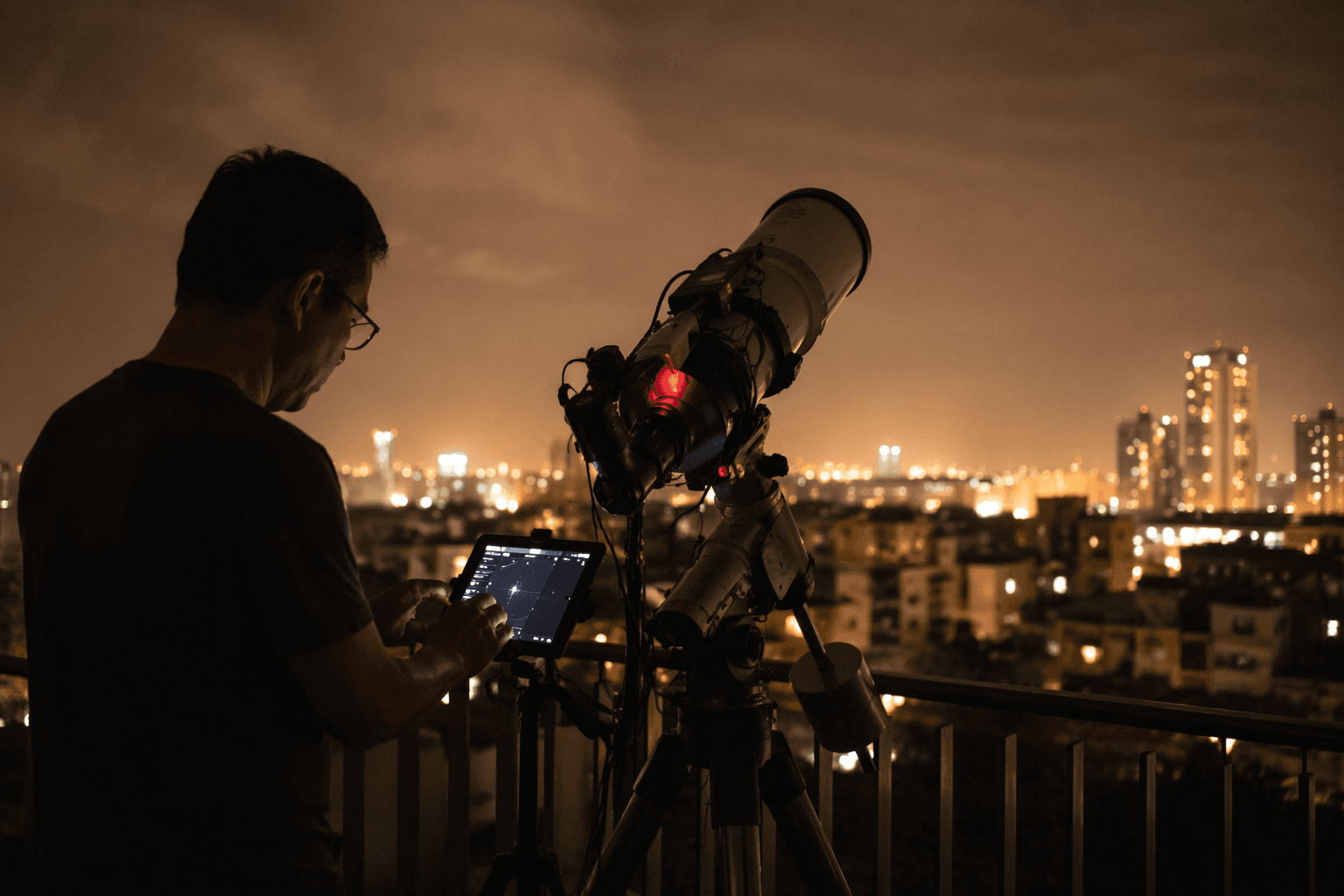
Tablet control can be a clean answer for the mount, but guiding often pulls you back toward a small computer, remote desktop access, or a closed ecosystem built to do more of the stack for you. Capture software can create the same friction. In AstroBin discussions, programs such as SharpCap and AstrophotographyTool came up as potentially impractical on a tablet, exactly the kind of real-world snag that decides whether a setup feels smooth or frustrating.
SonnyE’s experience makes the same point from the other direction. They once used a Samsung 2-in-1 tablet-laptop combination and got it working, but eventually moved to a full laptop because the tablet setup lacked processing power. They also noted that modern tablets may be stronger than the one they used, but control is one workload, processing is another, and they do not scale the same way.
The gear choices are sensible, with one or two tradeoffs
The Sky-Watcher AL55i Pro is the kind of mount you would expect in a portable, app-led rig, and the Askar 71F is the sort of compact refractor people reach for when they want a manageable first imaging scope. SonnyE specifically said the 71F looks attractive, which tracks with how often that focal length and form factor get recommended for beginners trying to keep things lightweight.
The Canon EOS Rebel SL1 is also a familiar entry point, especially if you already own it. Powered by a dummy battery and connected to the mount’s snap port, it keeps the setup lean and avoids the sudden battery anxiety that can ruin a clear night. The tradeoff is that a DSLR still asks more of your software stack than a dedicated astro camera would, and SonnyE was blunt about where they personally draw the line, preferring a dedicated astro camera instead of a DSLR.
The SV220 2-inch dual-band filter is the other obvious Bortle 9 move. It does not cancel light pollution, but it is aligned with the problem you are actually facing. In a bright backyard, that kind of filter is part of the strategy, not an accessory, because it helps you fight the part of the spectrum where suburban and urban skyglow does the most damage.
Bortle 9 changes what you should chase
The Bortle scale, created by John Bortle, is a nine-level system for judging night-sky darkness, and Bortle 9 is the end of the bright-side spectrum. In those conditions, light pollution disproportionately hurts diffuse deep-sky objects such as nebulae and galaxies more than stars, which is why beginners often discover that their target list matters as much as their hardware.
That has a direct impact on a tablet-run rig. If your sky already works against you, you want the control chain to be as simple as possible and your targets to be forgiving. A dual-band filter, an easy-to-manage refractor, and a mount that can be run from a tablet can get you there, but they do not turn a bright backyard into a dark site.
ZWO’s ASIAIR has made the category feel more normal. ZWO markets it as a wireless controller with official iOS and Android apps, and that mobile-first model is part of why tablet-led imaging no longer sounds exotic. The catch is that ASIAIR is a closed hardware and software path, not a generic tablet controlling arbitrary gear, so it solves the problem by controlling the whole ecosystem.
A realistic first-night workflow
1. Use the tablet to run SynScan Pro and keep the mount control layer simple.
2. Power the Canon EOS Rebel SL1 with a dummy battery so the camera side is not dependent on a small internal cell.
3. Assume that guiding may not live natively on the tablet, because PHD2 is built for Windows, macOS, and Linux.
4. Treat stacking and processing as a separate decision, because another AstroBin beginner planning tablet control still expected to use a Windows computer later for those steps.
It keeps the tablet at the mount and leaves room for stacking and processing on a Windows computer later.
This article was produced by Prism’s automated news system from verified source data, official records, and press releases, then run through automated quality and moderation checks before publishing. The system is built and supervised by the people who set the standards it runs under. Read our full AI policy.
Did this article answer your question?