Dwarf Fortress guide explains work details and work orders
Work details and work orders turn fortress labor into queues, priorities, and stock rules. NimrodX's guide shows how to stop babysitting every workshop.
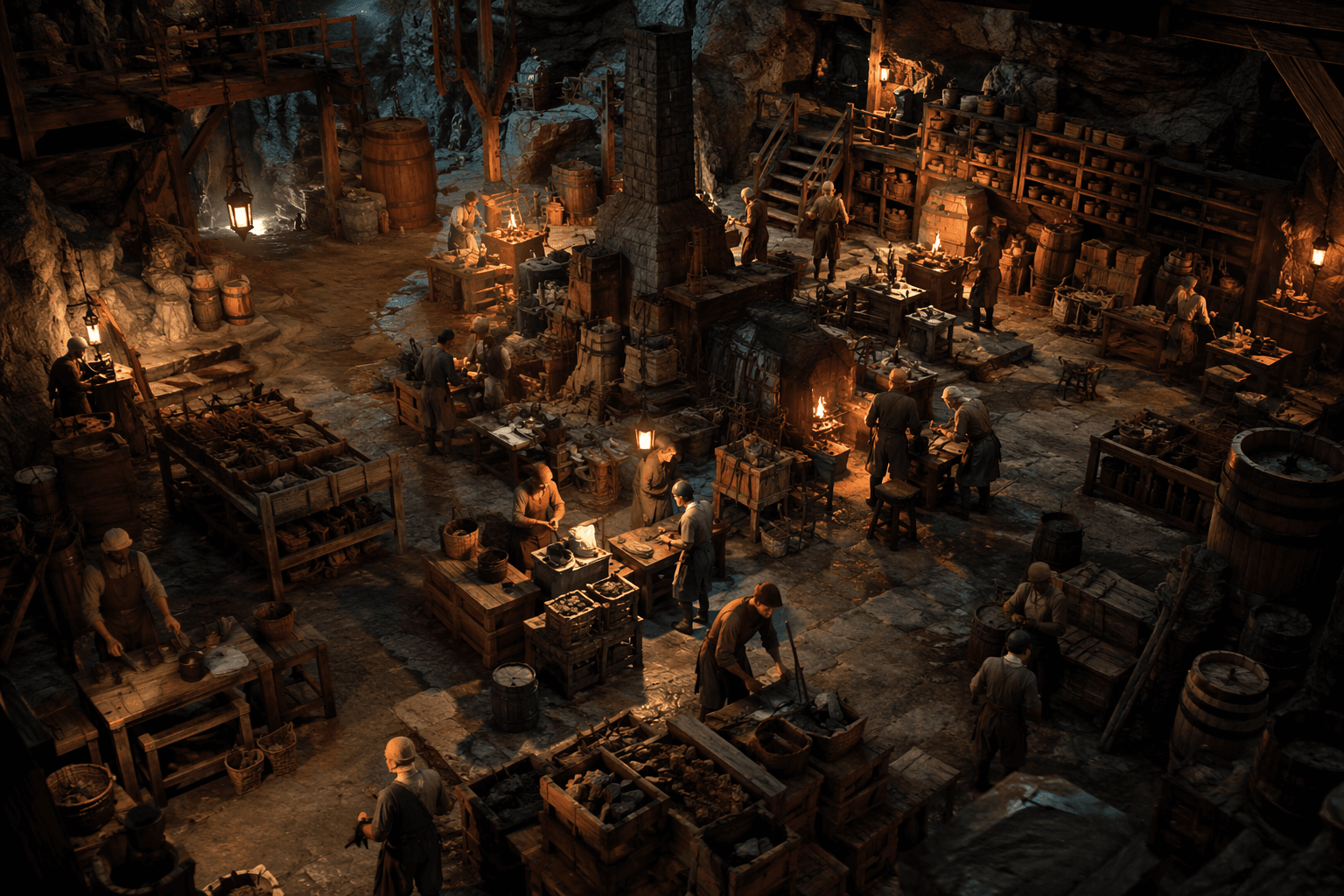
The easiest way to turn Dwarf Fortress into micromanagement hell is to click every workshop by hand and chase every dwarf yourself. Work details and work orders are the escape hatch: one system tells dwarves who should do what, the other turns production into queues, stock targets, and repeating jobs that keep running while you focus on the fortress itself.
Work details are the first step toward a self-running fortress
Work details are the game’s labor categories made practical. Instead of trusting the simulation to sort out every task on its own, you decide which dwarves are allowed to mine, chop, engrave, haul, or handle other jobs, and that matters as soon as the fortress becomes too specialized for loose self-organization to keep up. The point is not just efficiency, it is control, because the right dwarf doing the right job is what keeps a busy settlement from stalling out.
That shift is why the Steam version’s labor system feels so different from older habits. Steam’s official Dwarf Fortress materials make clear that many jobs do not even happen at workshops, including mining, woodcutting, wall engraving, and hauling, and Bay 12 added work details because the old automatic labor system was not enough. Once you see those jobs as separate labor streams instead of a blur of “someone ought to do this,” work details become the switch that keeps the fortress moving.
Work orders are how you stop babysitting workshops
If work details organize the dwarves, work orders organize the output. Instead of clicking one item at a time, you can tell a workshop to make a batch, maintain a stock minimum, or keep producing a good whenever the inputs are available, which is the difference between constant supervision and a production line that just keeps going. Bay 12’s work-order list also lets you change the number left in an order at any point, including infinity orders and completion targets from 1 to 9999, so the queue stays flexible instead of brittle.
That flexibility is where the system stops feeling like a menu and starts feeling like an operating plan. Work orders, custom labor setups, workshop masters, and advanced conditional orders all point in the same direction: less clicking, fewer interruptions, and more time letting the fortress run at speed. The practical win is simple, because every workshop you stop babysitting frees your attention for the parts of the settlement that still need a human brain.
The first labor chains to automate are the ones that touch everything
The best place to start is with the jobs that create the most drag when they are left manual. Hauling comes first in spirit if not in strict sequence, because every stockpile, workshop, and production chain depends on items actually being where they need to be, and Dwarf Fortress punishes delay everywhere at once. After that, mining and woodcutting are the obvious next layer, since both sit outside the workshop loop and define whether your fortress has space, stone, and timber to work with.
- Hauling keeps the whole machine fed, and a fortress that can move goods cleanly feels calmer immediately.
- Mining and woodcutting belong in work details early because they are foundational labor, not workshop chores.
- Wall engraving becomes a steady background burden as the fortress expands, so assigning it cleanly prevents random interruptions.
- Any repeatable workshop chain that keeps asking for the same inputs is a strong candidate for work orders once the basics are stable.
This is where the midgame changes shape. Early on, manual control feels manageable because the fortress is small enough to read at a glance, but once the labor web widens, the game starts asking whether you want to be a foreman or a firefighter. Automation does not remove decision-making, it moves it up a level, from individual clicks to the rules that decide how the whole colony behaves.
Why veterans still trip over the new system
NimrodX’s guide, The Details of Work Details and Work Orders, was published on Jan. 21, 2023 and shows 120 ratings on its page, which fits the amount of attention the system still draws. The guide is aimed at both new players and veterans, especially people who built old habits around Dwarf Therapist, because the Steam-era labor model asks you to think inside the game instead of reaching for external workflow tools. That transition explains why even experienced players can feel like they are missing something when they first try to use work details.
Version 50, the first Steam version, changed labor management so specialization could happen in-game without Dwarf Therapist, and that is the key historical break. Older instincts were built around manually wrangling dwarves from the outside; the newer system expects you to define labor once and then let the fortress apply it. Even a 2025 Steam discussion shows players still asking for help understanding work details, which says the feature remains one of the game’s least intuitive but most important systems.
The system is still part of active Dwarf Fortress life
This is not a dead mechanic that only matters to people who remember the old workflows. Bay 12’s release log shows Dwarf Fortress 53.15 released on June 25, 2026, and the Steam store page shows a June 10, 2026 dev update with June 25 listed as the latest update. The labor system sits inside a game that is still being actively adjusted, so learning how work details and work orders fit together is still part of learning how the current fortress actually runs.
That is why the best use of these tools is not perfection, it is relief. Once hauling, mining, woodcutting, engraving, and your most repetitive workshop lines are handed off to the system, the fortress stops feeling like a pile of chores and starts feeling like a machine you built on purpose. The clicking does not disappear, but it moves out of the center of play, and that is how Dwarf Fortress turns micromanagement hell into a settlement that finally works on its own.
This article was produced by Prism’s automated news system from verified source data, official records, and press releases, then run through automated quality and moderation checks before publishing. The system is built and supervised by the people who set the standards it runs under. Read our full AI policy.
Did this article answer your question?