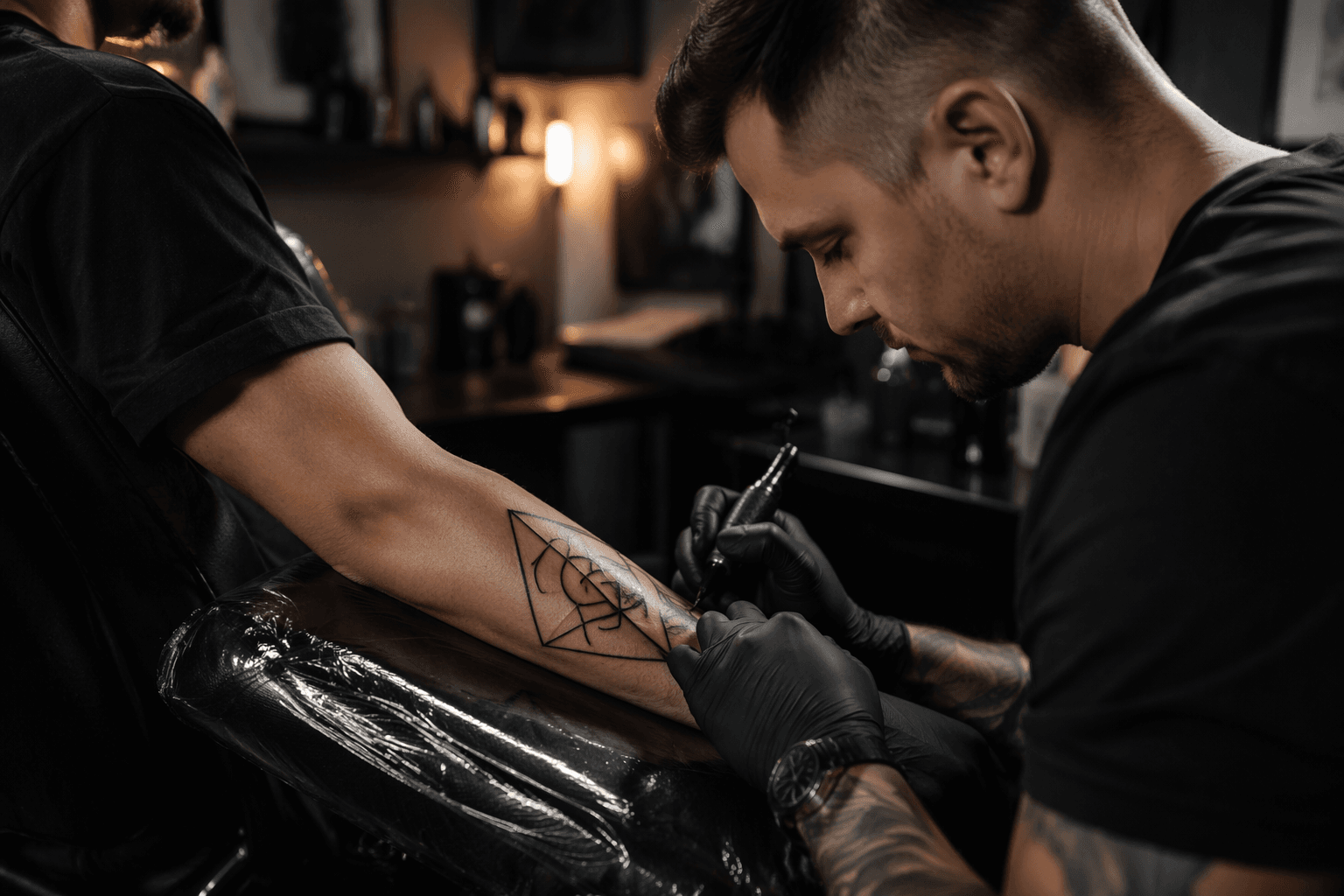
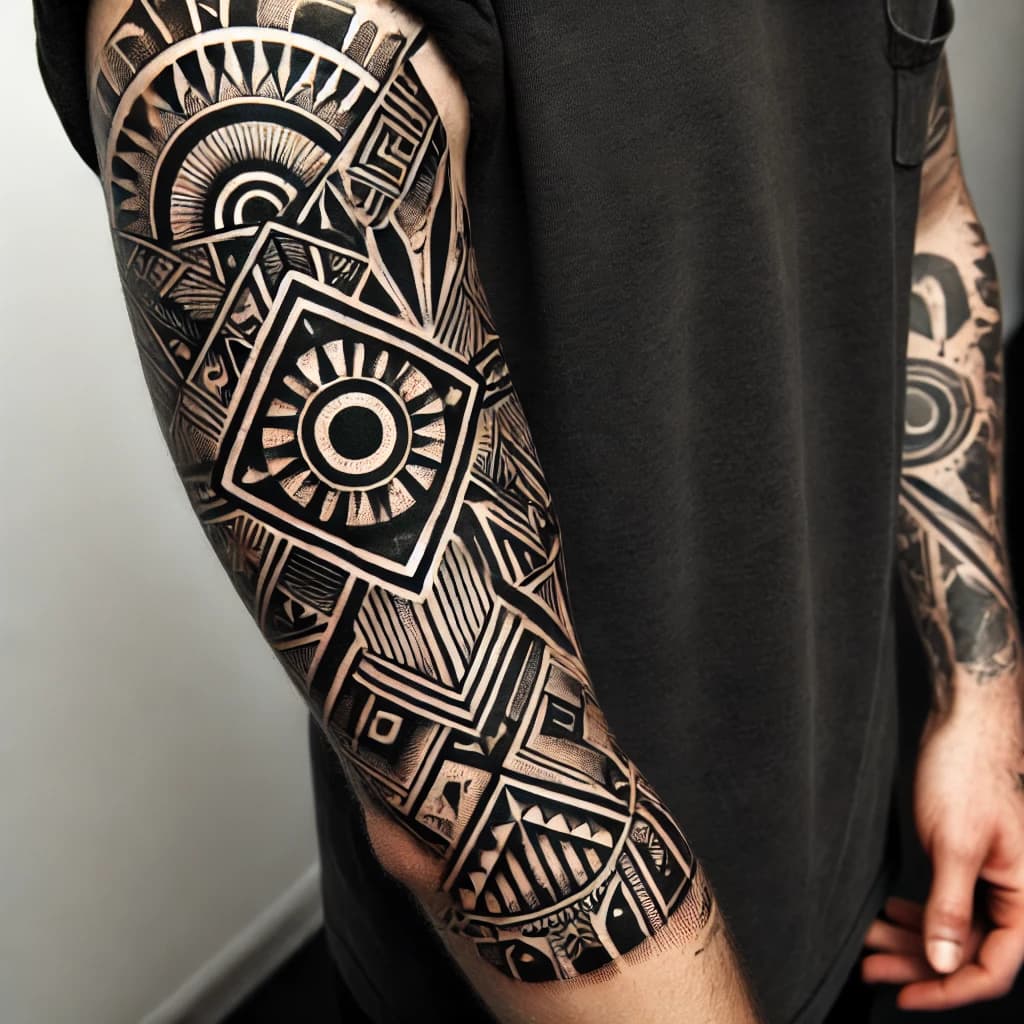
AI Tattoo Generators Help Explore Geometric Tattoo Ideas, Not Final Designs
AI tattoo generators can spark geometric ideas fast, but screen-ready images still need a human eye to survive skin, placement, and healing.
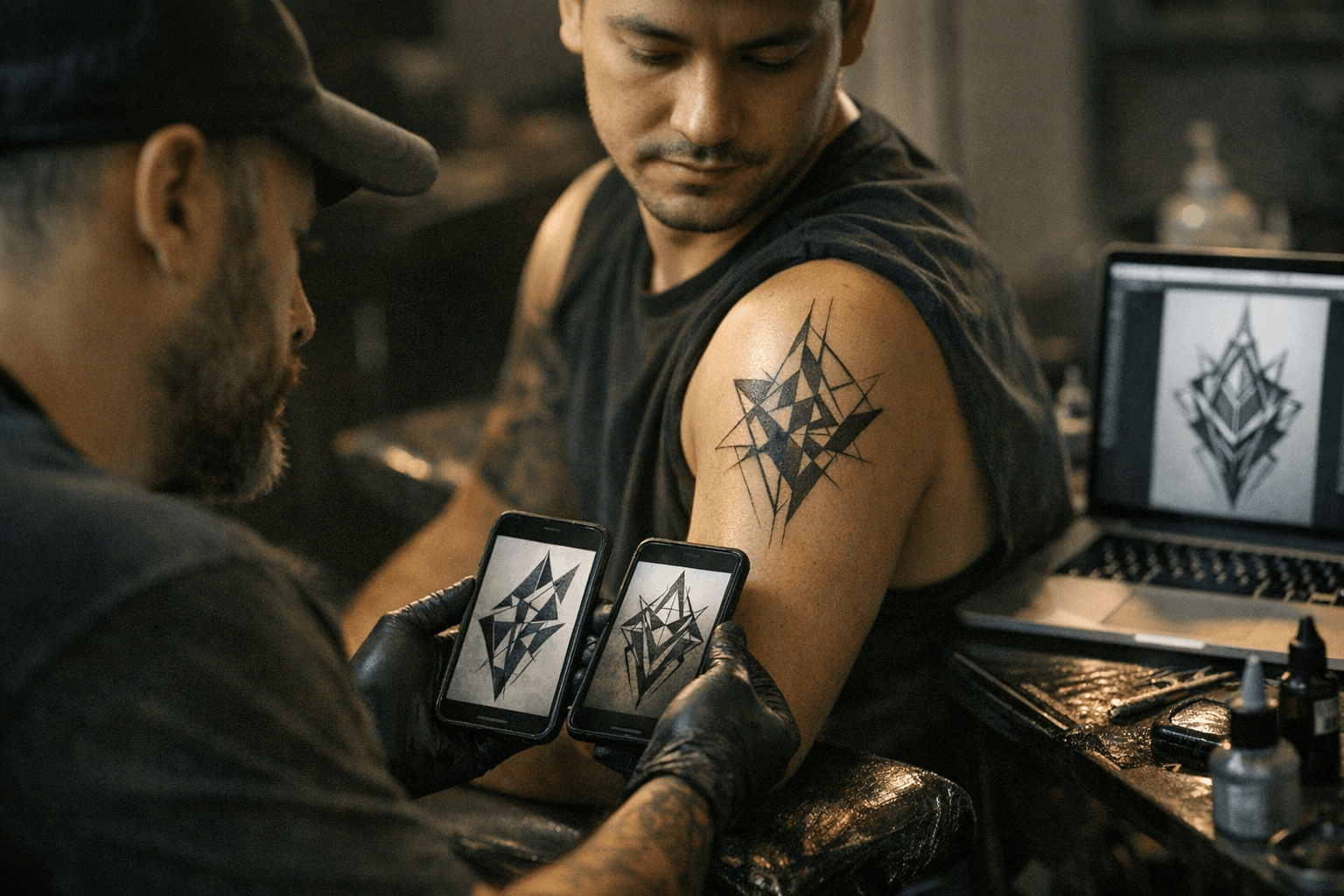
When the render is better than the tattoo
A clean AI image can look finished long before it is actually tattooable. What the generator gives you is an averaged pattern built from millions of images, assembled into something that reads as tattoo-like, not a design that understands skin, movement, scale, or healing.
That gap matters most in geometric work, where a design only succeeds if the lines feel intentional on a real body. A square-screen composition can look crisp in a browser and still fall apart on a forearm or shoulder cap if the flow is wrong, the spacing is off, or the geometry does not match the body’s curves.
Where AI helps most
The strongest use case is brainstorming. Tattooing 101 says AI tattoo generators are useful for rapidly testing styles and refining concepts, which makes them handy when you have a rough idea but cannot yet describe it in a way that produces a clear sketch.
They are also useful as style references. If you are torn between blackwork, fine line, and neo-traditional, a generator can help you compare the mood of each lane without committing to ink too early. The same goes for subject combinations, like a wolf fused with geometric structure, where the value is in seeing how motifs can be layered before an artist redraws them properly.
Why placement is the real test
Tattoo placement can make or break a design. Tattooing 101’s placement guidance is blunt about the point: even a strong tattoo can look awkward if it does not flow with the body.
That is especially true for geometric tattoos, which depend on using body space well. Inked Mag notes that straight lines and sharp edges have to be adapted to human anatomy if the piece is going to look like it belongs there. A design that is balanced on-screen may need to be stretched, rotated, simplified, or rebuilt so the geometry moves with the muscle and bone underneath it.
From prompt to consultation
The smartest way to use an AI generator is as a starting block, not a destination. Treat the image as a conversation piece for your artist, then bring it into a consultation where the real decisions get made about placement, scale, line weight, and how the piece will heal over time.
1. Start with the idea, not the image.
Decide whether you want symmetry, a denser pattern field, a single motif, or a mix of elements such as animal imagery and geometry.
2. Use the generator to narrow the look.
Ask for a few versions that test blackwork, fine line, or neo-traditional influence, and pay attention to what actually reads best at a distance.
3. Match the idea to the body.
Show the artist where you want the tattoo and what that surface looks like in real life, because a forearm, calf, shoulder cap, and sternum all ask for different geometry.
4. Expect a redraw.
A good artist will rebuild the concept so the structure fits anatomy instead of copying the AI image verbatim.
5. Approve the stencil, not the prompt.
The stencil is the first real test of whether the design survives contact with skin.
The copyright and consent problem
The creative shortcut also has a legal and ethical edge. Tattooing 101 says many artists reject AI-generated designs and AI-generated marketing, and that resistance is not just about taste. It is about originality, authorship, and whether portfolio work has been used without consent to train systems that can imitate tattoo aesthetics without crediting the source.
That concern sits inside a broader copyright debate. The U.S. Copyright Office has said human creativity still matters legally, and fully AI-generated work generally is not copyrightable. The World Intellectual Property Organization has also noted that AI-generated creations are ineligible for copyright protection in many jurisdictions that have considered the issue. In tattooing, that means the human hand is still the part that turns a concept into something ownable, wearable, and ethically grounded.
Why geometric and ornamental work is especially human-led
Geometric tattooing asks for precision, but precision alone is not enough. The design has to breathe with the body, and the spacing has to feel deliberate when the person moves, twists, and ages into the piece.
That is one reason ornamental tattooing remains such a useful reference point. Tattoodo describes it as one of the oldest tattoo styles, and its language is built around geometry, symmetry, black shading, and delicate pointillism. Those are not just visual ingredients; they are a reminder that successful structure comes from disciplined drafting, not from a random image that happens to look sharp on a screen.
The practical middle ground
The best version of AI in tattooing is not replacement. It is a brainstorming layer that helps clarify intent before a human artist takes over the parts that matter most: anatomy, healing, originality, and execution.
Used well, an AI generator can save time, sharpen a reference set, and make a vague idea easier to communicate. Used badly, it creates false confidence in a design that was never built to live on skin. In geometric tattooing, where symmetry and placement do the heavy lifting, the final design still belongs in the hands of an artist who knows how to make lines hold their shape on a moving body.
This article was produced by Prism’s automated news system from verified source data, official records, and press releases, then run through automated quality and moderation checks before publishing. The system is built and supervised by the people who set the standards it runs under. Read our full AI policy.
Did this article answer your question?