Ink AI App Helps Clients and Artists Preview Geometric Tattoos Before Committing
Ink AI's AR body-mapping lets geometric tattoo clients test radial symmetry on curved anatomy before a single needle drops, but artists still need to rework every output.
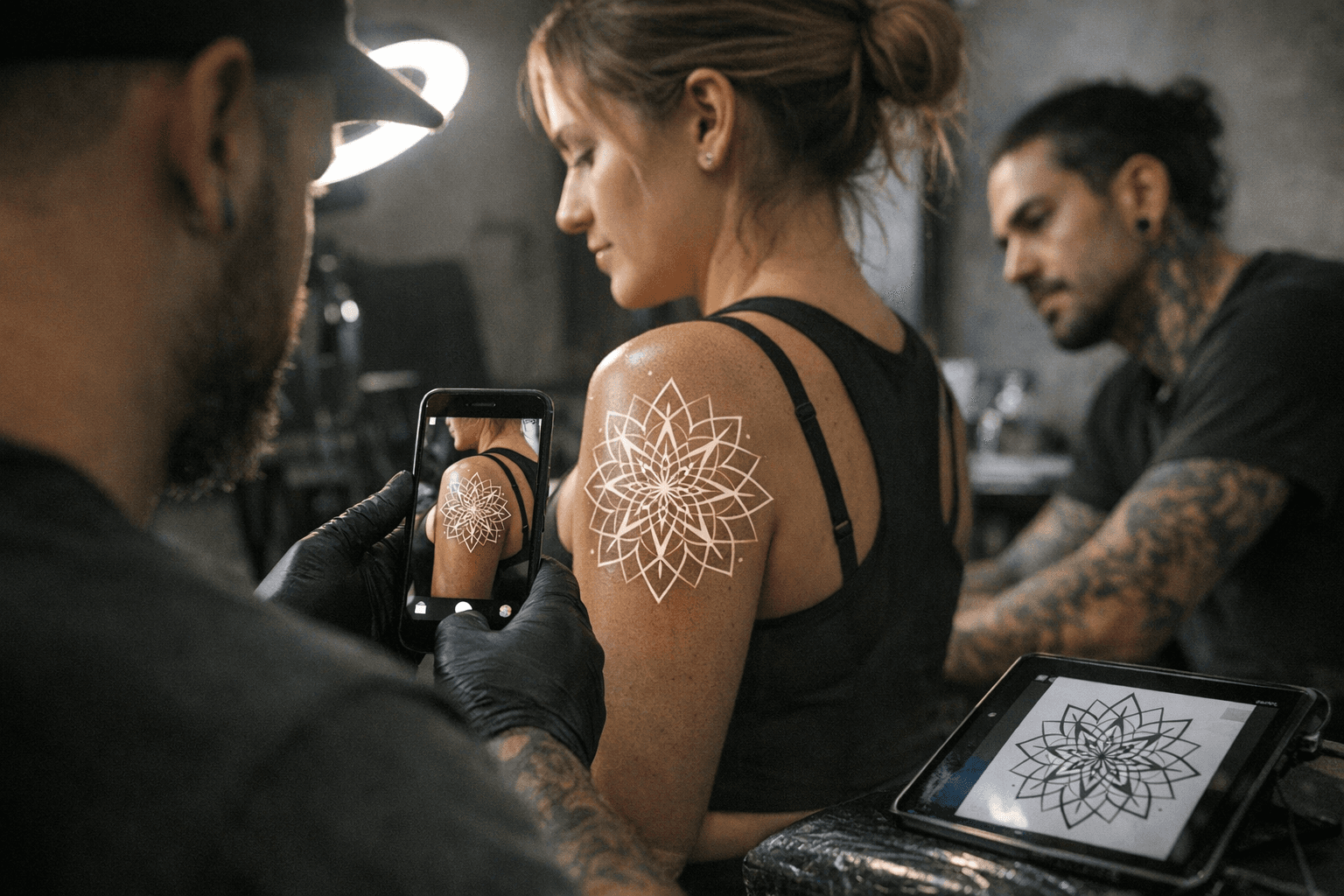
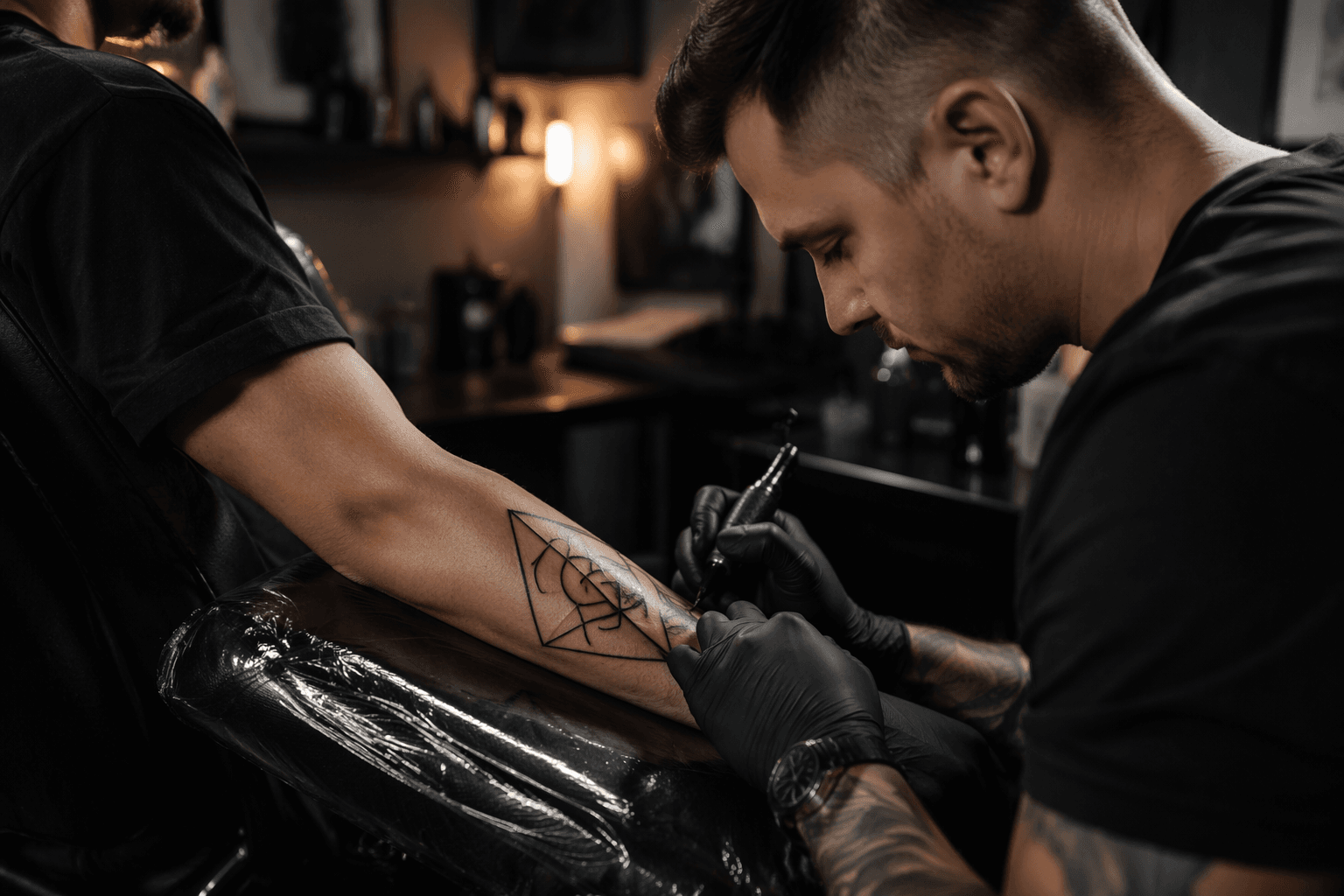
Getting a client to approve a geometric sleeve concept used to mean hours of hand-drawn mockups, printed reference sheets pinned to a studio wall, and a lot of educated guessing about how a Metatron's Cube would actually read across a shoulder blade. Ink AI collapses that back-and-forth into a real-time preview session, and a recent deep-dive by the AIChief team spells out exactly where the app earns its place in a professional workflow and where it falls short.
What the app actually does
Ink AI runs on iOS, Android, and through a web browser, which means a client can pull it up on their phone in the consultation chair or you can demo it on a studio tablet without any compatibility drama. The core feature is a real-time virtual try-on powered by AR body-mapping: point a camera at the placement area, select a style, and the generated design renders over the skin in real time. For geometric work specifically, that means a client can finally see whether a proposed mandala reads as a tight forearm piece or needs to scale up to fill a thigh panel.
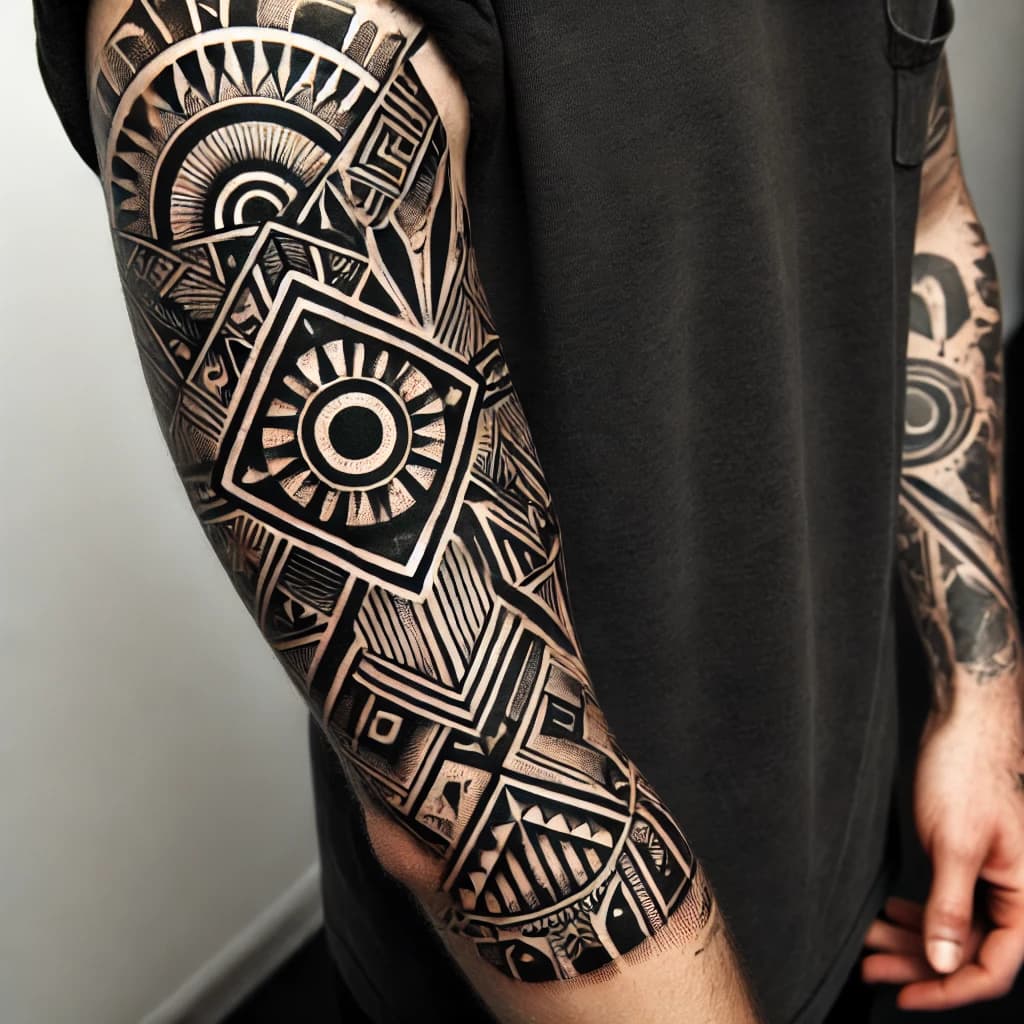
The style library covers 30 presets, including fine-line, tribal, geometric, watercolor, and dotwork, which covers the full range of what geometric and sacred-geometry specialists are typically fielding. High-resolution exports are available for sharing or importing directly into design software, which is where the artist's real work begins.
The honest limitation: these outputs are not stencil-ready
The AIChief team is direct about the app's ceiling. Their verdict frames Ink AI as a "problem-solving tool," not a finished-design machine. That distinction matters enormously for geometric work, where a half-millimeter inconsistency in line weight or a compressed negative space can throw off the entire radial composition once it heals.
The review flags three specific technical issues that geometric tattoo artists will recognize immediately:
- Line thickness: AI-generated line weights don't account for how ink spreads in skin. A 0.3mm rendered line may need to become a 0.5mm needle pass to survive healing without blowout.
- Negative-space relationships: The contrast ratios that look balanced on a screen compress differently on living skin, especially across curved anatomy. Dot clusters that read as open on a phone preview can close up over time.
- Dot density: Dotwork shading generated by the AI often packs dots tighter than skin can hold cleanly, particularly on areas with thinner dermis.
None of this makes the tool useless. It means the AI output is a scaffold, not a blueprint.
A workflow that actually holds up in practice
The AIChief review recommends a three-stage studio process that maps cleanly onto how experienced geometric artists already operate:
1. Use the AI mockup for client alignment and placement approval. Run the AR preview during the consultation to lock down size, orientation, and body placement.
This is where the tool saves the most time: a client who can see a geometric sternum piece rendered on their actual anatomy will commit to a placement decision with far more confidence than one looking at a flat reference image.
2. Export the high-res file and rework it in vector or stencil software. This is the non-negotiable step for geometric work.
Take the AI's compositional idea, pull it into Procreate, Illustrator, or a dedicated stencil program, and manually correct line weights, symmetry locks, and dot spacing. The AI gives you the geometry; the artist gives it the structural integrity to survive the needle and the healing process.
3. Run a small test patch in the first session. Before committing to a full geometric build-out, confirm one or two short line segments or a small dotwork patch and assess how the client's skin responds.
Ink spread, skin texture, and elasticity vary enough between clients that this step protects both the artist's reputation and the client's outcome.
This workflow treats Ink AI the same way any disciplined artist treats a digital reference: as a communication tool and a starting point, not a final deliverable.
Why AR body-mapping changes the placement conversation
For geometric and sacred-geometry work, placement isn't just aesthetic preference. Radial symmetry reads completely differently on a flat bicep versus a rounded shoulder cap, and a piece designed with straight-line symmetry can look torqued or distorted once it wraps a curved surface. The AR body-mapping in Ink AI lets both artist and client test those spatial relationships before committing.
This is a meaningful shift in the consultation dynamic. Instead of asking a client to imagine how a flower of life mandala will scale from a 4x4-inch reference printout to their actual ribcage, you can show them. That reduces mid-session second-guessing, limits the number of stencil repositions, and tends to produce clients who are more settled by the time the machine turns on.
Protecting your studio: the intake form question
The AIChief review raises a practical business point that most artists haven't formalized yet. If you're using AI-generated mockups as part of the client consultation, your intake forms should explicitly state that AI-generated designs will be adapted by the artist and that additional design time may be billed accordingly.
This matters for two reasons. First, it protects the artist's labor: reworking an AI scaffold into a stencil-safe geometric composition can take as long as drawing the piece from scratch, and clients who don't understand that tend to push back on design fees. Second, it clarifies IP ownership. A client who paid for an AI preview through a studio session has not purchased a finished design. That line, stated plainly in writing before the consultation begins, prevents disputes down the road.
Where Ink AI fits in the geometric tattooist's toolkit
The app doesn't replace the drafting work that makes geometric tattooing precise. It doesn't handle the math behind true radial symmetry, it can't predict how a dotwork gradient will look six months post-heal, and it won't tell you whether a design is actually executable with the needle configuration you're running. What it does well is compress the back-and-forth of early-stage client communication, particularly around size and placement decisions that would otherwise eat consultation time or require multiple stencil prints.
For artists who've been burned by clients who approved a stencil placement on paper and then changed their minds mid-session, that's a real problem solved. And for clients who struggle to visualize scale and placement from flat references, the AR preview closes a gap that no amount of verbal description can bridge.
The AIChief team's framing is the right one: treat Ink AI as a complementary tool in a workflow that still demands skilled human judgment at every technical stage. Use it to align, then rework, then test. That sequence protects the design, the client, and the artist's reputation for work that holds up on skin the way it looked on screen.
This article was produced by Prism’s automated news system from verified source data, official records, and press releases, then run through automated quality and moderation checks before publishing. The system is built and supervised by the people who set the standards it runs under. Read our full AI policy.
Did this article answer your question?