HyperX Aqua Switches Reviewed: Tactile Performance in the Alloy Origins Core
HyperX's Aqua tactile switches draw fresh attention in the Alloy Origins Core, where their bump character sets them clearly apart from the linear Red variant.
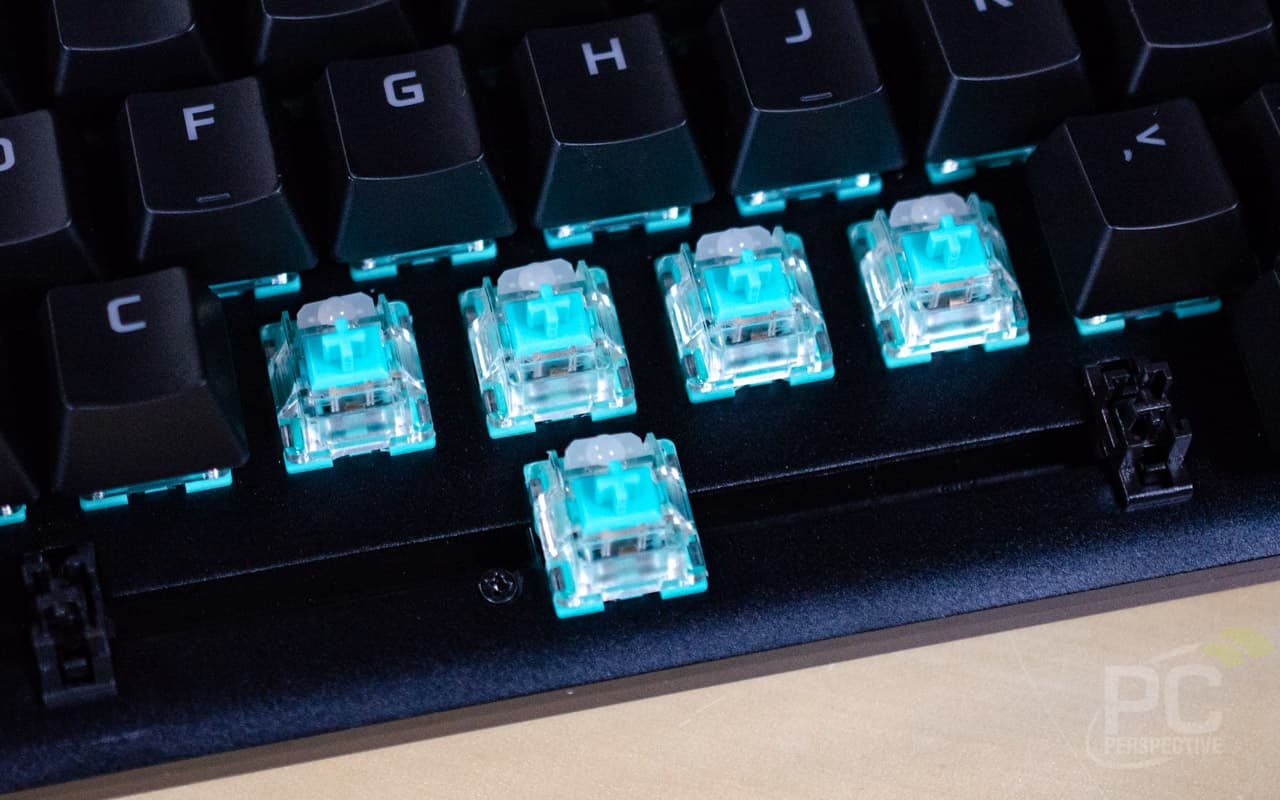
If you've been watching HyperX's switch lineup and wondering whether the Aqua is worth picking over the Red, the Alloy Origins Core TKL is where that question gets its most direct answer. Recent aggregated impressions highlight the tactile character of the HX Aqua as the defining reason to choose this board, and once you understand what the Aqua is doing differently, the choice becomes a lot clearer.
What the HX Aqua actually is
The HX Aqua is HyperX's tactile switch, and that single word, tactile, is the whole story at the switch level. Where the HX Red is a linear, meaning smooth travel from top to bottom with no physical feedback event, the Aqua gives you a bump you can feel as the key actuates. This is the core distinction that recent coverage emphasizes: the Aqua's tactile character versus the Red's linear feel. For typists and gamers who rely on that bump to know a keypress registered without bottoming out every stroke, the Aqua is the more deliberate, feedback-rich choice. Amazon's product listing positions the Aqua-equipped Alloy Origins Core as "ideal for competitive players," which makes sense if those players want confirmation of actuation rather than a silent slide to the bottom of the switch.
One honest caveat: the specific numeric specs for the HX Aqua, actuation force in grams, actuation point in millimeters, total travel distance, tactile bump position and force, and rated keystroke lifespan, were not available in the source materials reviewed here. HyperX describes the actuation force and travel distance as "elegantly balanced for responsiveness and accuracy," which is marketing language worth taking at face value only as a general design intent. Before buying purely on feel expectations, it's worth tracking down HyperX's official spec sheet to confirm the numbers match what you want from a tactile switch.
The Alloy Origins Core as a platform
The HX Aqua doesn't exist in isolation here. It's seated in the Alloy Origins Core, and the board itself is a legitimate part of the value proposition. HyperX describes it as "an ultra-compact, sturdy tenkeyless keyboard featuring custom HyperX mechanical switches designed to give gamers the best blend of style, performance, and reliability," and the hardware details back that up in meaningful ways.
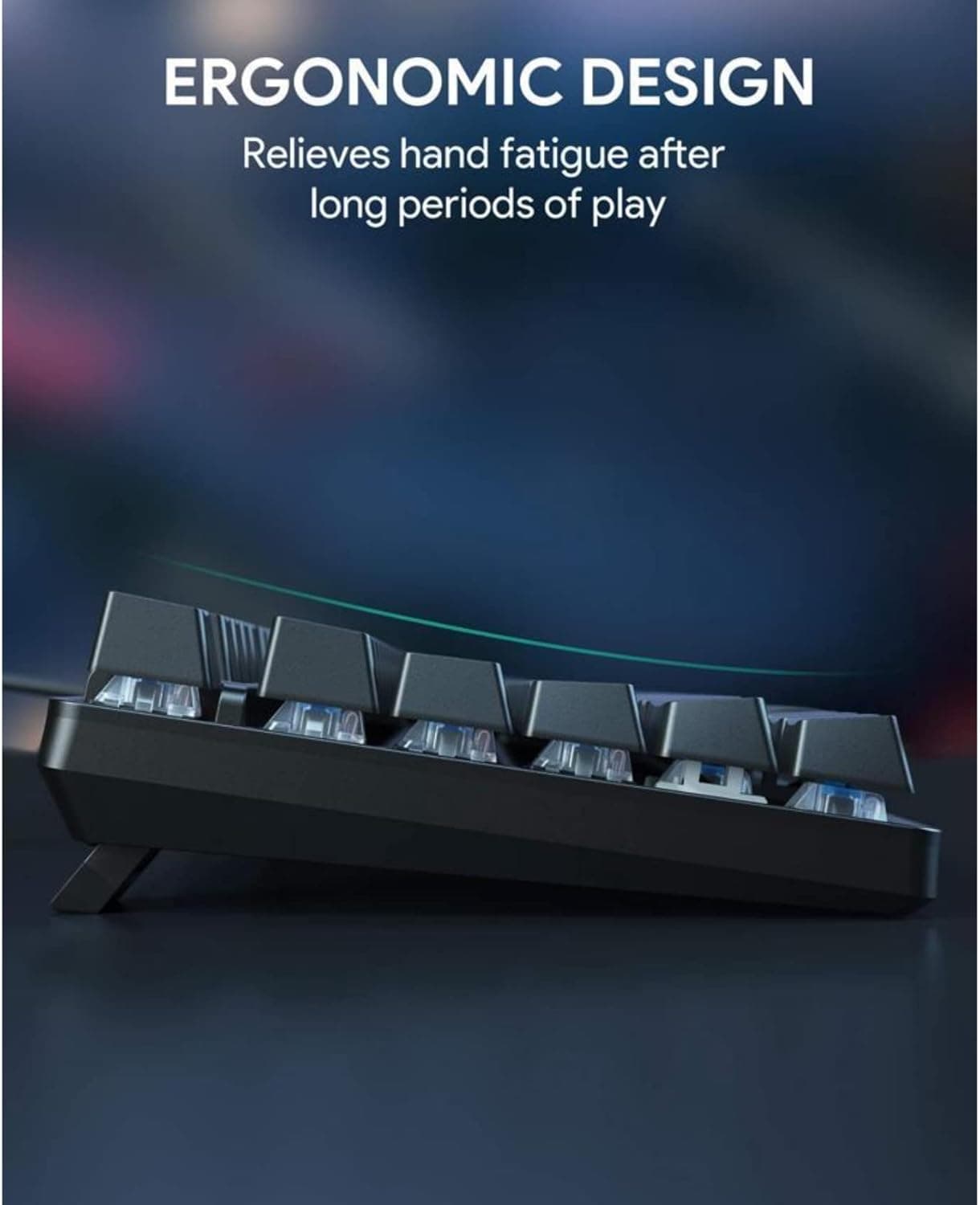
The full aluminum body is the most immediately noticeable build choice. HyperX's claim that it "stays rigid and stable when keystrokes are flying" reflects something real about aluminum-bodied boards: they don't flex or rattle the way plastic chassis keyboards do, and that rigidity affects how the switches feel underhand. A stiffer deck generally makes a tactile bump feel more defined because there's no chassis flex absorbing part of the feedback. The Alloy Origins Core also offers three different tilt levels via its keyboard feet, which matters if you're switching between low, medium, and high typing angles depending on your desk setup or wrist preference.
The TKL form factor is the other key feature. Dropping the numpad frees up real estate on your desk, which directly affects how much room you have for mouse movement, a legitimate consideration if you game at lower DPI. HyperX's own product copy frames it plainly: "Its compact TKL design frees up space for mouse movement in desktop setups where space is at a premium."
Lighting and the exposed LED design
The Aqua variant of the Alloy Origins Core uses exposed LEDs, which is worth understanding if RGB output matters to you. Exposed LEDs sit above the PCB and shine directly up through the keycap legends rather than being diffused behind a housing. The result is generally brighter, more direct lighting at the cost of some light uniformity under the keycap. HyperX calls it "stunning lighting," and while that's promotional language, the exposed LED design on aluminum-bodied boards does tend to produce vivid per-key illumination.
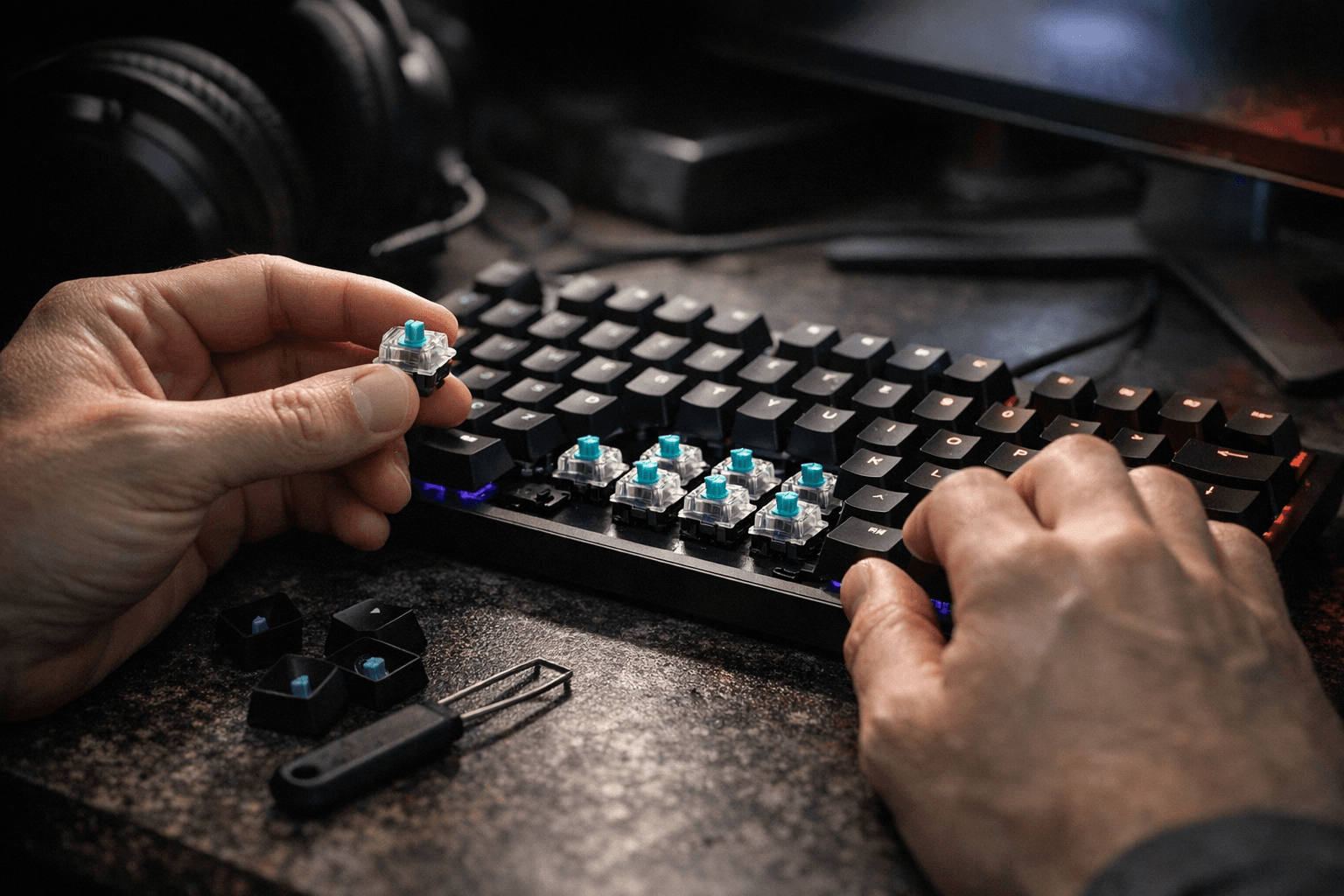
All of that lighting is controlled through HyperX NGENUITY Software. The Alloy Origins Core is NGENUITY-compatible, meaning you can set per-key lighting colors, layer effects, craft macros, and toggle Game Mode from within the software. HyperX describes NGENUITY as "powerful, yet easy-to-use," and relative to some of the denser lighting suites in this space, that reputation is reasonably earned. If you're already in the HyperX ecosystem, with something like the Pulsefire Core wired gaming mouse or the Cloud Stinger Core headset also listed alongside the Alloy Origins Core at retail, NGENUITY unifies control across compatible devices in a single interface.
Aqua versus Red: what the comparison actually tells you
The most useful framing from recent coverage is the direct comparison between the Aqua and the Red variant of the same board. HyperX sells the Alloy Origins Core in both configurations, so you're making a deliberate choice between a tactile and a linear switch on otherwise identical hardware. The coverage emphasizes the tactile character of the Aqua switches specifically by contrasting them with the Red, which is the cleanest possible apples-to-apples setup.
Linear switches like the Red suit players who want the fastest possible keystroke with no bump interrupting the travel, particularly in gaming scenarios where rapid repeated presses matter and tactile feedback could theoretically slow or disrupt rhythm. Tactile switches like the Aqua suit players who benefit from physical confirmation of actuation: touch typists who don't want to bottom out, gamers who want deliberate key registration feedback, and anyone transitioning from buckling spring or Cherry MX Brown territory. The Alloy Origins Core makes this an easy comparison because the chassis, weight, layout, and software are identical across both variants. Your switch preference is the only variable.
Portability and the detachable USB-C cable
The detachable USB-C cable is a practical detail that gets undersold in most board reviews. On a TKL that you might move between a home desk and a LAN setup, a fixed cable is a liability: it snags, it stresses the PCB connector, and it makes transport messier. The Alloy Origins Core's detachable USB-C cable removes all of that. You store or transport the board bare, pack a short cable, and connect at the destination. HyperX calls this "supreme portability," which overstates it slightly, but the functional benefit is real.
The bottom line on the HX Aqua in this board
The Alloy Origins Core with HX Aqua switches is a coherent package. The aluminum chassis gives the tactile bump somewhere to land without chassis flex muddying the feedback. The TKL layout keeps the footprint tight. The detachable USB-C cable makes it genuinely portable. NGENUITY handles per-key RGB and macro configuration without requiring you to navigate a labyrinthine software suite.
What the current coverage doesn't resolve is the granular spec picture. Actuation force, travel distance in millimeters, and keystroke lifespan are the numbers that separate a well-tuned tactile from a mediocre one, and those figures need to come directly from HyperX's official documentation before you can compare the Aqua rigorously against Cherry MX Brown, Gateron Brown, or Topre alternatives. The tactile character is confirmed; the precise engineering behind it still needs its own verification pass. For a board at this positioning, that transparency from HyperX would do more to justify the Aqua than any marketing description of switches being "elegantly balanced" ever could.
This article was produced by Prism’s automated news system from verified source data, official records, and press releases, then run through automated quality and moderation checks before publishing. The system is built and supervised by the people who set the standards it runs under. Read our full AI policy.
Did this article answer your question?