LongFast can bottleneck growing Meshtastic meshes, experts warn
Meshes with 60+ nodes can outgrow LongFast, and the fix may be a preset change before you add more hardware.
Messages arriving late, stacking up, or failing to clear cleanly are the sign that LongFast deserves scrutiny before the radios do. TheBentern, Meshtastic’s Device Firmware Development Lead, frames the issue as a preset problem first, not a hardware problem, and Meshtastic files the discussion under optimization.
When LongFast becomes the bottleneck
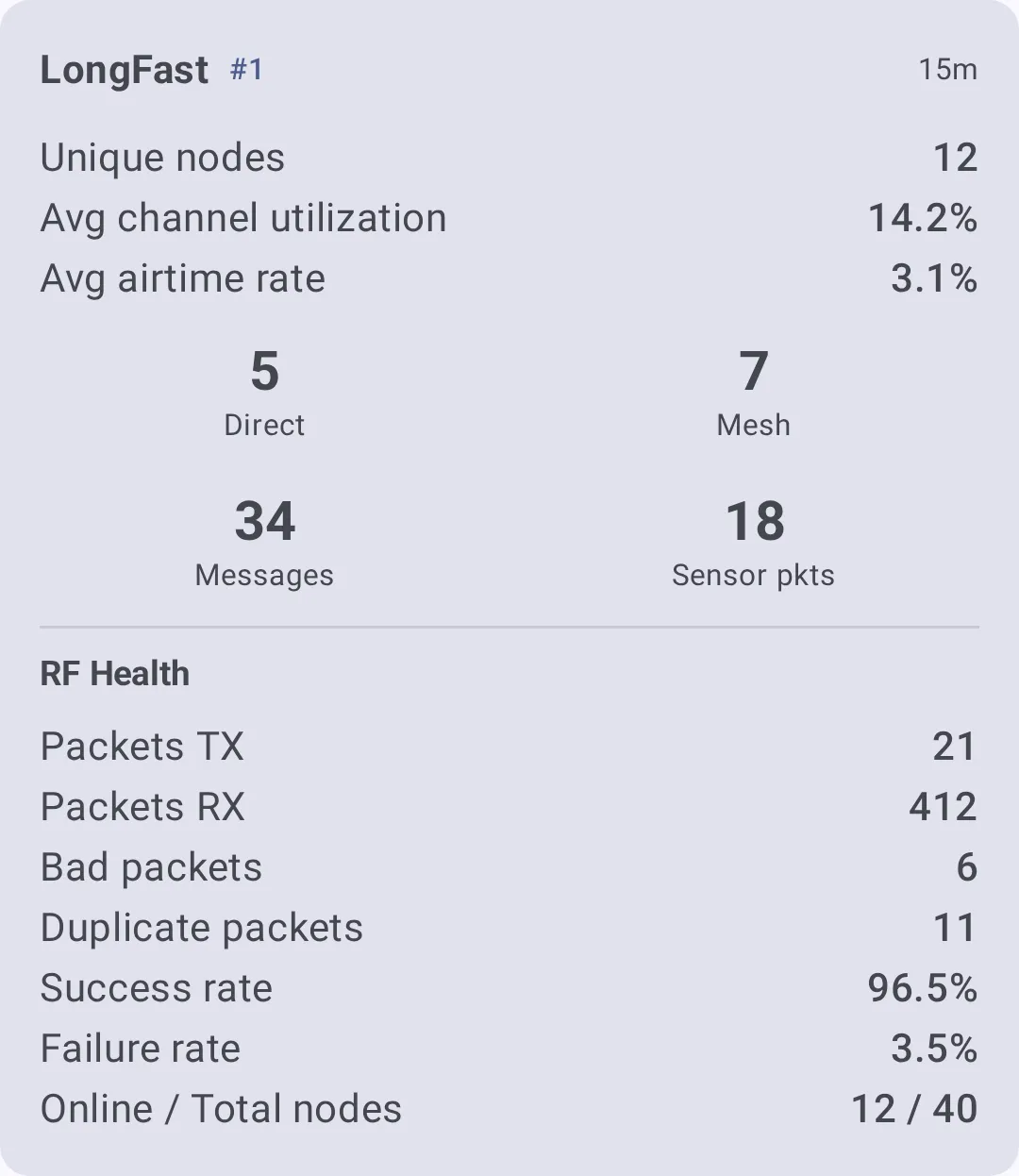
LongFast is convenient because it is the default and it works well for small, sparse networks. The trouble starts when the mesh gets busier and the same airtime has to carry more traffic, acknowledgements, and retries. In that situation, operators start seeing delayed delivery, congestion, inconsistent acknowledgements, and the familiar feeling that the network is “sticky.”
That is the practical clue: if the mesh feels like it is spending too long carrying traffic that should have cleared already, LongFast no longer fits the job. Meshes of 60+ nodes and high traffic are the point where LongFast is outgrown.
What is actually changing when you change the preset
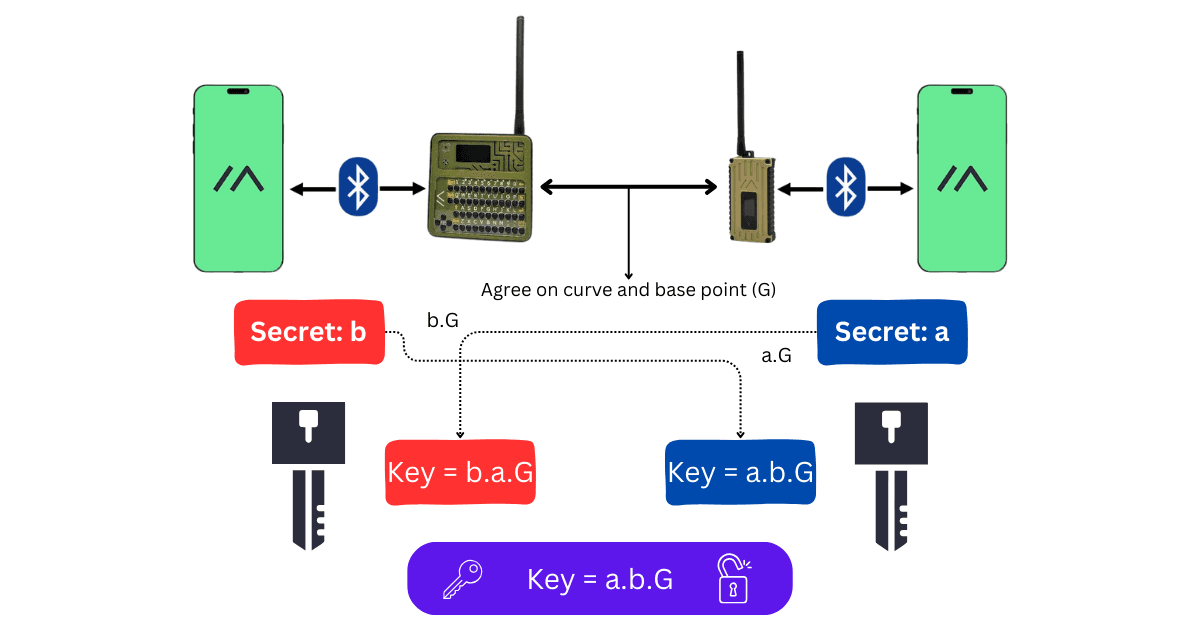
Meshtastic’s LoRa configuration is built around matching settings, not improvising on the fly. Devices within a mesh must have identical Region and Modem Preset settings, or identical custom modem settings, to communicate fully. That means preset choice is not just a performance tweak, it is part of network compatibility.
The preset also affects the way the radio spends airtime. Preset choice changes bandwidth, spread factor, and coding rate, which is why two radios with the same chipset can behave very differently depending on how the preset is tuned. In a small, casual mesh, LongFast can be a sensible default; in a larger deployment, that same timing profile can become the thing holding throughput back.
When to switch, and what to switch to
The right moment to move away from LongFast is when the mesh size and traffic pattern no longer match the preset’s comfort zone. A small group in the woods, a neighborhood emergency mesh, and a larger community deployment do not need the same balance of reach and responsiveness. If you are seeing congestion before you are seeing coverage problems, a preset change is often the cleaner first move.
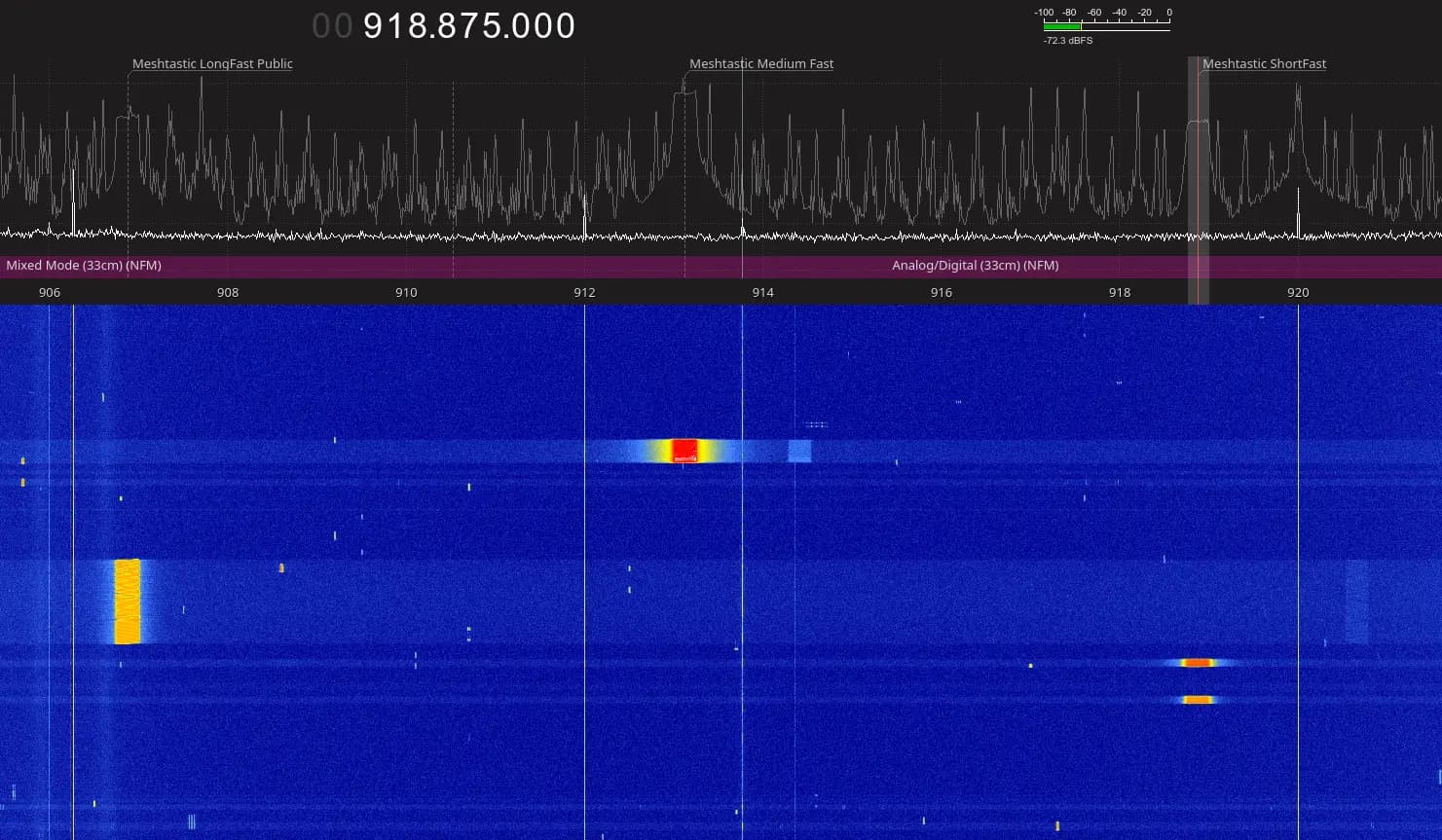
Medium Fast is one of the common alternatives. Mesh Brisbane’s wiki sets the frequency slot to 45 when switching to MEDIUM_FAST, and recommends hop limits of 5 for city and central areas, and 7 for coasts, Ipswich, and NSW. ESTMesh has tested Medium Fast as well, and packets can be forwarded between Medium Fast and LongFast if a Medium Fast bridge is available in the MQTT broker.
Test the change without fragmenting the mesh
The biggest mistake is to flip settings across the whole network at once and then wonder why half the nodes stop talking cleanly. Because devices need matching Region and Modem Preset settings, a preset change should be treated like a network migration, not a casual toggle. Start by identifying a subset of nodes that can be isolated safely, then verify that the new preset behaves the way you expect before expanding it.
A bridge strategy is the safest way to avoid fragmentation. ESTMesh’s MQTT bridge example shows one path: keep LongFast alive on one side while a Medium Fast bridge carries traffic between the two until the rest of the network catches up. That lets you compare message timing and congestion without cutting off the existing mesh.
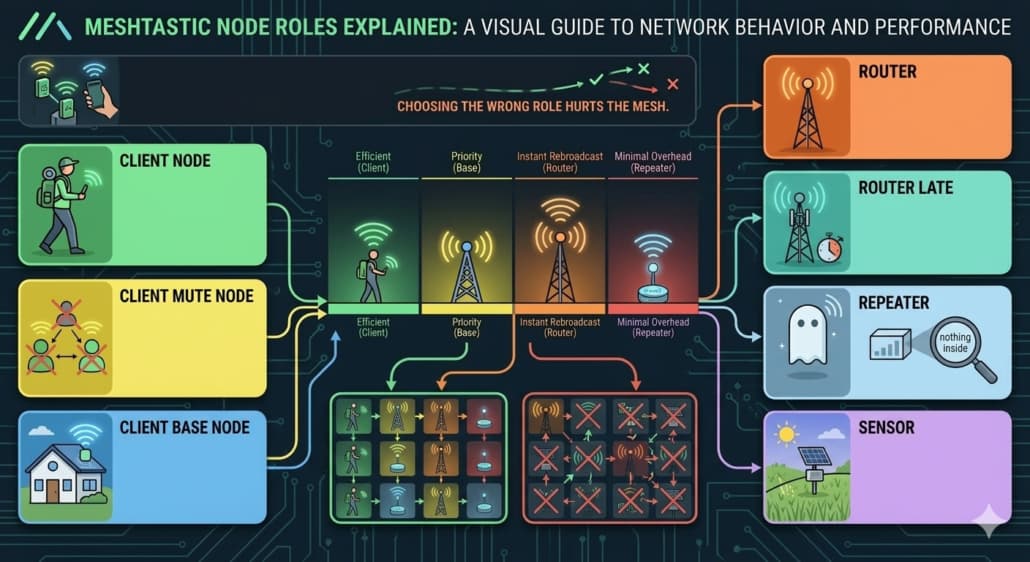
Before you roll the change wider, keep the device roles conservative. Meshtastic strongly recommends staying with CLIENT, CLIENT_MUTE, or CLIENT_BASE unless you have a specific reason not to. Role creep can make troubleshooting harder just when you need the network to stay predictable.
- Verify the Region first, then the Modem Preset or custom modem settings.
- Change only a small cluster at the start, not every node at once.
- Watch for delivery delay, congestion, and acknowledgement behavior before expanding.
- Use an MQTT bridge if you need LongFast and Medium Fast to coexist during the transition.
A sensible rollout looks like this:
Do not treat range complaints as antenna complaints by default
Meshtastic is not LoRaWAN, Helium, or TTN. It uses the full spectrum frequency range designated to LoRa technology for each region, and in the United States region there are several hundred possible frequency channels. That matters because what feels like a coverage problem can actually be a channel-management problem, a preset problem, or both.
The preset, the region, the frequency slot, and the node role all shape real-world behavior.
Why the LongFast debate keeps resurfacing
TheBentern’s post sits under Meshtastic’s optimization tag, and the community now treats LongFast as one option among several rather than a universal default.
This article was produced by Prism’s automated news system from verified source data, official records, and press releases, then run through automated quality and moderation checks before publishing. The system is built and supervised by the people who set the standards it runs under. Read our full AI policy.
Did this article answer your question?