Meshtasticator lets users simulate LoRa mesh networks before deployment
Meshtasticator helps you test node placement, terrain, and mesh topology before you buy hardware or mount radios, cutting guesswork on coverage, relays, and airtime.
Before you mount a radio on a rooftop or order a stack of extra nodes, Meshtasticator gives you a cheaper way to find out whether your layout will actually work. Meshtasticator is a discrete-event and interactive simulator for Meshtastic, and the discrete-event mode mimics the radio section of the device software. That makes it a deployment-planning tool first, because the decisions it helps you make are the ones that cost time and money in the field.
Why simulation belongs in your setup plan
Meshtastic networks live or die on physical conditions, not just firmware settings. Hills, buildings, moving users, and changing node density all affect how messages move through a mesh, which is why a simulator matters before you commit hardware to a location. In practice, that means you can model sparse rural coverage, a dense neighborhood mesh, or a group of moving clients without guessing how the network will behave once the radios are installed.
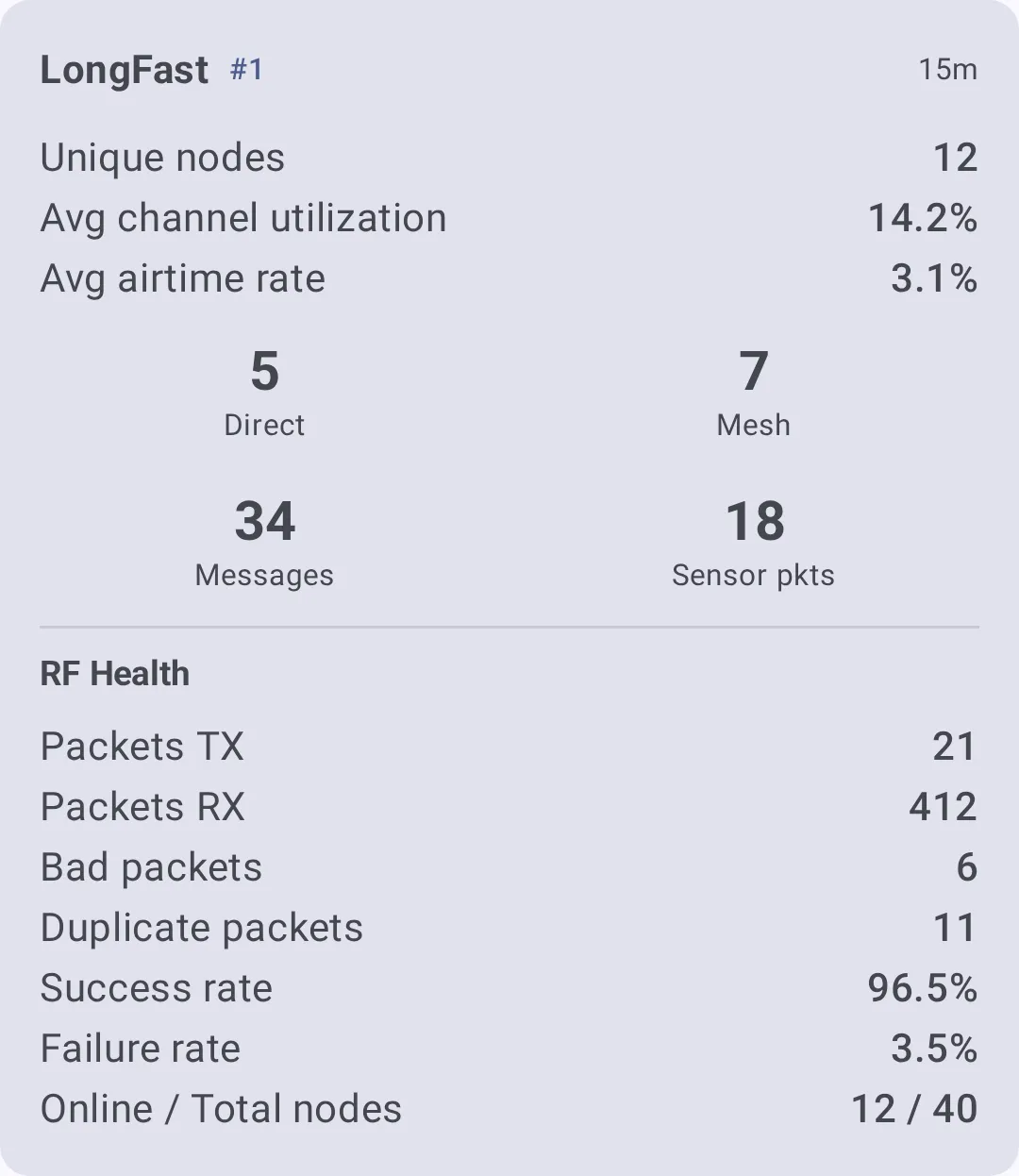
The value is in the questions it answers early. You can see how message flow changes when nodes are mobile, how sensitive the network is to relay count, what happens when airtime gets crowded, and where scalability starts to break down. That is a much better stage to discover a weak topology than after you have already mounted antennas, tuned radios, or spent money on a node that does not change coverage the way you expected.
What Meshtasticator actually simulates
Meshtasticator is not a general-purpose mesh sketchpad. Its discrete-event simulator mimics the radio section of the device software, which keeps the focus on packet flow and network behavior rather than on a pretty map. The companion interactive simulator gives you a more hands-on way to experiment, which is useful when you want to explore scenarios visually or tune settings while you watch the network react.
Meshtastic has separate usage guides for the discrete-event simulator and the interactive simulator, which shows that these are treated as distinct workflows. The Meshtasticator GitHub repository uses the same description, “Discrete-event and interactive simulator for Meshtastic,” and the repo structure reinforces that split with files such as DISCRETE_EVENT_SIM.md and loraMesh.py. The issue tracker includes an issue titled “InteractiveSim.py error on macOS,” a sign that people are actively testing the interactive side on actual platforms.
Three decisions you can make before deployment
Backyard coverage
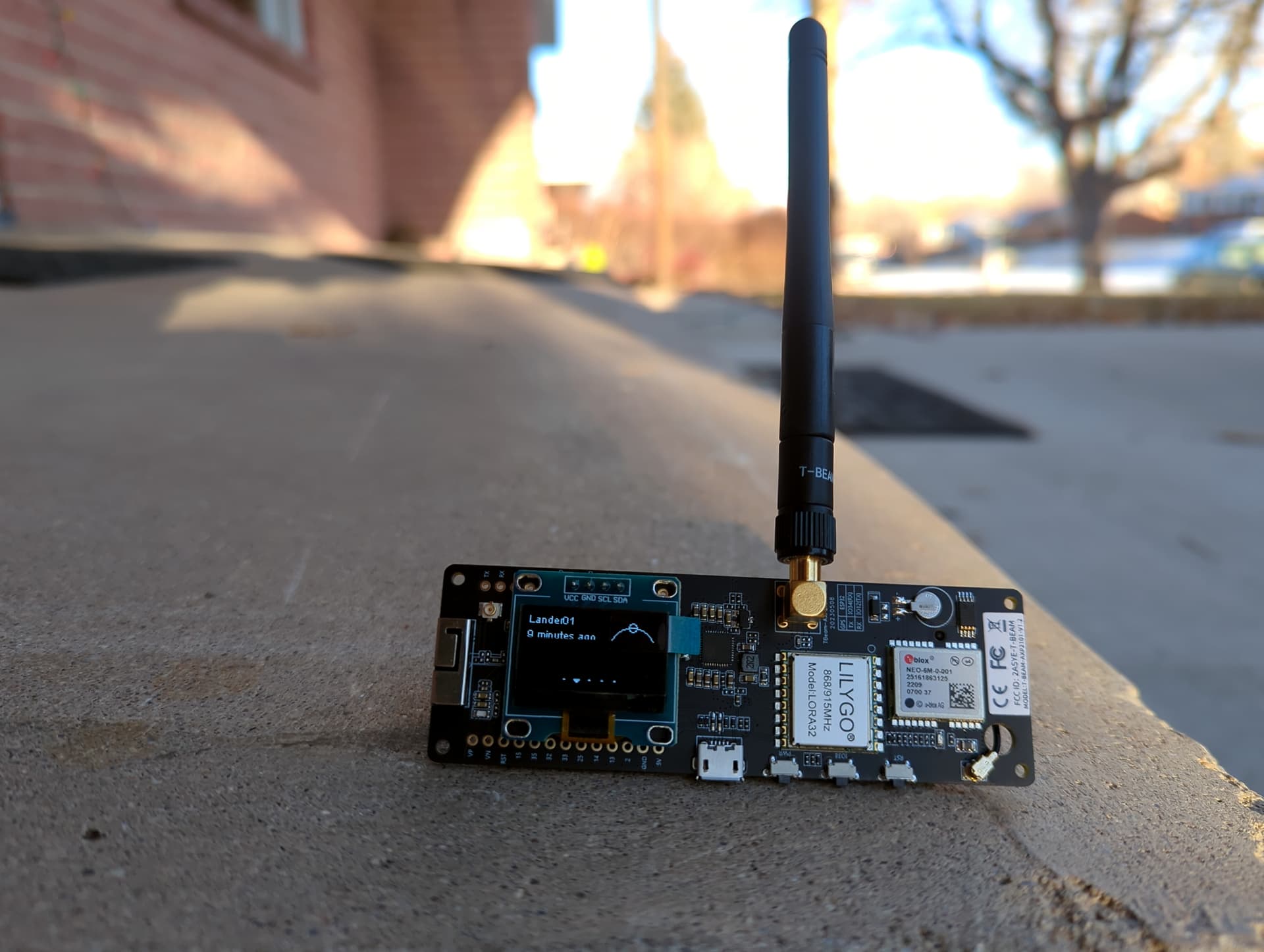
If you are trying to cover a yard, patio, shed, or workshop, Meshtasticator helps you test whether a single node is enough or whether you need a second relay to fill dead spots. You can use the simulator to compare placements before you drill a mount or buy another board, then see whether the added node actually changes message flow or just adds another device to maintain. That is especially useful when your backyard is not flat or when the house itself sits between where you stand and where the mesh needs to reach.
Neighborhood relay planning
Neighborhood meshes are where node placement gets expensive fast. Meshtasticator helps you think through how many relays you really need, where they should sit, and whether a few well-placed infrastructure nodes do more for coverage than scattering clients everywhere. It also gives you a way to test how a busier mesh behaves when more people are talking at once, which matters if you are planning around shared airtime rather than assuming range alone will solve the problem.
Event or off-grid setup
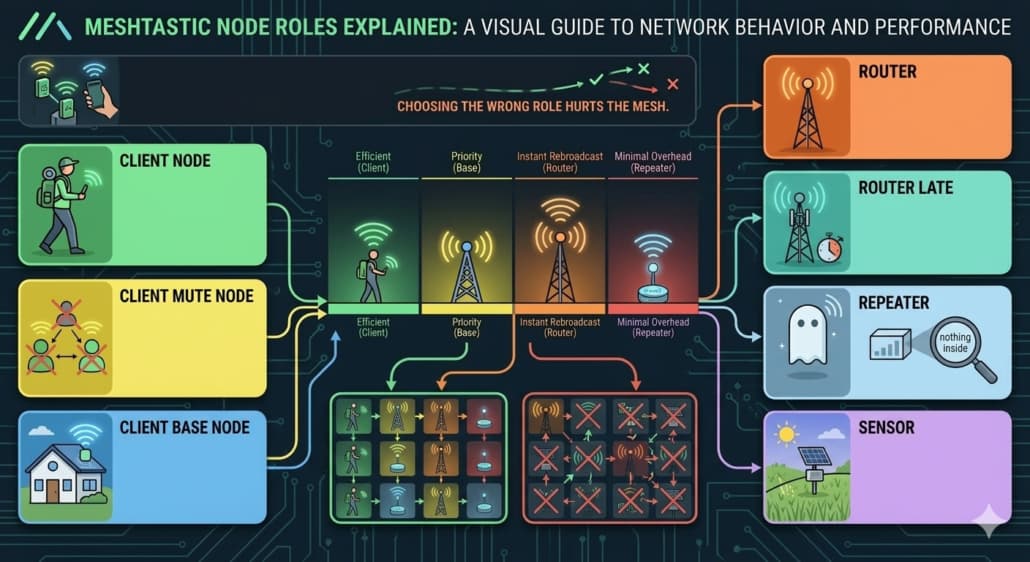
For a trail meet, festival, field day, or other temporary deployment, the simulator gives you a fast check on whether your topology can handle movement and short-lived traffic bursts. You can use it to decide which nodes should stay clients and which should be infrastructure, then adjust the relay plan before anyone arrives on site. That is the kind of planning that keeps an off-grid mesh from turning into a pile of radios that all hear each other poorly and repeat too much.
How the Site Planner fits beside it
Meshtastic’s software index lists Meshtasticator alongside the Meshtastic Site Planner, and the two tools serve different parts of the same job. The Site Planner makes predictions of radio range that account for physics and terrain, which gives you a terrain-aware first pass before you dive into traffic behavior. Its workflow is simple and concrete: place a transmitter on the map, choose a device or tune the radio, then press Run Simulation.
Site Planner helps you think about where the radio can reach, while Meshtasticator helps you think about how the mesh behaves once those radios start talking to each other.
Where it fits in the Meshtastic ecosystem
Meshtastic is an opportunistic LoRa mesh, so it does not behave like a deterministic network where you can demand a route and expect perfect delivery. Shared airtime, low power, and uncertain topology are part of the design, and Meshtasticator helps you internalize those limits before you build around them. It is especially useful when you are tempted to overestimate range, lean too hard on one “perfect” repeater, or assume that more talkative nodes will somehow make the mesh healthier.
A separate third-party project called NHMesh Mesh Simulator visualizes a simulated mesh network to show how managed flood routing works, and it is not affiliated with Meshtastic. Meshtasticator is shaped for Meshtastic’s radio behavior and deployment decisions.
This article was produced by Prism’s automated news system from verified source data, official records, and press releases, then run through automated quality and moderation checks before publishing. The system is built and supervised by the people who set the standards it runs under. Read our full AI policy.
Did this article answer your question?