Meshtastic Chatter 2.0 clock sync fails on Windows 11 web client
A Chatter 2.0 node looked alive over USB and Bluetooth, but its clock stayed at 00:00 until Android fixed it first.

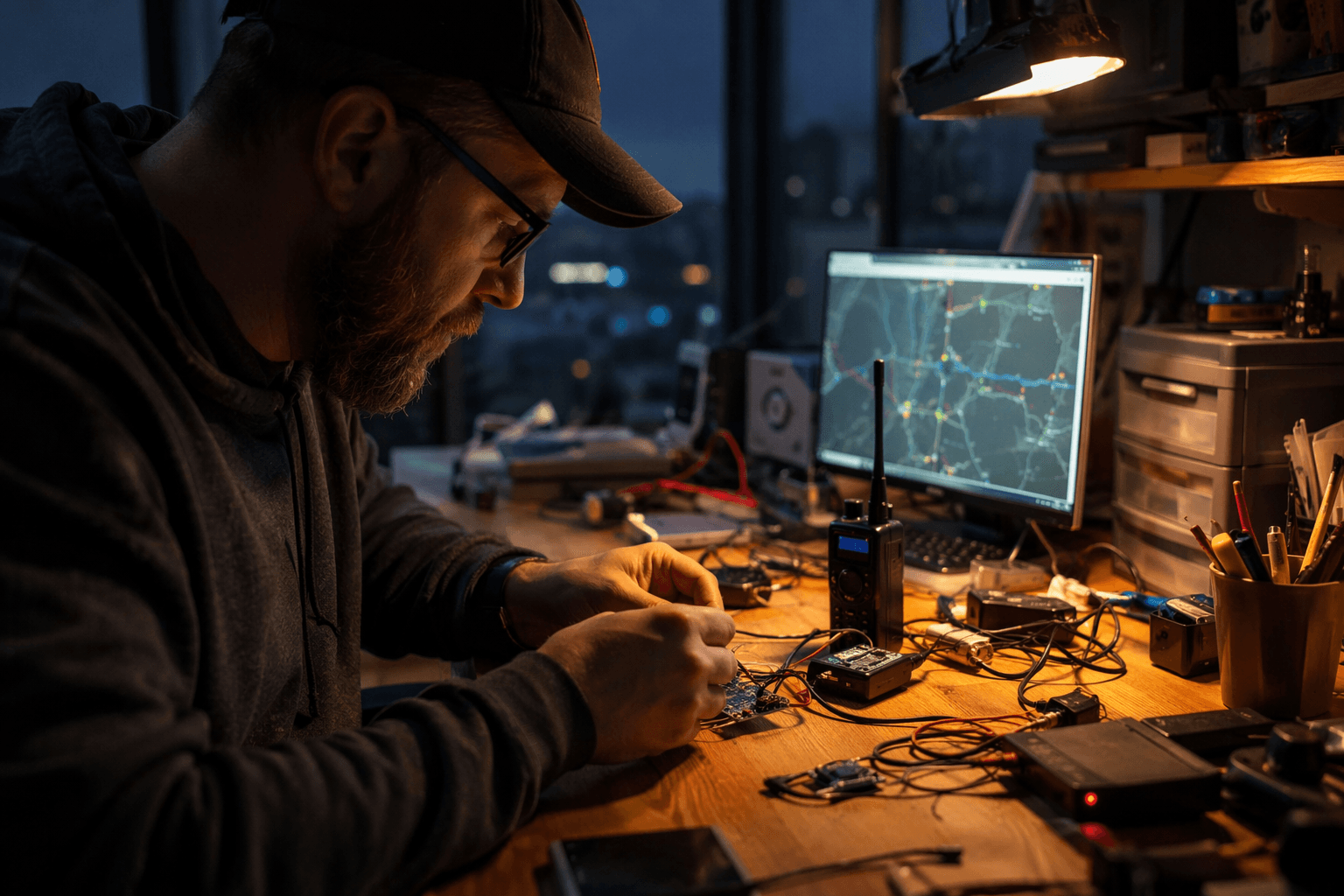
The Chatter 2.0 looked fine on the bench, then betrayed the kind of problem that only shows up when time matters. In Meshtastic Discussion #486, mynci90 said a Chatter 2.0 on Meshtastic v2.7.15, paired to a Windows 11 PC through Google Chrome, would not sync its clock over USB or BLE. The screen stayed at 00:00, and private-chat messages showed the sort of nonsense timestamps that make logs hard to trust, including Dec. 31, 1969.
What made the report useful was the workaround. mynci90 said the device snapped to the correct time only after it was connected first to the Android Meshtastic app over Bluetooth. After that, the PC browser path still seemed unreliable, which points to a sync gap in the client path rather than a dead radio or a total hardware failure. That distinction matters. A node can still pass packets and look healthy while its clock state is wrong enough to scramble message order, confuse field notes, and make incident timelines harder to reconstruct.
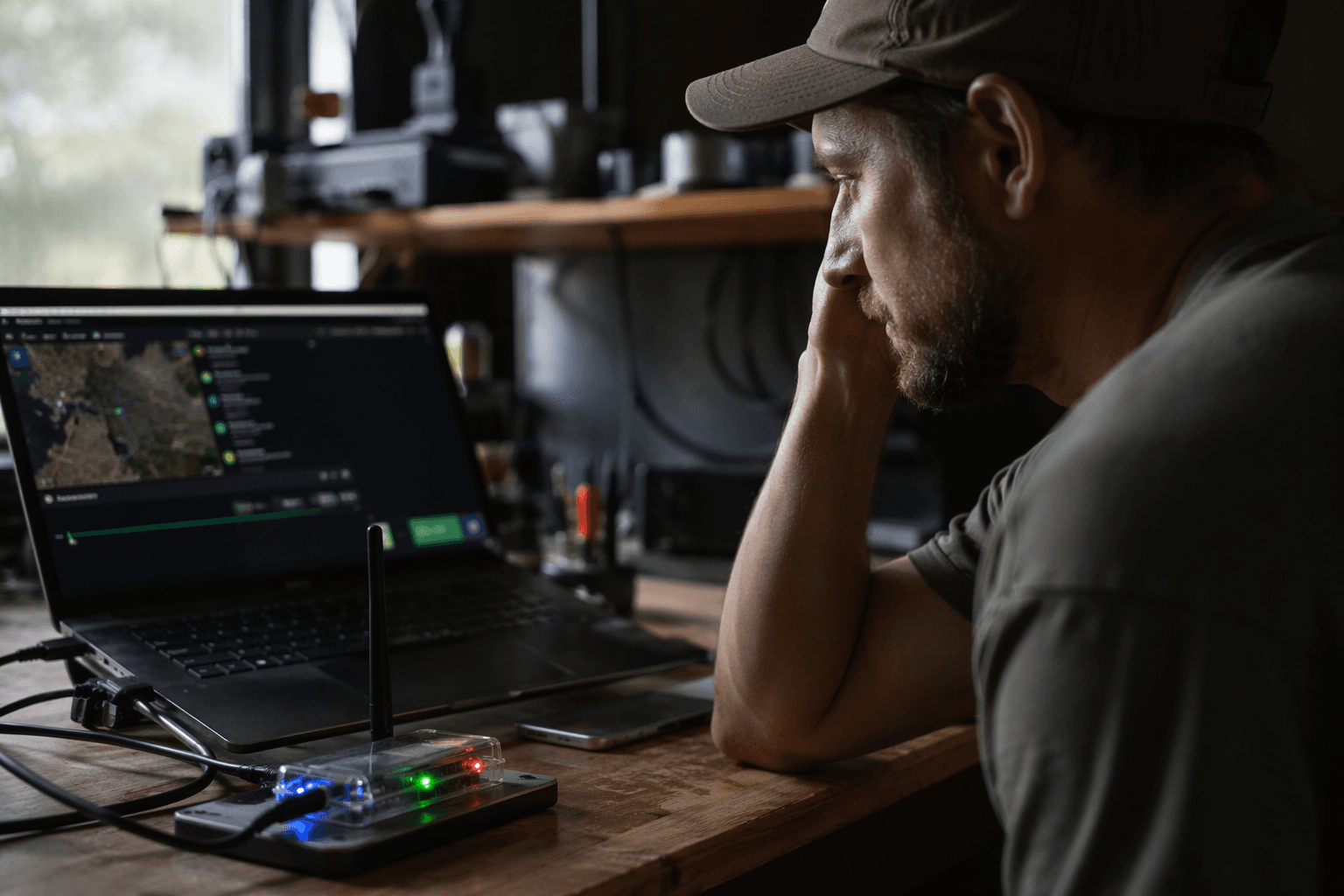
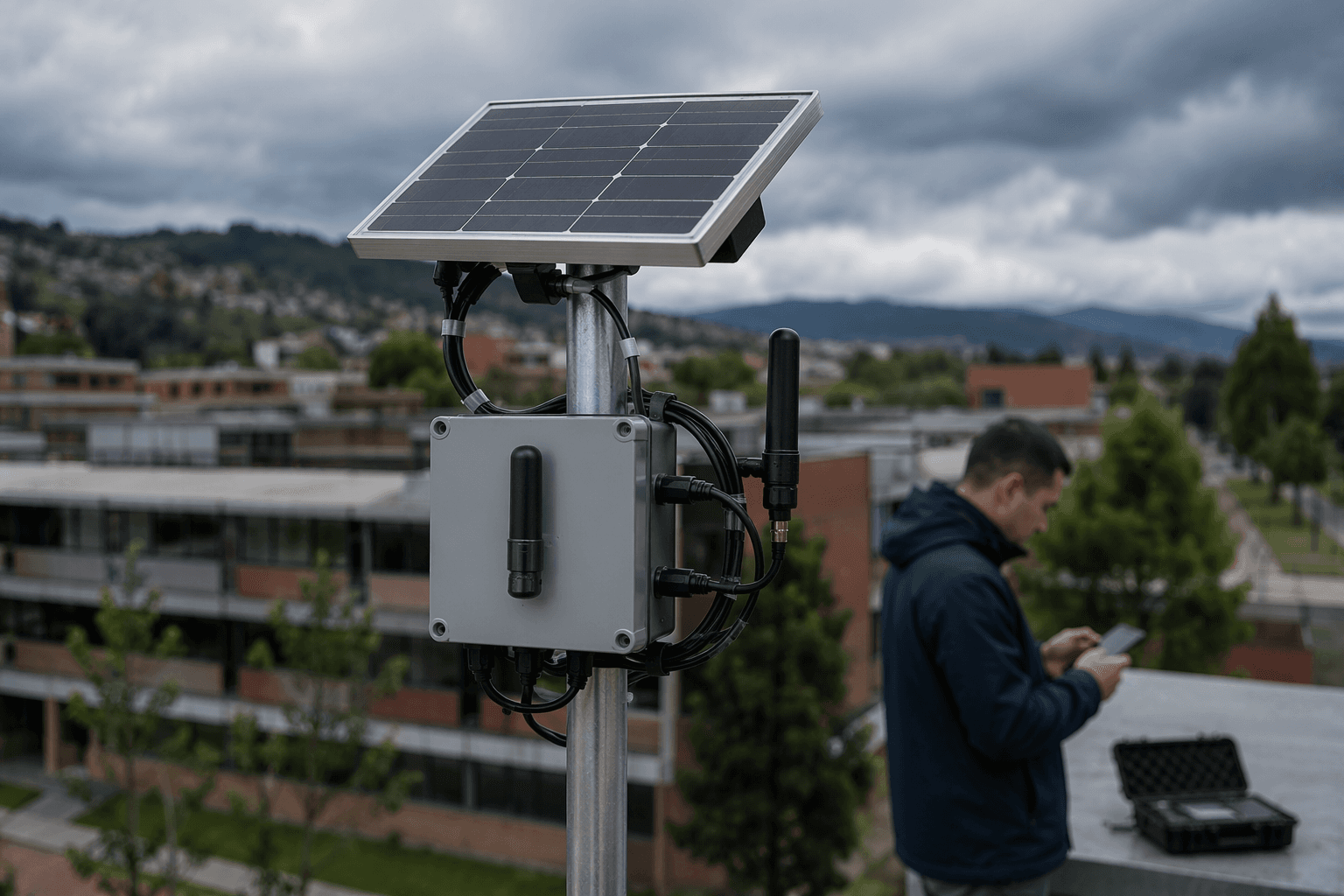
The broader Meshtastic docs explain why that kind of failure can hide in plain sight. Meshtastic’s web client runs in the browser at client.meshtastic.org, and the project recommends Chromium-based browsers such as Google Chrome or Microsoft Edge for the best experience. Even so, Meshtastic says some functionality is limited in some browsers. On the network side, the default NTP server is meshtastic.pool.ntp.org, but the system’s time behavior depends on the rest of the mesh too. Meshtastic says time calculations require at least one device on the mesh with GPS, an RTC, or internet access for NTP.
There is also a hardware-path wrinkle that can trip up anyone expecting one connection to behave like another. Meshtastic’s network docs say enabling Wi-Fi disables Bluetooth, and only one connection method works at a time. That makes standalone and intermittently connected devices more fragile than they first appear, especially when the user is hopping between browser, phone app, and local radio links.
This is not a brand-new class of failure. A 2021 Android issue also reported timestamps stuck around 1970 and 1969, and the maintainers first blamed the device before later saying the bug was in Android. A later issue added another caution: if hardware is using Wi-Fi and NTP, the app may not control device time at all. Meshtastic UI, the standalone touchscreen interface that began around early 2024 and reached an initial preview in early 2025, exists for exactly this world of off-phone use, but the Chatter 2.0 problem shows the same warning still applies. Time sync is not cosmetic; on a mesh node, it is part of whether the whole portable setup can be trusted at all.
Know something we missed? Have a correction or additional information?
Submit a Tip