Meshtastic guide helps builders choose better LoRa antennas
Meshtastic’s antenna docs push builders past guesswork, showing how band match, placement, and testing matter more than chasing the longest whip.
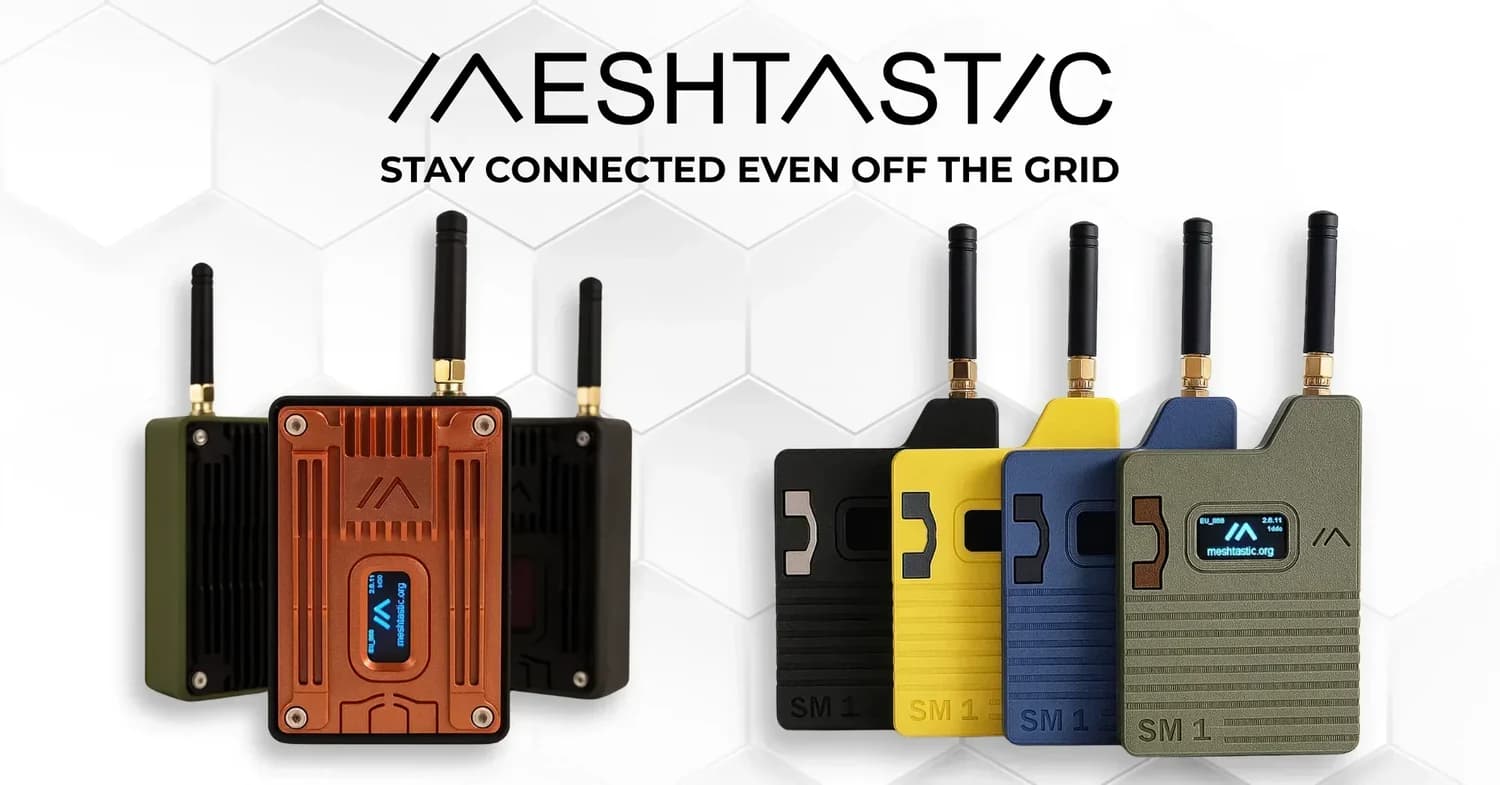
Meshtastic’s antenna resources are a reminder that range is usually won or lost before the first packet leaves the radio. In a mesh that might live in a backpack, vehicle, window, rooftop, or deep in the field, the wrong antenna choice can make a node feel flaky long before firmware gets blamed.
Stop treating antennas as interchangeable
The clearest mistake Meshtastic builders make is assuming a longer whip automatically means better range. The documentation pushes you toward a more exact mindset: frequency, resonance, polarization, cable quality, connector type, and the environment around the antenna all affect the result. Gain matters, but it is only one part of the picture, and a high-gain antenna that is poorly matched to the band or badly mounted can underperform a smaller, better-placed one.
That is why the resources are split across separate pages for LoRa Antennas, LoRa Antenna Selection, Antenna Testing, and LoRa Antenna Testing Reports. The structure itself tells you what the project values: choose with intent, verify with measurements, then compare notes with the community instead of swapping hardware at random.
Match the antenna to the band, not the hype
Meshtastic’s radio settings docs make one point especially clear: it is not LoRaWAN, Helium, or TTN. It uses the full spectrum frequency range designated to LoRa technology per region, and in the US region alone there are several hundred possible frequency channels. That flexibility is useful, but it also means your antenna has to be tuned for the region and setup you actually run, not for a generic label on a product page.
The other lockstep requirement is easy to miss. Devices in a mesh must share identical Region and Modem Preset settings, or identical custom modem settings, to communicate fully. If a mesh behaves badly, that mismatch can look like a bad antenna when the real problem is that the radios are not speaking the same configuration language.
Placement often matters as much as the part itself
Meshtastic’s documentation is written for real deployments, not bench-top theory. The antenna resources are meant for people who need results in backpacks, vehicles, windows, rooftops, and remote terrain, where the body, glass, metal, or nearby electronics can distort performance. A node mounted too close to a metal surface or tucked against a radio board can lose more useful signal than you would expect from the antenna spec alone.
That practical focus is why the guide keeps asking the questions you should ask in the field: Is the antenna tuned correctly? Is the feedline lossy? Is the antenna too close to metal or electronics? Is the placement forcing the signal to absorb into the body or vehicle? Those are RF problems first, and software problems only if you fail to spot them.
Test before you retune everything
Meshtastic’s antenna-testing page does not treat verification as a lab-only exercise. It says testing can be as simple as sending messages from different locations and comparing results, or as complex as using test chambers and equipment to measure signal strength, gain, and radiation patterns. That spectrum matters, because a useful answer does not always require expensive gear, but it does require some kind of repeatable comparison.
The community has also turned that idea into a living reference. Meshtastic’s Antenna Testing Reports repository started as a project by RicInNewMexico before being officially transferred to the Meshtastic organization. That handoff matters because it turns individual experiments into shared evidence, which is exactly what you want when you are deciding whether a different whip, cable, or mounting point is actually improving your link.
A practical field workflow looks like this:
- Test the current setup in two or three known locations before changing anything.
- Change one variable at a time, such as antenna, cable, or mounting position.
- Keep Region and Modem Preset settings aligned across every node in the comparison.
- Use the results to decide whether the issue is tuning, placement, feedline loss, or the antenna itself.
Use planning tools, not just instinct
Meshtastic’s open-source Site Planner gives builders another way to move beyond guesswork. It uses radio propagation models to predict device range in different locations, which makes it easier to think about where an antenna will actually help before you commit to a mount, a mast, or a rooftop install. For a project that describes itself as 100% community driven and open source, that kind of planning tool fits the culture perfectly: learn, model, test, and refine.
That broader ecosystem also shows up in the hardware docs. Some older LILYGO LoRa boards are not recommended for new purchases, and firmware support is phased out for them. At the same time, the hardware pages point toward devices such as RAK WisMesh Gateway and Repeater units for bridging networks and solar-powered off-grid use, which underscores how antenna decisions, board choice, and deployment style all have to work together.
Build for the network you actually have
Meshtastic’s antenna resources are useful because they translate RF theory into the messier reality of community meshes. A bare board with a random stubby whip may work for a quick test, but a well-chosen and well-placed antenna can mean the difference between a node that feels fragile and one that becomes dependable infrastructure. The point is not to chase the longest antenna on the shelf, it is to match the band, respect the placement, and prove the improvement in the field.
This article was produced by Prism’s automated news system from verified source data, official records, and press releases, then run through automated quality and moderation checks before publishing. The system is built and supervised by the people who set the standards it runs under. Read our full AI policy.
Did this article answer your question?