Film Simulation Obsession: Creative Expression or Just Digital Nostalgia Chasing
Fujifilm's 20 film simulations and VSCO's revived Lightroom presets prove the analog aesthetic obsession is real — but knowing *why* you're reaching for Velvia separates creative vision from comfort-zone clicking.
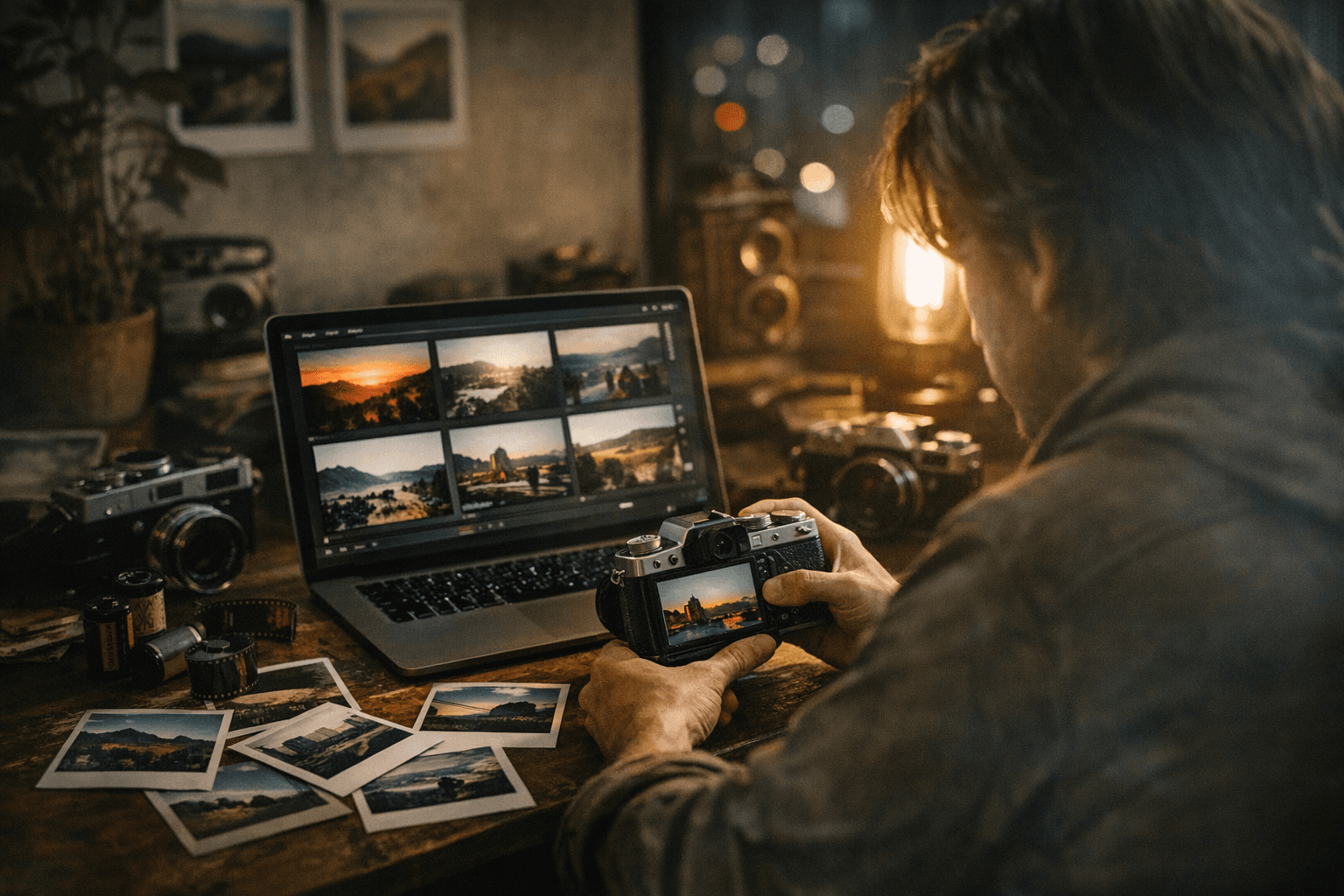
There's a moment every Fujifilm shooter knows: you've just switched from Provia to Classic Chrome, then to Nostalgic Neg, spent 20 minutes toggling grain size and highlight tone, and suddenly it's an hour later and you haven't taken a single frame. Welcome to the film simulation rabbit hole, a place where the line between genuine creative intent and pure digital nostalgia chasing gets genuinely difficult to locate.
The obsession is widespread enough to have its own vocabulary, its own communities, and now its own dedicated hardware. Fujifilm shipped its first camera with a physical Film Dial, the X-T50, which has 12 positions for direct simulation switching. That's a manufacturer literally putting a hardware knob on what could have been buried in a menu, which says something about how central this aesthetic pursuit has become to how people actually shoot.
Where This All Started
Fujifilm introduced the "Film Simulation" branding with the S3 Pro DSLR in 2004, but the names we recognize today, Provia, Velvia, Astia, didn't appear until the FinePix F200EXR in 2009. The company draws on more than 70 years of photographic and cinematic film manufacturing knowledge, going back to its founding in 1934, and that heritage is genuinely embedded in how these simulations are engineered. They are not random filters. They are the result of studying human visual psychology alongside decades of color science.
The current roster on the X100VI runs to 20 distinct simulations. That is a remarkable number for a feature that critics still occasionally dismiss as a gimmick.
The Lineup and What Each Actually Does
Understanding what you're choosing matters more than most people admit. Here's what the main simulations actually deliver:
- Provia/Standard: The all-arounder. Faithful, neutral, reliable across subjects. Good starting point and a strong daily driver precisely because it doesn't overcommit to any particular look.
- Velvia/Vivid: High saturation and punchy contrast. Built for landscapes and nature where color impact is the entire point. It's bold; it earns the reputation.
- Astia/Soft: Softer tones, reduced saturation, forgiving on skin. Portrait and fashion shooters reach for this when Velvia would be garish.
- Classic Chrome: Muted tones, elevated contrast. Loosely derived from the color signature of Kodachrome, which is why it has that documentary and magazine editorial feel that made it one of the most popular simulations almost immediately after launch.
- Classic Negative: Pushed further into muted territory than Classic Chrome, with distinct color shifts that divide opinion sharply.
- Eterna: Named after Fujifilm's own cinema film emulsion. Flat contrast, understated color, extended dynamic range. Designed explicitly for footage that will be graded in post, which is why it has crossed over so heavily into video work.
- Eterna Bleach Bypass: High contrast, low saturation, a deliberate bleach-bypass effect borrowed from the darkroom chemistry that cinematographers used to achieve a specific gritty, drained look.
- Acros: The jewel in the black-and-white crown. It replicates the tonal response and grain structure of genuine panchromatic film, with smooth gradation, deep blacks, and highlight rolloff that separates it from a simple desaturation. Grain is applied algorithmically and varies across the frame rather than tiling uniformly.
- Nostalgic Neg: Warm, faded, deliberately evoking prints from the late 1960s and 1970s.
- Reala Ace: The newest simulation as of the X100VI, offering faithful color reproduction built around the character of Fujifilm's original Reala film stock.
The Recipe Community: Where It Gets Serious
What lifts the Fujifilm ecosystem beyond a menu of presets is the recipe culture built around it. A film simulation recipe is a full set of in-camera parameters: base simulation, white balance with color shift, grain effect size and roughness, color chrome effect, shadow tone, highlight tone, sharpness, noise reduction. Ritchie Roesch at Fuji X Weekly has published hundreds of these, tied to specific cameras and sensor generations. Independent sites like film.recipes have their own libraries. The X100VI's seven custom slots let you preload your most-used combinations so switching a recipe is as fast as spinning a dial.
This is where the hobby develops genuine craft. Building a recipe that holds up across wildly different light conditions requires understanding how the underlying simulation handles highlights before they clip, how the grain character changes at different ISOs, how the color chrome effect saturates reds and oranges. These are not decorative decisions. They are technical ones with visual consequences.
The Other Side: Lightroom Presets and the Nostalgia Industry
Outside the Fujifilm bubble, the analog-look market runs through software. VSCO revived its classic Film 02 Lightroom preset pack in early 2026, rebuilt for RAW workflows, promising accurate emulation of iconic film stocks with full slider control preserved beneath the preset. Companies like Mastin Labs, Noble Presets, and Refined Co. have built reputations on precisely this: high-quality packs targeting specific film stocks for photographers who want that character applied to images from any camera.
The difference between this and Fujifilm's approach is worth stating plainly. In-camera film simulation is baked into the shooting experience; it shapes what you see through the viewfinder before you press the shutter. A Lightroom preset is applied afterward, to a file that was captured in a neutral or log profile with a completely different visual contract in mind. Neither approach is wrong, but they represent different relationships to the aesthetic. One is a pre-exposure creative commitment; the other is post-production selection.
The hazard in the post-processing route is the described behavior of someone "cycling through dozens of looks hoping something clicks." That behavior isn't creative decision-making; it's aesthetic browsing. And it's the behavior that gives the entire film simulation conversation its uncomfortable edge.
Creative Expression or Comfort Food?
The honest answer is that it depends entirely on whether you know what you're chasing. Using film simulations is a legitimate technique when the choice is grounded in specific technical goals: grain structure, color response, highlight rolloff, dynamic latitude. Velvia for a volcanic landscape where you need that saturation to carry the image. Acros with the red filter for architectural work where you want contrast in a blue sky. Eterna for flat-lit interior footage you plan to grade. These are deliberate decisions.
The nostalgia mode kicks in when the aesthetic is the point rather than a means to something else. There's nothing wrong with that as a personal practice, but calling it creative expression is overselling it. Comfort is a real value. Familiarity is a real value. A visual language that feels cohesive across a body of work is worth something even if its origin is emotional rather than technical.
The film simulation rabbit hole earns its name because the descent is genuinely enjoyable, and the way out is the same as the way in: deciding, specifically, what you want a photograph to look like before you take it.
This article was produced by Prism’s automated news system from verified source data, official records, and press releases, then run through automated quality and moderation checks before publishing. The system is built and supervised by the people who set the standards it runs under. Read our full AI policy.
Did this article answer your question?


