Preserve Your Vintage Synth Patches With a Smart SysEx Archiving Workflow
Dead batteries and failing RAM are erasing decades of crafted patches right now; a disciplined SysEx archiving routine is all that stands between your collection and silence.
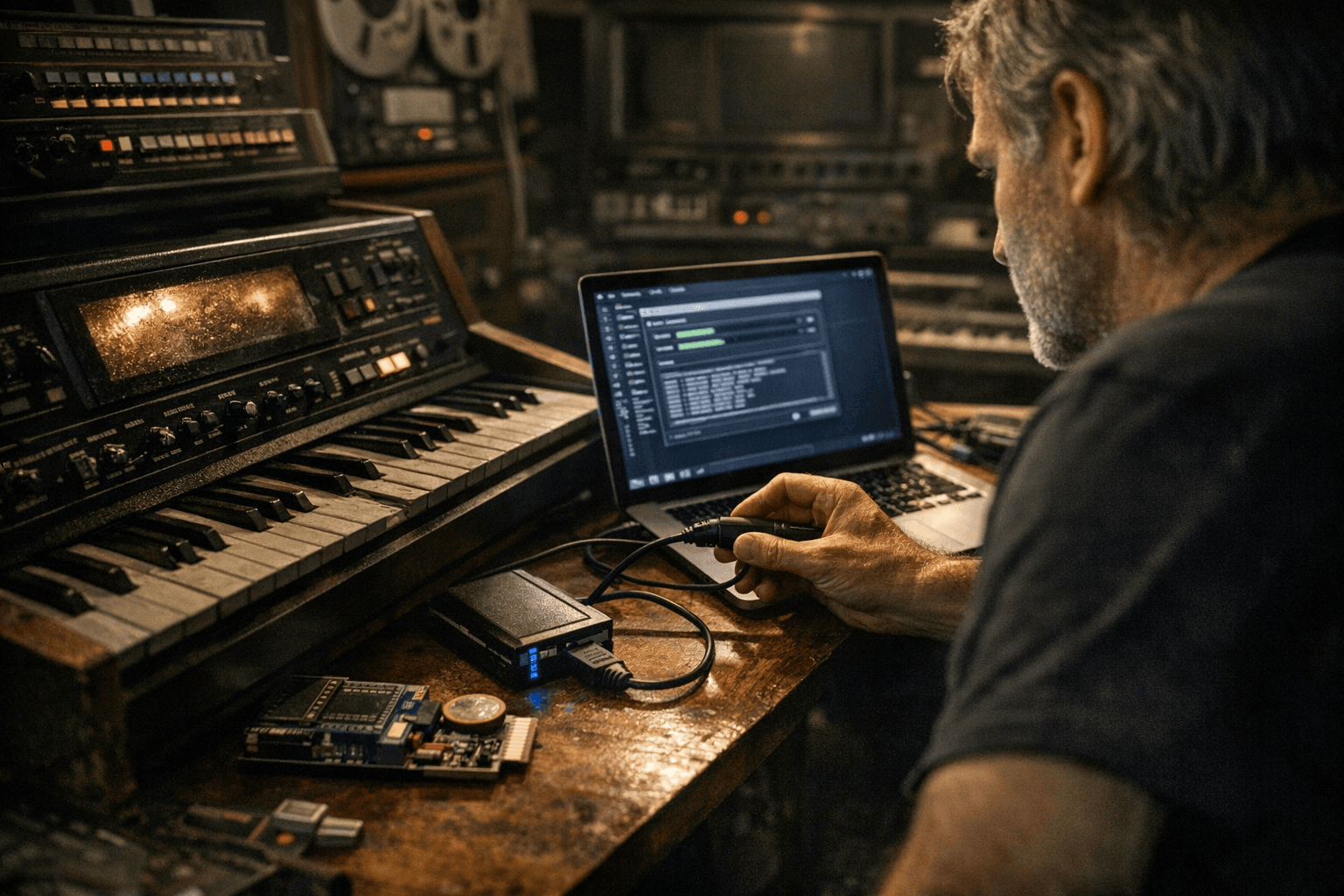
The CR2032 tucked behind your Juno-106's panel has a rated lifespan of around ten years. If you bought that synth used, you have no idea when the clock started. When it dies, every user patch in CMOS RAM goes with it: your carefully sculpted bass programs, the fat pad you dialed in over a whole afternoon, the leads that define your live set. Battery death is only one threat. Failing voice chips corrupt patch data gradually and unpredictably. A service reset during a repair wipes everything without warning. For collectors and players of vintage synthesizers, patch memory is often as important as hardware condition, and a SysEx archiving routine is the only reliable way to protect it.
What You Actually Need
The hardware side is minimal. Any USB-to-MIDI interface with stable, up-to-date drivers will work for machines with a standard MIDI output. For instruments that pre-date USB entirely, you need a quality DIN-MIDI cable and an interface with proper 5-pin support; do not skip on this. Cheap, class-compliant USB-MIDI dongles frequently choke on SysEx data, dropping bytes mid-transfer and producing corrupted dumps you won't notice until you try to restore them months later.
On the software side, two free tools cover the vast majority of workflows. On macOS, SysEx Librarian (free to download and use) can import SysEx files of any manufacturer type, send them to hardware via your MIDI interface, and record incoming SysEx from a synth directly to disk. On Windows, MIDI-OX is the veteran utility most forum veterans recommend for its reliability across a wide range of older instruments; MIDI-OX is also free. For a more streamlined experience with large files, Bome's Send SX is a popular Windows alternative. If you work with the Roland Juno family specifically, the Juno-106 Librarian, available as both a web app and a downloadable GUI tool, adds model-specific patch organization on top of raw SysEx handling. Beyond these, open-source projects on GitHub provide format converters and model-specific tools for dozens of instruments, and MAME dev documentation is worth consulting if you're bridging hardware patches to emulation environments.
Capturing a Dump Correctly
Always capture a full patch bank when the synth allows it. Most instruments offer both a single-patch SysEx transmission and a complete bank dump; get both, because they serve different purposes during restoration. Trigger the dump from the instrument itself rather than polling it from software when possible; this produces a more complete handshake and reduces the risk of a partial capture.
The moment you save a file, name it precisely. A strict naming convention removes all ambiguity when you're restoring a synth three years from now and can't remember which dump was the clean one. Use this structure:
`[Model]_[Serial]_[Bank]_[PatchCount]_[Tag]_[YYYYMMDD].syx`
For example: `Juno106_SN1234_BANKA_128_FATPAD_20260331.syx`
Alongside each dump, generate an MD5 checksum and save it as a companion file. This two-line step is what lets you confirm years later that a file hasn't silently corrupted on disk, a flash drive, or during a cloud sync conflict. Pair that with a short plain-text metadata file covering: which MIDI interface you used, your OS and software versions at capture time, and any quick verification you did (for example, "loaded all 128 patches, spot-checked voices 1, 64, and 128 against factory preset #12"). Treat every capture as an immutable original. Never edit the master. Make a working copy and transform that instead.
The Three-Tier Storage Model
A single backup is not a backup. Run three tiers simultaneously:
- Local working folder on your main machine, organized by manufacturer and model, where you access dumps day-to-day.
- Local offline archive on a dedicated external HDD or SSD, updated after every new capture session, stored physically away from your working machine.
- Cloud cold archive with versioning enabled (any major provider works; what matters is versioning so you can retrieve a previous version if a sync error overwrites a file).
Tie all of it together with a single canonical index: a CSV file or lightweight database that lists every dump's filename, its MD5 hash, capture notes, and a link to a short audio demo if you recorded one at capture time. An MP3 or OGG of the patches playing is worth far more than text descriptions when you're restoring sound character and need a reference. For rare or valuable machines, print a copy of this index and store it with the unit's documentation or inside its shipping case. That habit pays dividends when you sell, loan, or eventually pass on the instrument.
Moving Patches to Emulators and Software Editors
When you're taking patches from hardware to an emulator or software editor, the first thing to verify is which format the destination actually accepts. Some projects, particularly MAME-based emulations, require a ROM image in addition to patch data to reconstruct the full instrument state. Others accept raw SysEx directly. Still others work from decoded patch formats that require a conversion step. Projects on GitHub for common models often include format converters or README instructions that spell this out; look there before you start manually converting files.
After any restore or transfer, run a controlled listening test. Load the patches and methodically compare envelopes, LFO rates, and filter responses against known reference recordings. Subtle calibration differences between hardware units and emulation layers sometimes produce timing or tuning offsets that need small manual corrections. This is normal; it doesn't mean the transfer failed. It means you need to re-tune after migration, and that's far better than discovering the mismatch live.
Troubleshooting the Top Failure Points
*MIDI interface compatibility:* If you're getting zero bytes received or a transfer that stalls at "waiting for completion," the interface is the first suspect. Cheap, unbranded USB-MIDI adapters are notorious for dropping SysEx data. Swap in a better interface before you dig deeper into software settings.
*Buffer size:* MIDI-OX users should open Options > Configure Buffers and confirm at least 16 input and output buffers at 128 to 256 bytes each. Some instruments have specific requirements: the Roland D-50, for instance, requires 266-byte buffers; setting anything smaller produces corrupted dumps with phantom bytes inserted. Always check your model's service notes or community forum threads for known buffer quirks before you assume a failed capture.
*Handshake timing:* Some older synths send data in bursts with gaps between packets. If your capture utility times out between bursts and closes the file prematurely, you'll get an incomplete dump. The fix is usually increasing the inter-packet delay or timeout window in your capture software. MIDI-OX and SysEx Librarian both expose this setting. If the instrument's manual doesn't give a figure, start at 500ms and increase until captures complete cleanly.
Where to Go Deeper
Gearspace and ModWiggler host the most concentrated device-specific knowledge in the community. When you're troubleshooting a capture that simply won't cooperate, post your metadata: which interface, which software version, which OS, what the dump log showed. Experienced members can pinpoint quirks specific to individual firmware revisions and hardware batches, knowledge that simply doesn't exist in manuals. Pairing that community intelligence with a disciplined local workflow is what separates a collection that survives decades from one that gets silently corrupted the next time a battery dies at the wrong moment.
Know something we missed? Have a correction or additional information?
Submit a Tip