Create Beautiful Baby Shower Invitations Using Canva, Adobe, and Paperless Post
Skip the blank page: Canva, Adobe Express, and Paperless Post make it easy to design a baby shower invitation in minutes, for free or under $4 per send.
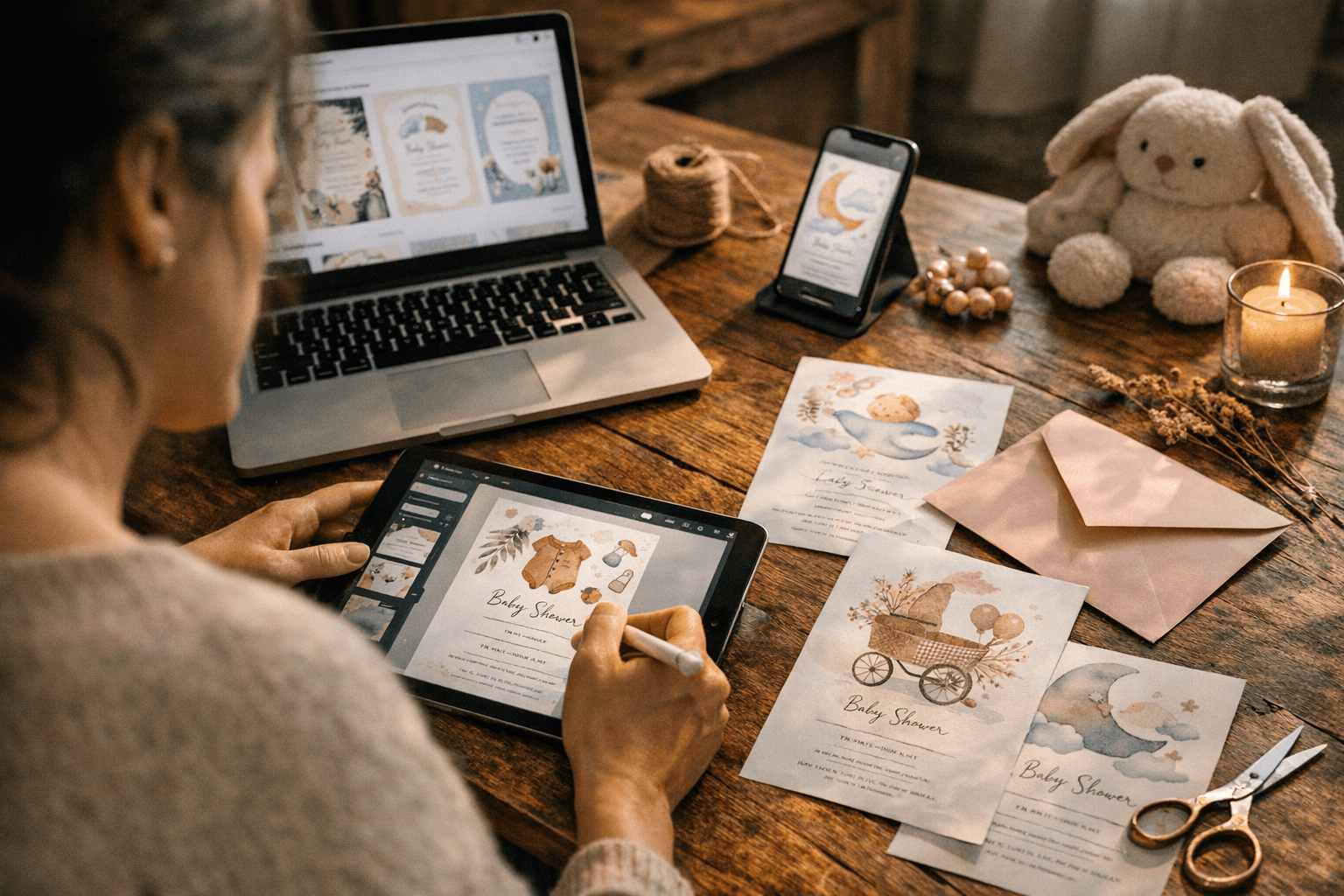
The fastest way to make a baby shower invitation is to pick a template, swap in your event details, and send or print. Platforms like Canva, Adobe Express, Paperless Post, and Evite have taken the blank-page problem off the table entirely, and most offer free options that look genuinely polished.
Where to Get Free Baby Shower Invitation Templates Right Now
Free templates are available across several well-established platforms, and the quality gap between free and paid has narrowed considerably.
- Canva hosts hundreds of baby shower templates, including styles like "Beige Watercolor Modern," "Blue and Brown Illustrative," and "Purple Beige Cute Animals and Floral." The drag-and-drop editor requires zero design experience, and the free tier covers most personal use cases.
- Adobe Express offers a full template library organized by style, from fun and floral to understated and classic. You can start from a template or upload your own design.
- Evite (free tier available) lets you browse 480+ baby shower designs filtered by theme: Baby Girl, Baby Boy, Bear, Floral, Winnie the Pooh, Animals, Baby Sprinkle, and Gender Reveal. You can send by text or email directly from the platform.
- Greetings Island provides free and premium templates with multiple orientations, photo integration, and social media sharing built in.
- Invitfull (invitfull.com, completely free with no ads or premium tiers) generates a custom invitation from a plain-text description in under 60 seconds using AI, then adds RSVP tracking, a potluck coordinator, and a QR-code photo-sharing event wall.
- Paperless Post includes free designs alongside premium options priced from roughly $2 to $4 per send, which is competitive for a polished digital delivery.
If budget is the primary constraint, Canva, Evite, and Greetings Island give you the most design flexibility without spending anything.
How to Make a Baby Shower Invitation: Step by Step
Step 1: Pick a template that matches your theme
Start with theme before you start with color. Adobe Express recommends searching by a specific baby shower theme first, then filtering by style. Canva organizes its library by aesthetic, so you can find a "watercolor ribbon" look for a classic shower or a bold illustrated design for something more playful. Evite filters by character and occasion, which is useful if the guest of honor has a specific preference like Winnie the Pooh or a safari animal theme.
Step 2: Customize the text and fonts
Every platform mentioned here lets you click directly on any text box to edit wording and switch font styles. Adobe Express and Canva both support full font library access on their free tiers. Paperless Post goes further, letting you build a custom stamp using a photo of the parent-to-be, add themed stickers, and choose a Page Style that controls the overall color scheme and font pairing. This is one of Paperless Post's standout features for people who want a more editorial, polished look.
Step 3: Add photos if the design supports it
Paperless Post includes a Photo Gallery Block, which is well-suited for pregnancy photoshoot pictures. Greetings Island and Evite both support photo integration into the template itself. Canva allows photo uploads directly into any design element. If you're using Adobe Express, you can upload your own image or pull from Adobe Stock.
Step 4: Choose your delivery format
This is where digital and print-at-home diverge:
- Digital send: Evite and Paperless Post handle delivery natively via email or text. Invitfull supports guest messaging for up to 500 guests with built-in RSVP tracking.
- Print at home: Canva and Adobe Express let you export a high-resolution PDF or PNG you can print on cardstock at home or at a local print shop.
- Professionally printed: Tiny Prints specializes in physical printed products and supports uploading your own design for professional printing and mailing.
Digital vs. Print: Which Should You Choose?
The honest answer depends on your guest list and timeline. Digital invitations work well when your guests are comfortable with email or text, and they're easier to manage if the guest count is still fluctuating. Platforms like Evite and Paperless Post handle RSVP collection automatically, which saves real time.
Print invitations make more sense when the shower is formal, when older guests may not reliably check email, or when you want a keepsake-quality piece. Tiny Prints and Basic Invite (starting around $1.50 per card for printed orders) are worth considering for professionally finished physical invitations.
Send digital invitations 3 to 4 weeks before the shower. If you're ordering printed invitations, start the process 6 to 8 weeks out to account for design approval, printing, and mailing time.
Customization Tips That Actually Make a Difference
Most people stop at swapping out the names and date. A few extra steps separate an invitation that looks templated from one that feels intentional.
- Match your color palette to the nursery theme or shower decor. If the nursery is sage green and cream, pull those exact hex codes into Canva or Paperless Post.
- Use a photo strategically. A cropped pregnancy portrait dropped into a Paperless Post Photo Gallery Block elevates the whole design. Don't use a blurry phone snapshot; even a well-lit casual photo works better than a pixelated one.
- Write wording that includes all required details. Every invitation needs: the honoree's name, date, time, location (with address), RSVP deadline, RSVP contact, and registry information if you're including it. Leaving any of these out generates a wave of follow-up texts.
- Check mobile readability before sending. For digital invitations, preview the design on a phone screen. Fonts that look elegant on a desktop can become unreadably small at mobile scale. Canva's mobile preview and Evite's send-preview feature both help here.
- Keep font pairings to two. One for the header, one for the body copy. Adobe Express and Canva both suggest paired fonts within their template systems; trusting those pairings is faster and usually safer than mixing your own.
Platform Comparison at a Glance
| Platform | Best For | Free Option | Key Feature |
|---|---|---|---|
| Canva | Print-at-home and digital | Yes | Huge template library, drag-and-drop editor |
| Adobe Express | Quick digital or print design | Yes | Clean UI, Adobe Stock photo integration |
| Paperless Post | Polished digital sends | Free + paid (~$2-4/send) | Photo Gallery Block, custom stamp feature |
| Evite | Fast digital delivery | Yes (480+ designs) | Text/email send, RSVP tracking |
| Invitfull | AI-generated custom designs | Fully free, no ads | Generates from text description in 60 seconds |
| Greetings Island | Free print-at-home | Yes | Multiple orientations, social sharing |
| Tiny Prints | Professional physical printing | No | Upload your design, mail to guests |
The right platform is the one that matches how your guests will receive the invitation and how much time you have. For a quick digital send to a tech-comfortable crowd, Canva plus Evite covers everything. For a more formal shower with printed keepsakes, Tiny Prints or Basic Invite is worth the added cost and lead time.
Frequently Asked Questions
Where can I get free baby shower invitation templates?
Canva, Evite, and Greetings Island offer free templates with no purchase required. Invitfull (invitfull.com) is fully free with no ads, paywalls, or premium tiers, and generates a personalized design from a text description in under 60 seconds. Paperless Post includes free designs alongside premium options priced from roughly $2 to $4 per send. Adobe Express also has a free tier covering most personal invitation projects.
Can I customize a digital baby shower invitation template myself?
Yes, and no design experience is required. Invitfull generates a complete, personalized design from your plain-text description automatically. Canva and Paperless Post use drag-and-drop editors where you click any element to change it. Adobe Express works similarly, with a clean sidebar panel for swapping fonts, colors, and photos. All four platforms are built for people who have never opened a design tool before.
How early should I order or send baby shower invitations?
Send digital invitations 3 to 4 weeks before the shower date; guests need enough notice to arrange schedules and travel, but not so much that the event slips their minds. If you're ordering professionally printed invitations through a service like Tiny Prints or Basic Invite, start the process 6 to 8 weeks out to allow time for design approval, printing, and postal delivery.
Know something we missed? Have a correction or additional information?
Submit a Tip