monday.com guide shows teams how to write better AI prompts
monday.com is treating prompting like a workplace skill, with a simple framework that cuts rework and turns AI output into usable work.
The fastest way to get better AI output at work is not a fancier model. It is a better prompt, and monday.com is now treating that skill as something teams can standardize, reuse, and build into daily workflows. In its prompting guide, published April 27, 2026, the company makes a blunt point: the quality of the answer depends on the quality of the instructions.
Why monday.com is reframing prompting as work, not a trick
That matters at monday.com because the company is not talking about AI as a side experiment anymore. It says it serves more than 250,000 customers worldwide, and its AI tools now sit across work management, CRM, service, and dev products. In that kind of environment, prompting cannot stay a one-off power user habit. It has to become a repeatable operating skill that product, engineering, and sales teams can all use in a consistent way.
The guide’s bigger argument is practical: better prompts reduce rework. Instead of expecting one perfect first draft, monday.com recommends working in two or three refinement rounds, which is much closer to how real teams already operate. That is a useful reset for anyone who has watched AI produce something almost right, then watched a human spend 20 minutes fixing what a sharper instruction could have avoided.
The five building blocks that make prompts usable
monday.com breaks prompt writing into five pieces: define the goal, assign a role, add relevant context, specify the output format, and set constraints. Put together, those steps turn prompting from a guessing game into a method that can be taught across a team.
- Define the goal. Say exactly what you want the AI to do, not just what topic it should touch.
- Assign a role. Tell it who it is supposed to be, such as a product marketer, support analyst, or sales rep.
- Add context. Include the customer, project, audience, or data the model needs to make a useful decision.
- Specify the format. Ask for bullets, a table, a draft email, a release note, or a short summary.
- Set constraints. Add length, tone, audience, or what the output should avoid.
The difference shows up quickly. A weak prompt like “write a follow-up email” often produces something generic and easy to ignore. A stronger rewrite, such as “draft a 120-word follow-up to a procurement manager after a demo, mention the integration question they raised, keep it friendly, and end with one clear next step,” gives the model the shape of the task before it starts writing. That is the kind of instruction that saves time instead of creating cleanup work.
What it means for product, engineering, and sales teams
For product managers, the guide maps neatly onto the work that already fills the week. A well-built prompt can generate sharper user stories, cleaner release notes, or customer-facing copy that does not need to be rewritten from scratch. The point is not to outsource product judgment. It is to use AI to draft faster while keeping the product manager in control of the framing, the audience, and the final tradeoffs.
Engineers get a similar payoff, especially when prompts are used for specs, logs, and technical summaries. A prompt that includes the system, the failure mode, and the desired output format is far more useful than a vague request to “analyze this issue.” In practice, that means less back-and-forth and fewer half-answers that look clever but do not survive contact with the codebase.
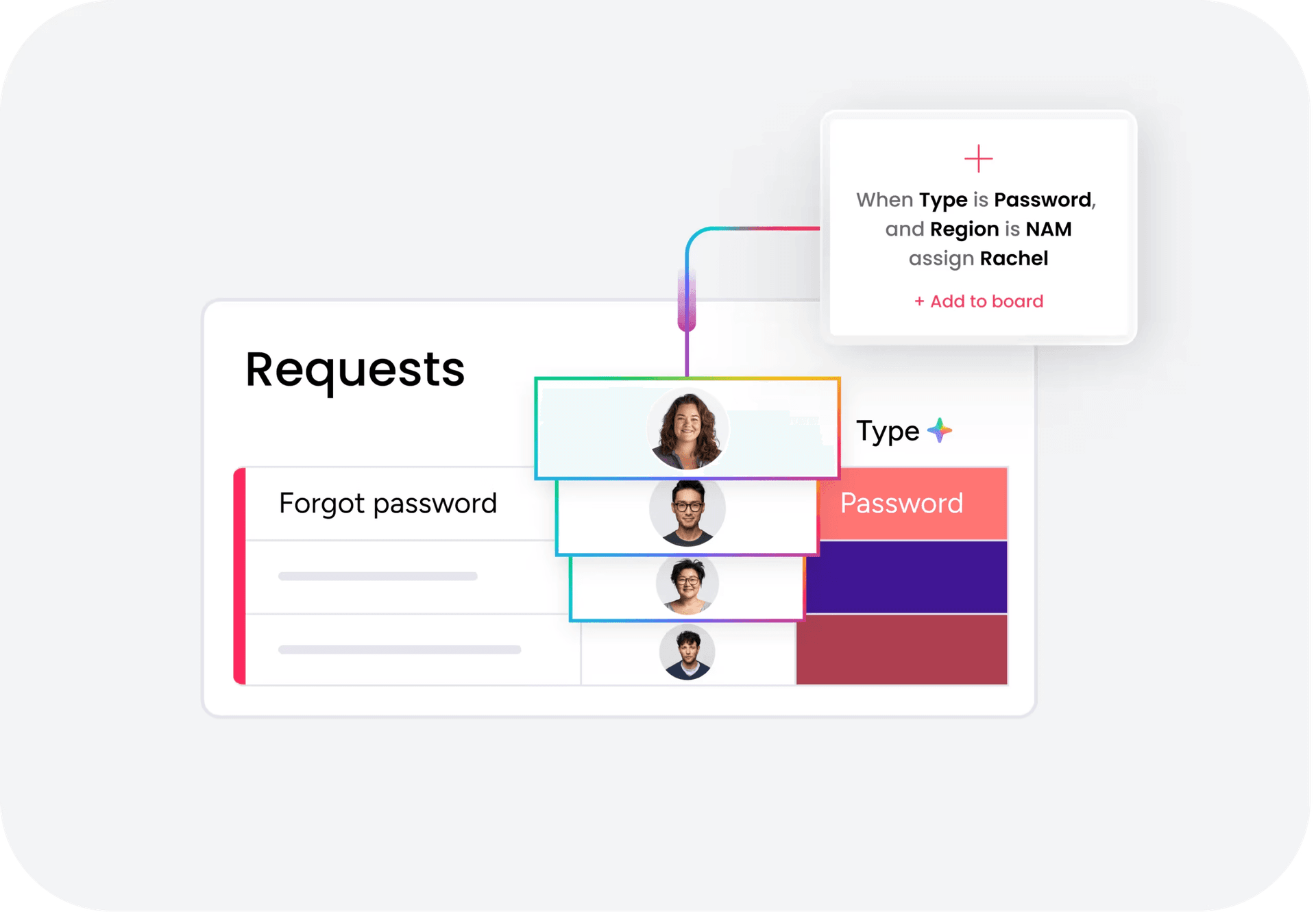
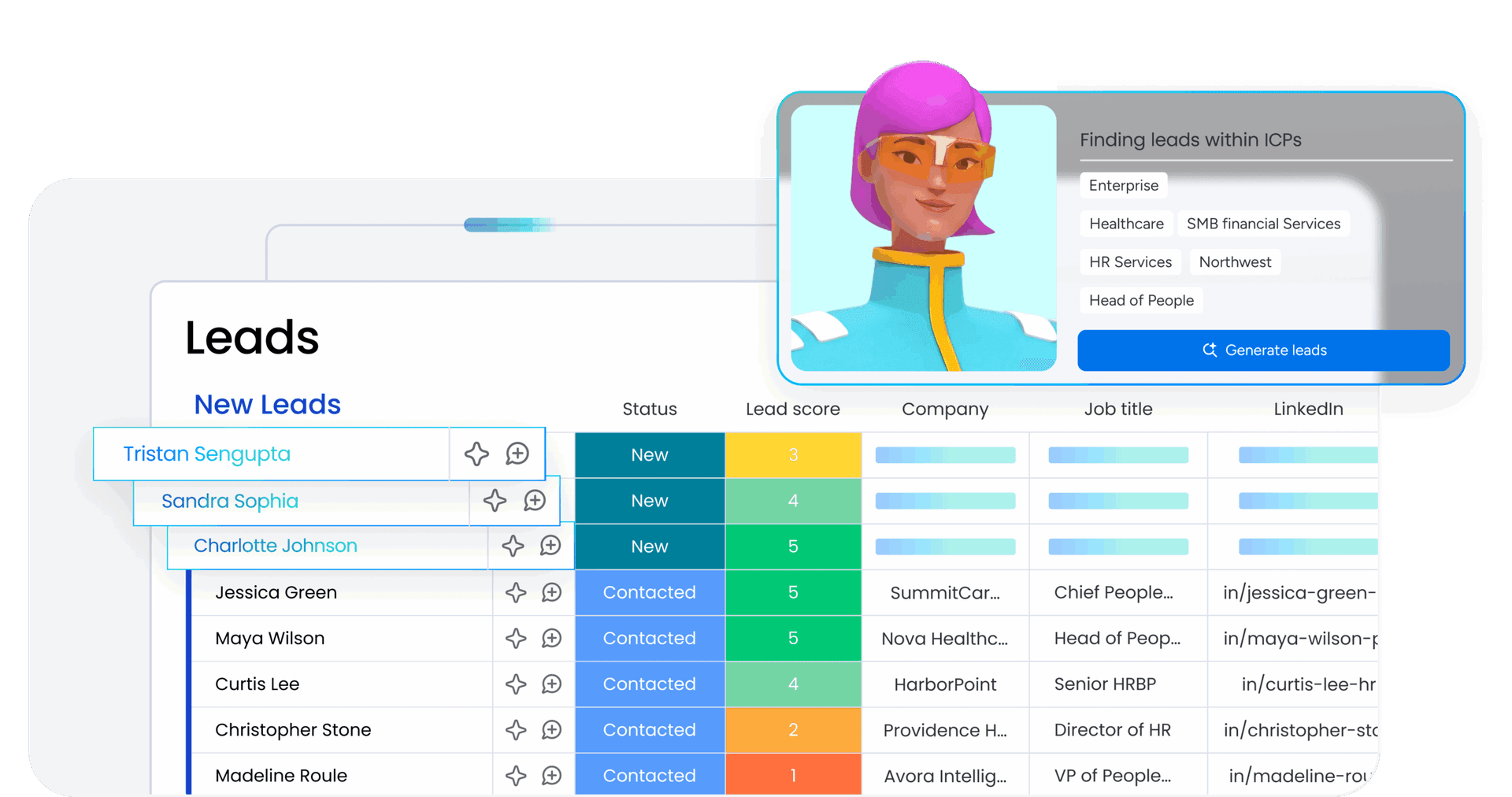
Sales teams can use the same logic for follow-up emails, account research, and call prep. A prompt that names the account, the stage in the deal, the buyer’s concerns, and the next action is more likely to produce something usable on the first pass. That matters because sales work is often a race against the calendar, and prompt quality can decide whether AI speeds the motion or adds another task to the pipeline.
The real unlock is shared prompt libraries
The biggest leap in AI adoption is rarely one person learning a clever trick. It is a team codifying the prompts that reliably produce useful work, then sharing those prompts so everyone can start from the same standard. monday.com seems to understand that shift, because its support materials now include a guide to prompting best practices with monday AI, a prompt library for monday sidekick, and ready-to-use monday MCP prompts.
That is more than documentation. It is a signal that prompt standardization is becoming part of the product experience itself. Once teams can reuse prompts that already work, they spend less time rediscovering the same phrasing and more time improving the actual output. For a work OS company, that is a meaningful change: the prompt becomes part of the workflow, not just the conversation before the workflow begins.
From chat answers to actual execution
monday.com’s AI story has also moved well beyond basic chat-style prompting. In February 2025, the company laid out an AI Vision built around three pillars: AI Blocks, Product Power-ups, and the Digital Workforce. By July 10, 2025, it had introduced monday magic, monday vibe, and monday sidekick as platform-wide AI capabilities, and it later expanded further with monday agents across the platform.
That matters because monday.com is not aiming for AI that only writes a decent paragraph. It is building AI that can connect to the work itself. monday sidekick is described as using full context from monday content, attached files, web search, and advanced language models, which means the quality of the prompt affects not just the answer, but the next action the system can take. In that model, good prompting can help create projects, update records, and trigger actions using the organization’s actual data.
The guide is useful for exactly that reason. It treats prompting as a bridge between thinking and doing. Once AI sits inside a work platform, the goal is no longer to get a better response in isolation. The goal is to move work forward without losing control of the context.
Why governed reuse matters for enterprise AI
monday.com’s own research helps explain why this matters now. The company found that directors’ top reasons for adopting AI were speed, accuracy, and productivity, while privacy and security were the biggest blockers. That combination points to the real enterprise problem: teams want the speed, but they need guardrails before they trust AI with work that touches customers, operations, or internal data.
Prompt libraries, repeatable frameworks, and product-integrated AI tools are one way to answer that concern. They make AI less like a novelty and more like a governed system for doing work faster and more consistently. For monday.com, that is the strategic lesson inside the prompting guide: the winning prompt is not the flashiest one, it is the one a team can use again tomorrow.
This article was produced by Prism’s automated news system from verified source data, official records, and press releases, then run through automated quality and moderation checks before publishing. The system is built and supervised by the people who set the standards it runs under. Read our full AI policy.
Know something we missed? Have a correction or additional information?
Submit a Tip