Monday.com Updates Section Guide Details Collaboration Features, Limits, and Behaviors
Slack and Teams are quietly absorbing the conversations that belong inside monday.com items; the Updates Section is the product's clearest defense, but only if teams know its exact rules.

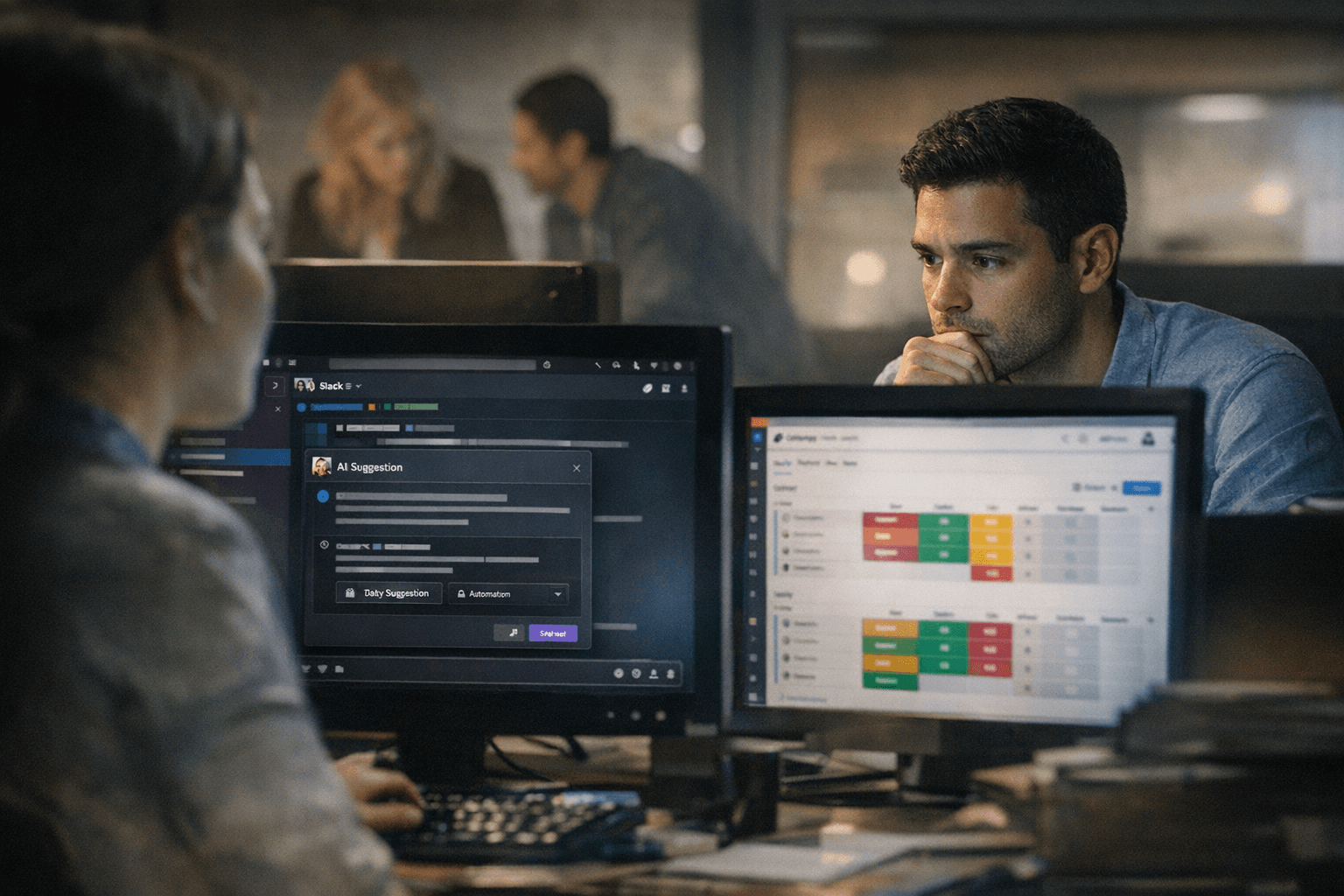
Every Slack message sent about a monday.com item is a small erosion. The decision lives in one channel, the context disappears into scroll, and the next engineer or account manager who opens the board starts from zero. That erosion is precisely what Slack, Microsoft Teams, and Notion are accelerating in 2026, each layering AI agents and thread-summarization on top of their own chat surfaces and positioning themselves as the place where work actually happens.
The Updates Section is monday.com's structural counter-argument. Built directly beneath every item on the board, it is not a chat product; it is a collaboration surface with a different value proposition. Context that stays attached to the work it describes compounds in usefulness over time. Context that migrates to a chat tool decays almost immediately. The distinction sounds obvious until you watch a team of 40 engineers run six Slack threads about a single monday.com epic and then wonder why their retrospectives are so painful.
Understanding precisely what the Updates Section does, where it stops, and which behavioral norms make it work is no longer just a product question. It is a competitive one.
Item-threaded context vs. chat: where each wins
The sharpest thing a monday.com employee or power user can internalize is that these tools are not substitutes; they are complements with different optimal use cases. Chat is ambient and ephemeral: the right place for "the deploy just failed" or "are you free at 3?" Item-threaded context is deliberate and durable: the right place for anything that needs to outlive the conversation that created it.
Three work types belong inside the Updates Section rather than a chat channel:
- Decisions: When a product manager approves a spec change or a sales director signs off on a discount, that approval should live inside the item so the audit trail is automatic. Slack has a search function; monday.com has a thread attached to the exact task the decision affected.
- Approvals and handoffs: Ownership transfers are the highest-risk moments for context loss. An update inside the item captures not just the handoff but the conditions and caveats attached to it. A Slack DM captures none of that for the person who was not in the original thread.
- Async status updates: For remote and cross-timezone teams, the Updates Section functions as a structured async log. A status update posted inside the item is permanently findable by anyone with board access; a Slack message is findable only by people who knew which channel to look in.
Chat still wins for speed over permanence, for interpersonal conversations that are not task-specific, and for audiences wider than the item's collaborators. The working rule: if the conversation needs to outlive the sprint, it belongs in the item.
What the Updates Section actually supports
The feature set is more complete than many teams realize, which is part of why adoption gaps persist.
@mentions work for both individual users and entire teams, routing targeted notifications without requiring the recipient to monitor a separate channel. In accounts with fewer than 5,000 seats, the @everyone mention is available to notify all board members simultaneously. Above 5,000 seats that option is disabled, a deliberate product decision to prevent notification floods at enterprise scale. Customer success and sales teams should surface this proactively with large accounts rather than letting it surface as a surprise during onboarding.
Reactions let collaborators acknowledge updates without generating reply noise. A single emoji response can serve as lightweight confirmation in a high-volume board where every unnecessary reply adds friction. Replies are threaded to their parent update, so side conversations stay contained rather than fragmenting the main feed.
File attachments draw from local storage, Google Drive, Dropbox, Box, OneDrive, and SharePoint, covering the cloud storage integrations most enterprise customers already use. GIFs and inline images are also supported, which matters for design reviews, QA feedback, and any workflow where a screenshot replaces a paragraph of description.
Text formatting, including bold, italic, and structured checklists, makes the Updates Section usable as a lightweight document layer for complex items. The 46,000-character limit per update is generous enough to hold a detailed technical post-mortem, a complete RFP response section, or an annotated handoff brief inside the item rather than as an external attachment.
The "Seen" eye indicator shows which team members have viewed a specific update. That visibility state supports lightweight accountability in approval workflows, though it is not a formal read-receipt system and should not be positioned as one for compliance purposes.
Five rules teams can adopt tomorrow
Features without norms produce noise. These five rules give any team a working protocol they can implement in the next standup.
1. Mention etiquette: @mention a specific person when you need a response; use a team @mention when the update is informational for a group.
Reserve @everyone for accounts under 5,000 seats and only for genuinely board-wide information. Gratuitous @mentions train people to ignore all of them.
2. Attachment hygiene: Upload files directly to the item via the Updates Section rather than pasting Google Drive or Dropbox share links into a chat thread.
Links rot, require permission management, and leave no trace in the item's file history. Attachments uploaded through integrated sources remain associated with the item permanently and appear in the item's file view.
3. Decision logging: Every decision that changes the scope, ownership, or timeline of an item gets posted as an update, not discussed in Slack and maybe summarized later.
The update does not need to be long; it needs to exist. With a 46,000-character ceiling, brevity-by-necessity is not a valid excuse.
4. Reaction-as-status: Standardize a small set of emoji reactions as operational signals across the team.
A green checkmark means reviewed and approved; a clock emoji means seen but pending. This converts reactions from social acknowledgment into workflow signals without requiring anyone to write a reply.
5. Escalation patterns: Define when a conversation inside the Updates Section should move to a Slack thread or a live call.
A practical threshold: if a thread exceeds five replies without resolution, move it to a meeting. When the meeting produces a decision, post that decision back to the item as an update. The loop closes inside the board.
The limits enterprise customers will ask about
One detail will surface in enterprise procurement and legal reviews with predictable regularity: deleted updates cannot be recovered. For most teams, this is operationally irrelevant. For customers with data retention requirements, legal hold obligations, or audit mandates, it is a gap that needs to be addressed before a contract is signed. Legal and compliance teams should evaluate whether monday.com's retention architecture meets those customer requirements, and CS teams should have a prepared response ready for RFP sections that ask about message recovery, archiving, and data recoverability.
The @everyone limitation for accounts over 5,000 seats carries the same dynamic. Customers who discover it post-deployment treat it as a defect; customers who are briefed on it during sales treat it as a reasonable design choice. The information itself is identical in both scenarios. The timing is everything.
For engineers and product managers, the features documented in the Updates Section represent telemetry obligations: mention delivery rates, notification latency, and file upload failure rates are the signals customer success relies on when troubleshooting collaboration issues at scale. If monitoring does not exist for these behaviors, the documentation is running ahead of the observability.
The competitive window is not permanent
Slack's AI expansions now summarize threads automatically. Notion Agents can execute multi-step tasks and use pages as persistent memory across extended operations. Teams is embedded in every Microsoft 365 enterprise contract. Each of these products is building a case that the best place for work context is inside their surface, not inside a work management board.
The Updates Section's answer is structural rather than featural: context is most valuable when it cannot be separated from the task that generated it. A Slack summary of a conversation about a monday.com item is still a summary of something that exists elsewhere. An update inside the item is the thing itself. Teams that build their communication norms around that distinction, with mention discipline, attachment hygiene, and mandatory decision logging, are the ones for whom monday.com becomes genuinely difficult to replace.
Know something we missed? Have a correction or additional information?
Submit a Tip