BumpMesh Lets 3D Printing Hobbyists Add Complex Textures to STL Files
BumpMesh pushes textured STL prep out of Blender and into the browser, with local processing, 24 patterns, and STL export in minutes.
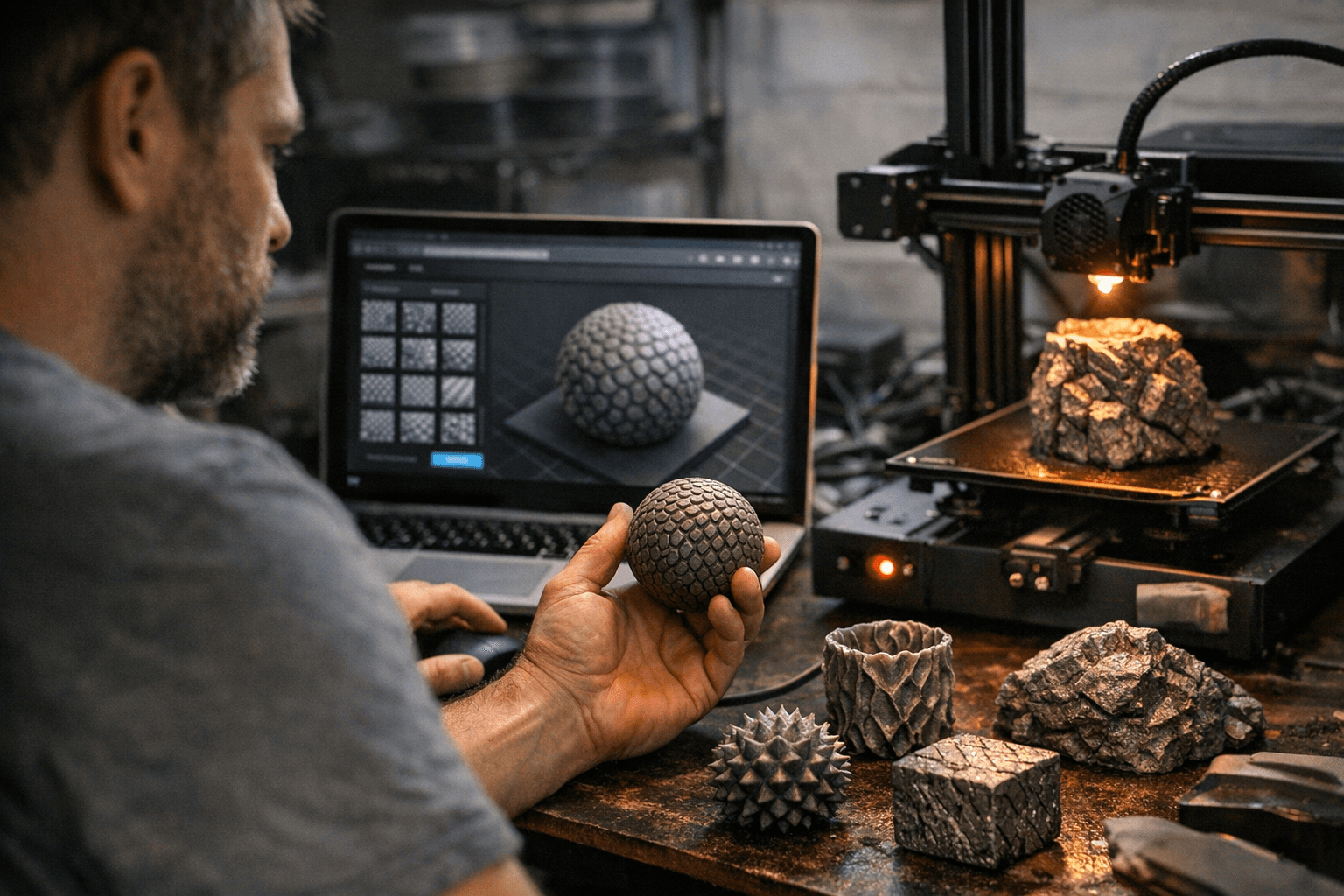
Stefan Hermann’s BumpMesh takes a plain STL and turns it into something that looks intentionally finished without sending the file off to a cloud service or dragging you through a full Blender session. The free, open-source, browser-based tool from the CNC Kitchen creator was built as a more flexible answer to fuzzy skin, and Hermann says it can add textures like fabric, wood, wicker, hexagons, rock, crystals, or even a company logo in minutes. That makes it an easy fit for the sort of prints that live or die on surface character, from controller grips and cosplay panels to vases and terrain pieces.
The core appeal is speed with real control. BumpMesh processes files locally in the browser, with no data uploaded, and it accepts STL, OBJ and 3MF uploads. Fabbaloo counted 12 built-in textures when it covered the tool on April 8, 2026, while Hackster later reported 24 built-in textures. Beyond presets, the interface includes displacement map upload, symmetric displacement, seam blend, cap angle, masking by top or bottom faces, brush-based masking, and an export readout that shows triangle count and STL size before you commit the file.
That matters because texture can get expensive fast. Fabbaloo said BumpMesh could generate polished-looking surfaces in under a minute, which is exactly why it reads like a workflow shortcut rather than another novelty site. Instead of sculpting every surface detail by hand in Blender, you can start with a stock model, push a texture onto it, and export a new STL ready for slicing. Hermann does flag one hard limit: amplitudes above 10% of the smallest model dimension can cause geometry overlap in the exported STL, so the tool rewards restraint as much as ambition.
BumpMesh also sharpens the contrast with OrcaSlicer’s fuzzy skin. OrcaSlicer’s documentation says fuzzy skin roughens outer walls to create a matte finish and hide imperfections, but it can increase print time and hurt dimensional accuracy. Its modes, Contour, Contour and Hole, and All Walls, still live inside the slicer’s path logic, while extrusion-based fuzzy skin avoids extra kinematic load and does not slow the print. BumpMesh goes one step earlier in the pipeline, building the texture into the model itself before slicing ever starts. For hobbyists who want a print to look deliberate instead of merely rough, that is the part that will matter.
This article was produced by Prism’s automated news system from verified source data, official records, and press releases, then run through automated quality and moderation checks before publishing. The system is built and supervised by the people who set the standards it runs under. Read our full AI policy.
Did this article answer your question?


