ColorStack turns game assets and scans into full-color FDM files
ColorStack turns textured OBJ files and scans into printable CMYW/K models for $10, trimming the messiest part of multicolor FDM to a few clicks.
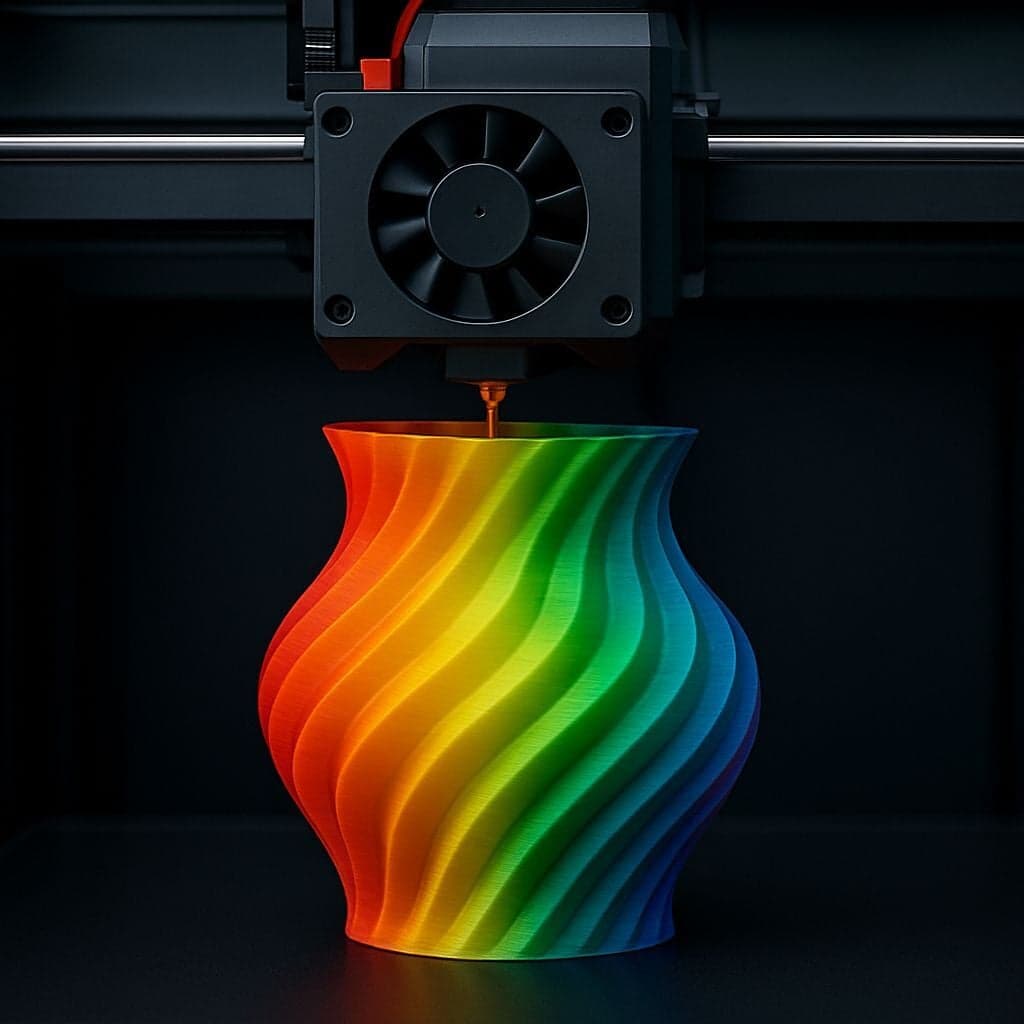
ColorStack is trying to make multicolor FDM feel less like a modeling chore and more like a file conversion job. Its Gumroad listing says the $10 tool can take textured or vertex-painted 3D models and turn them into a print-ready CMYW/K or OGV OBJ, with a workflow boiled down to “Drop in your OBJ. Drop in your texture(s). Click Run. Done.” For anyone who has spent an evening painting meshes, splitting surfaces, or fighting slicer color assignments, that is a meaningful shift.
The appeal is not just the price. ColorStack’s website positions the browser app as a free alternative to HueForge for turning images into color-layered STL files, and it accepts PNG, JPEG, and BMP uploads up to 10MB. Its documentation says the engine analyzes luminance and color mapping, then builds a topographical mesh and uses optical blending from thin plastic layers to produce the color effect. That puts the tool squarely in the lane of makers working from scans, game assets, character art, or collectibles with color already baked in, but no patience for a manual prep grind.
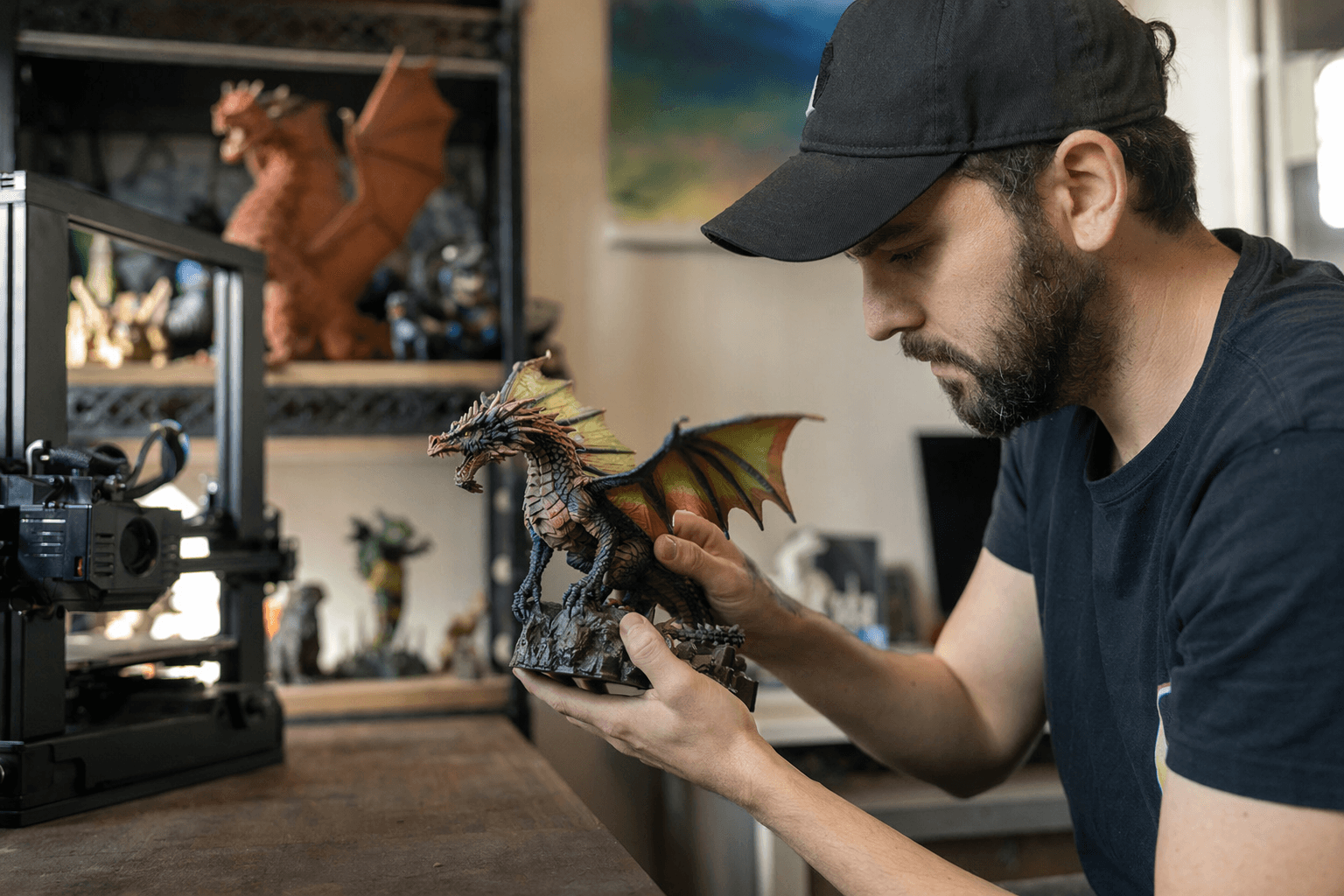
That matters because the bottleneck in multicolor printing has always been workflow as much as hardware. Even a printer that can handle multiple colors still needs the model prepared correctly before slicing, and that is where a lot of good ideas die. ColorStack’s pitch is that a low-cost tool can do the boring part automatically, which should lower the bar for AMS-style users and anyone who wants display pieces without learning advanced modeling software. It will not erase the limits of the printer, and it will not guarantee perfect color matches, but it does attack the part of the process that burns the most time.
ColorStack also lands in a broader ecosystem that is already pushing beyond simple color swapping. Community Full Spectrum documentation describes a slicer fork tied to Snapmaker’s U1 multi-color printer and notes that the technique relies on very low layer heights, around 0.08mm to 0.16mm, so alternating filament layers blend into perceived colors. That is the same basic promise ColorStack is selling from a different angle: let software do more of the color work so the printer can spend less time waiting on a human to hand-build the model. For hobbyists who want to turn a scan or game asset into a printable color file without living inside a mesh editor, that is the kind of practical breakthrough that changes what gets printed.
This article was produced by Prism’s automated news system from verified source data, official records, and press releases, then run through automated quality and moderation checks before publishing. The system is built and supervised by the people who set the standards it runs under. Read our full AI policy.
Did this article answer your question?


