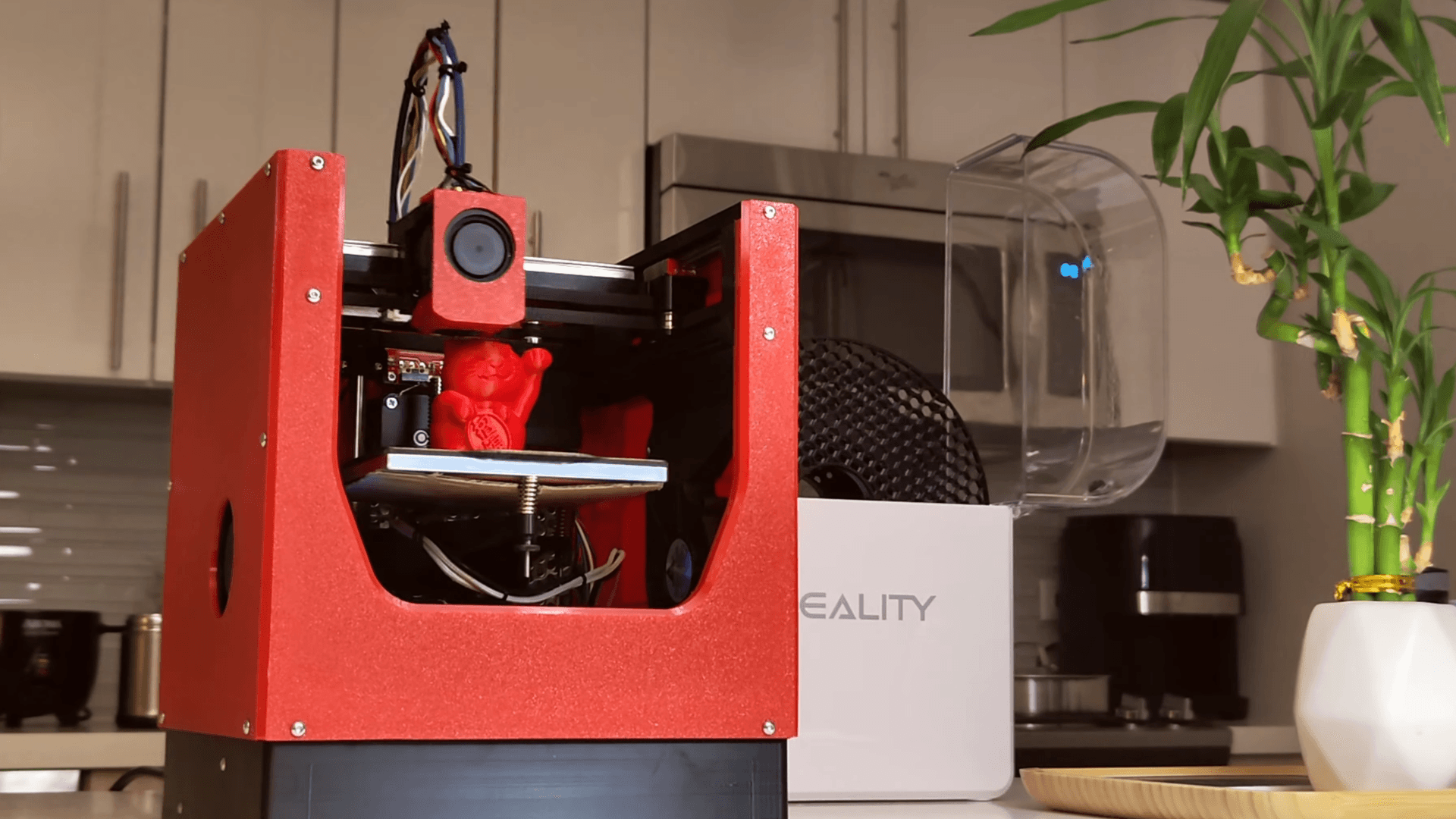
old 3D printer becomes a vinyl cutter with custom blade mount
A dead printer can cut again. Swap the hot end for a drag knife, tune the offset, and you’ve got a cheap shop tool for decals, masks, and stencils.

Why this hack is worth your time
A retired 3D printer is not necessarily a dead end. If the frame is square, the motion is still clean, and the controller still homes reliably, that same machine can become a vinyl cutter with a custom blade mount and almost no money spent. That is the real appeal here: you are not buying a whole new appliance, you are giving an already-known motion platform a second job.
Maya Posch’s Hackaday build lands because it treats the conversion like a proper tool swap, not a toy trick. The printer’s extruder comes off, a drag knife goes on, and the machine starts doing useful shop work for decals, masks, stencils, labels, and other thin sheet materials. If your printer’s hot end is worn out or obsolete but the axes still track well, this is exactly the kind of upgrade that keeps the machine earning its keep.
What gets reused, and what gets replaced
The biggest win is how much of the original printer stays in service. You keep the frame, stepper motion, controller, homing logic, and the coordinate system the machine already understands. What changes is the toolhead, because a vinyl cutter does not need melt, flow, or filament handling, it needs a blade held at the right angle and depth with enough rigidity to follow a path cleanly.
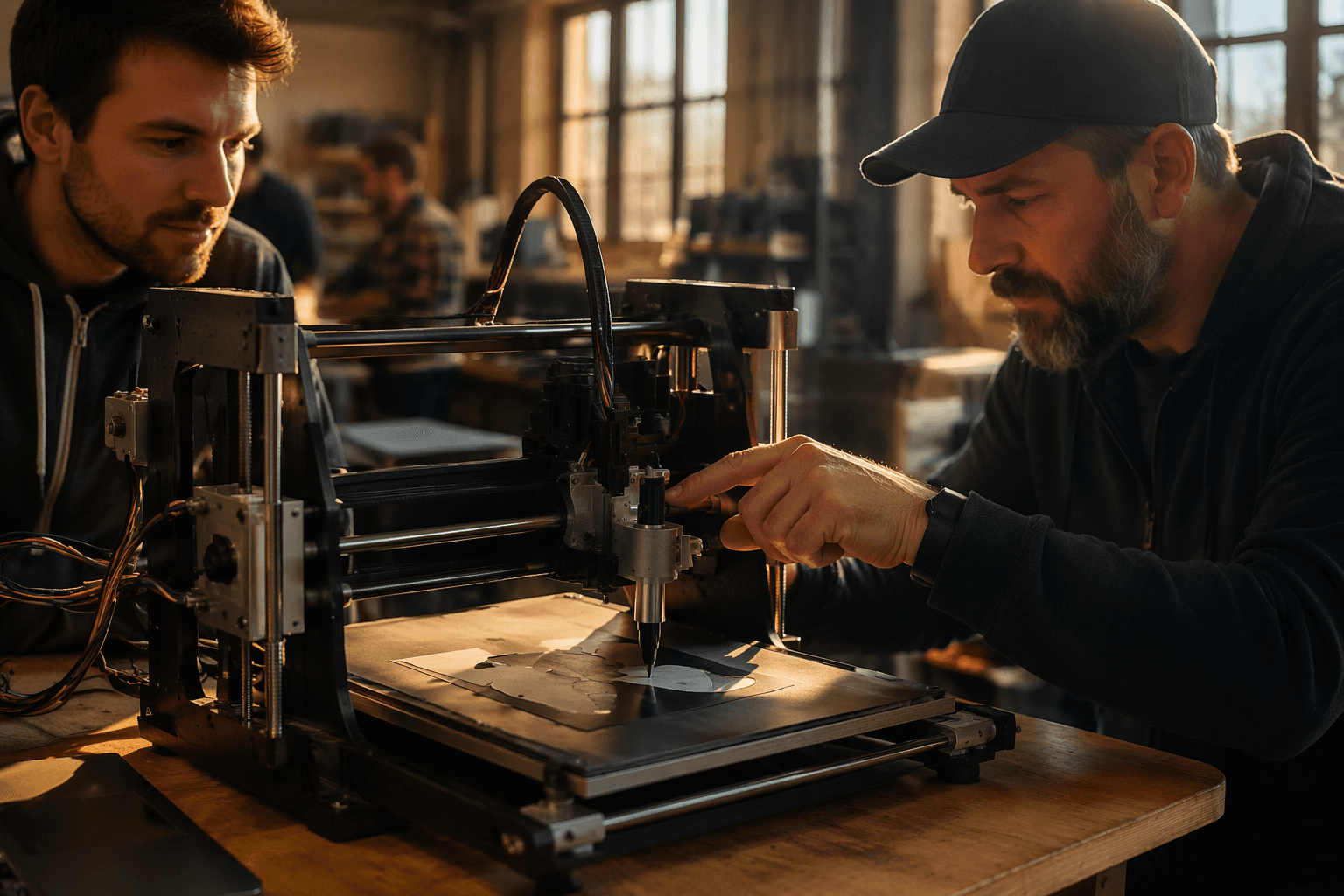
That is why the custom 3D-printed mount matters so much. The build adapts a Roland-style blade holder, which is a smarter choice than bolting on some random knife and hoping for the best. The blade geometry, the holder design, and the mount all affect cut quality, and this is where a lot of cheap conversions go wrong.
The hobby appeal is obvious, but the engineering part is real. A cutter that wobbles or flexes will tear material, miss corners, and leave ragged edges, so the mount has to do more than just hold the blade in place. It has to keep the blade aligned with the motion system while still letting the tip swivel the way a drag knife is supposed to.
The setup that actually makes clean cuts
Drag-knife cutters depend on blade-offset compensation. That is the part people skip when they assume a cutter is just a printer with a knife taped on, and it is exactly why corners come out rounded or letters look sloppy if the software is not set correctly. The blade cuts behind the tool center, so the controller or cutter software has to account for that offset.
Blade depth matters just as much. Roland DG Corporation’s own manual tells users to insert the blade so the tip protrudes about 3 to 5 mm in the holder, which is a good reminder that you are not trying to expose much steel at all. Too much protrusion invites drag, tearing, and ugly cuts. Too little and the blade will not bite consistently into the material.
That is also why the Printables.com model is useful as more than a novelty. Its Creality-printer conversion for less than $15 calls out blade depth and offset as part of the build, which is the right mindset for this kind of project. The machine can be cheap, but the geometry cannot be casual.
How cheap these conversions can get
The money side is what makes this story travel fast in maker circles. A recent Cocoanix 3D Printing video on YouTube claimed an old Anycubic Mega S was turned into a vinyl cutter for under $10, using an $8 Roland-style drag knife from AliExpress. That is a hard number people understand immediately, because it puts the conversion in the same mental bucket as a small printed-part experiment, not a major shop purchase.
The broader pattern matches that price point. A 2022 Hackaday.io project documented an Ender 3 v2 vinyl cutter adapter and drew 5.1k views with 10 followers, which is the kind of engagement you get when a build looks both cheap and replicable. Printables.com’s less-than-$15 Creality conversion points in the same direction, and the consistency across projects is the telling part: once the blade holder, depth, and offset are sorted, the rest is mostly motion hardware you already own.
That is what makes a used printer more valuable than it looks. The machine does not need to be the best printer in the shop anymore, it just needs to be a good enough XY platform with a controller you trust.
What the old projects prove
This idea is not new, and that is actually a strength. Hackaday has covered a CNC machine converted into a vinyl cutter before, and it has also covered a printer-to-vinyl-cutter conversion in the past. The point is not that this is a brand-new category of machine, but that the desktop fabrication world keeps rediscovering the same useful truth: the motion system often outlives the original toolhead.
That long tail of reuse is what makes these builds so practical. You are not locked into one workflow just because a printer stopped being the best printer on the bench. If the axes are accurate and the controller is still happy, there is plenty of life left in the platform.
Who should actually do this
This is the right move if you already have an old printer, you are comfortable tuning stepper motion and homing, and you want a cutter for light-duty jobs without paying Cricut-style prices. It is especially attractive for stickers, stencil work, labels, and plotter-style projects where a compact, computer-driven cutter is more useful than a full-blown production machine. The build makes the most sense when you value reuse, already know how to keep a printer mechanically square, and do not mind spending a little time on blade depth and offset instead of money on a new box.
If your old printer still moves cleanly, this hack turns disposal into capability. That is the best kind of maker upgrade, because the machine does not just survive retirement, it comes back with a second job.
This article was produced by Prism’s automated news system from verified source data, official records, and press releases, then run through automated quality and moderation checks before publishing. The system is built and supervised by the people who set the standards it runs under. Read our full AI policy.
Know something we missed? Have a correction or additional information?
Submit a Tip